Professional Cutouts Instantly
AI Background Remover – Clean Cutouts in Seconds
Remove backgrounds from product photos, portraits, and images with precision AI. Hair edges, transparent objects, batch-ready. Pay-per-use.

Examples
See AI Image Background Remover in Action
Click any thumbnail to preview the output. Click "Try It Now" to open the generator pre-filled with the same setup.
Image Examples
AI Image Background Remover
Input

Output
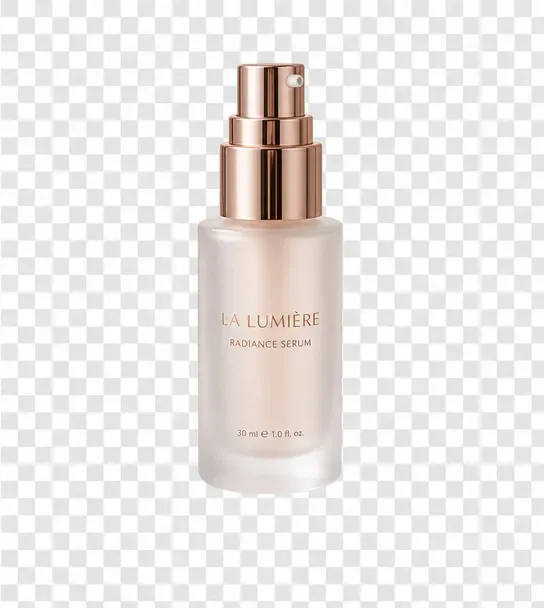
E-commerce Product
Try It Now →

Input
Output
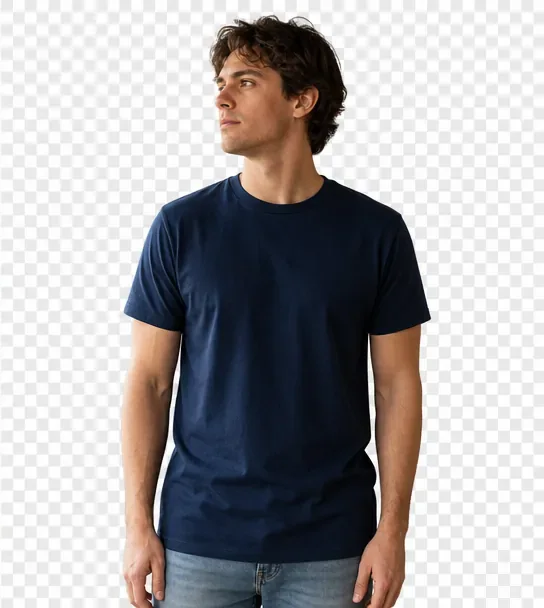
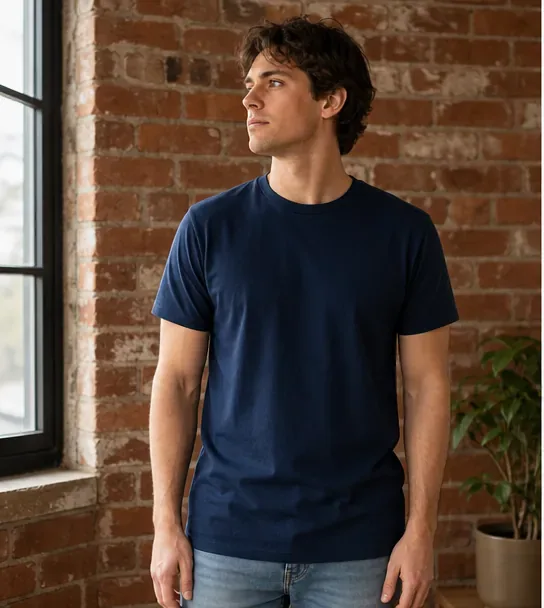
Fashion Apparel
Try It Now →

Input
Output

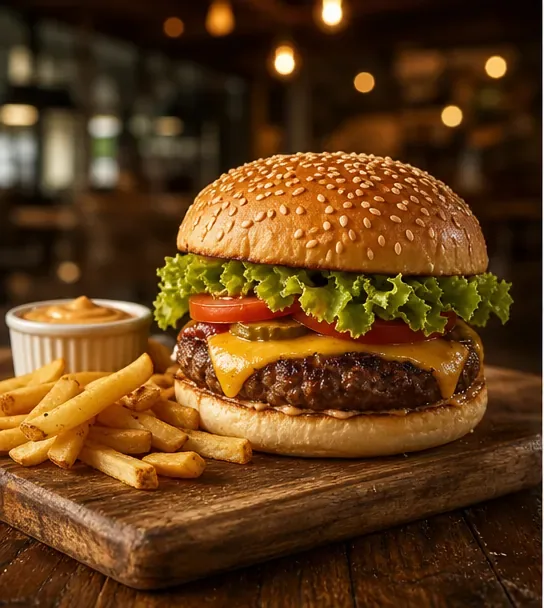
Food Photography
Try It Now →

Input
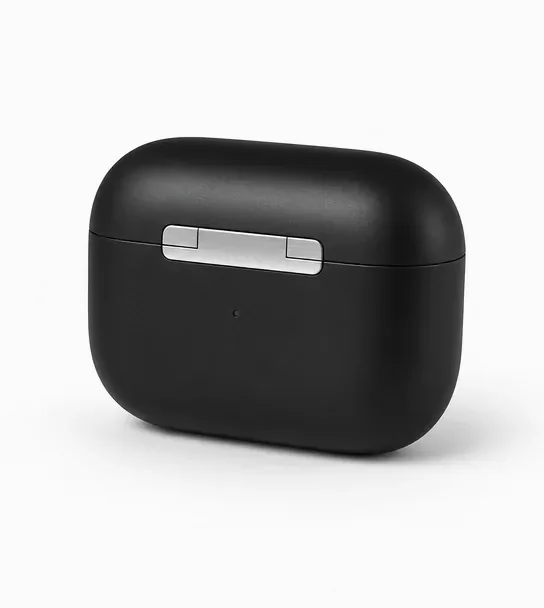
Output
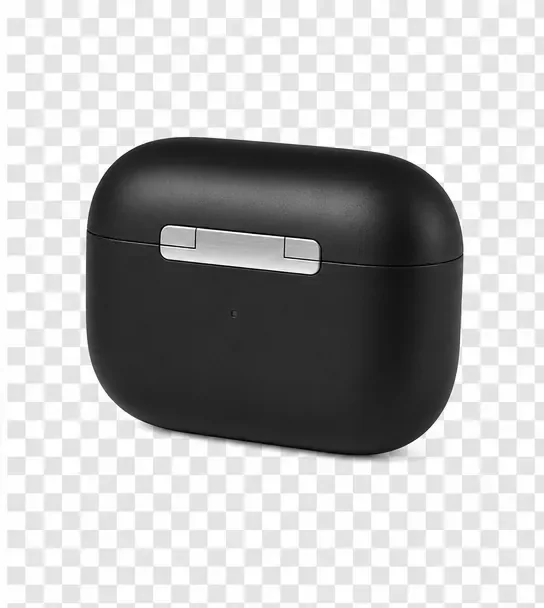
Electronics
Try It Now →

Input

Output
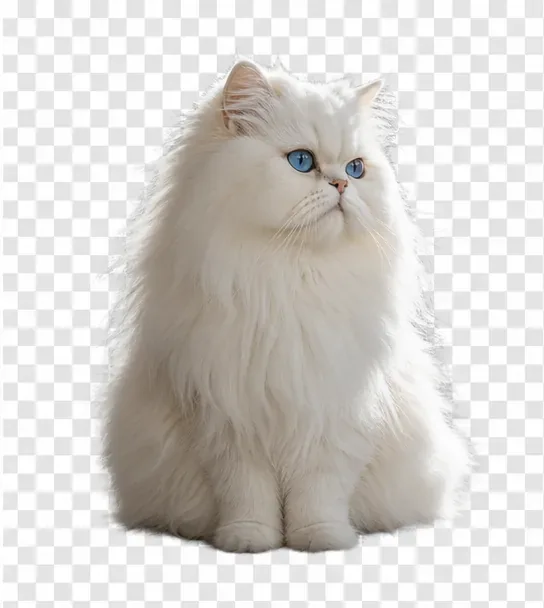
Pet Portrait
Try It Now →

Input

Output
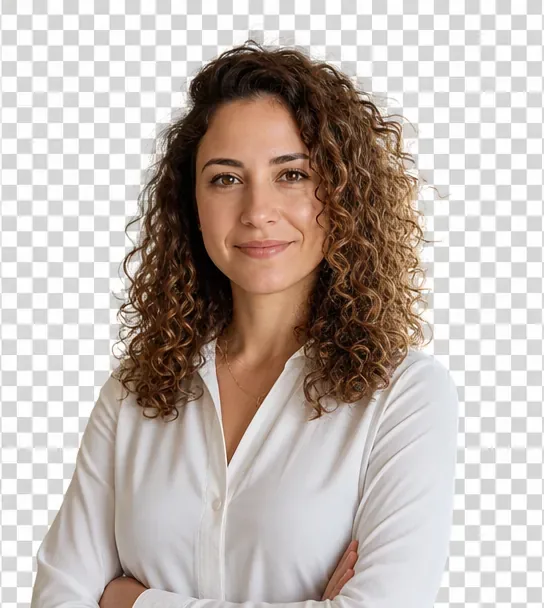
Person Portrait
Try It Now →

Input
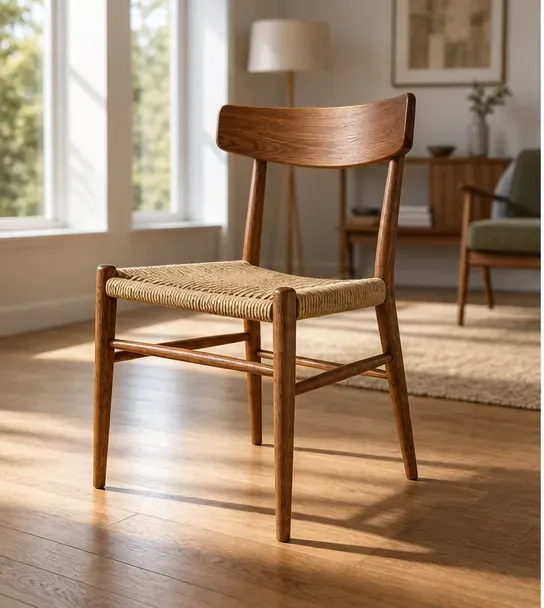
Output
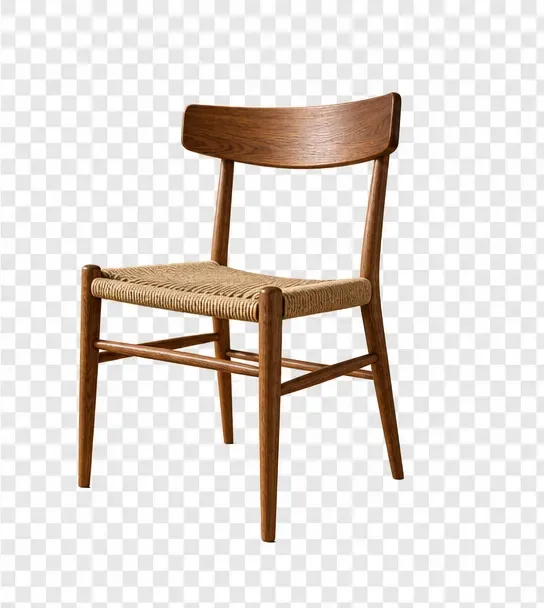
Furniture
Try It Now →

Input
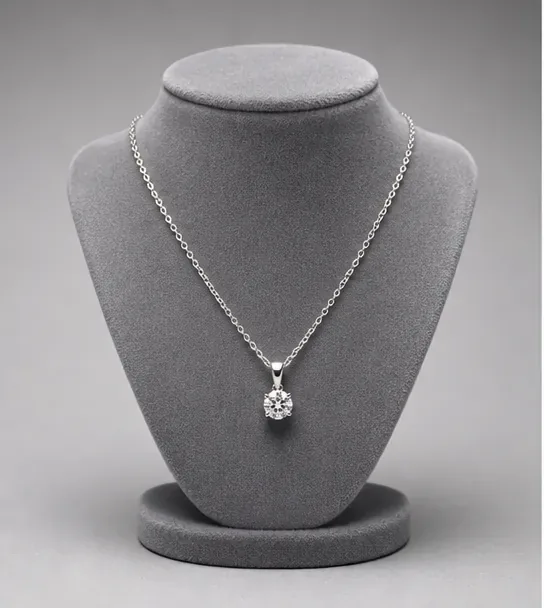
Output
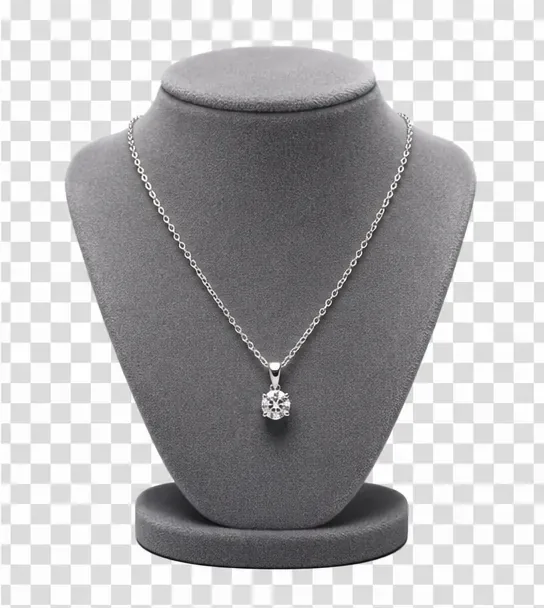
Jewelry
Try It Now →

Input

Output
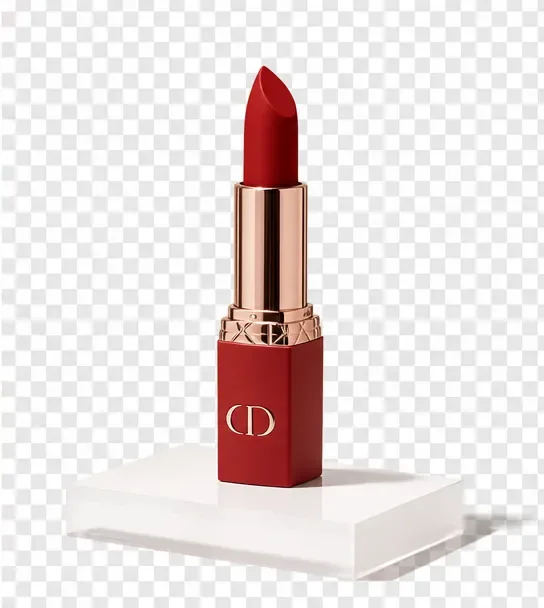
Cosmetics
Try It Now →

Input
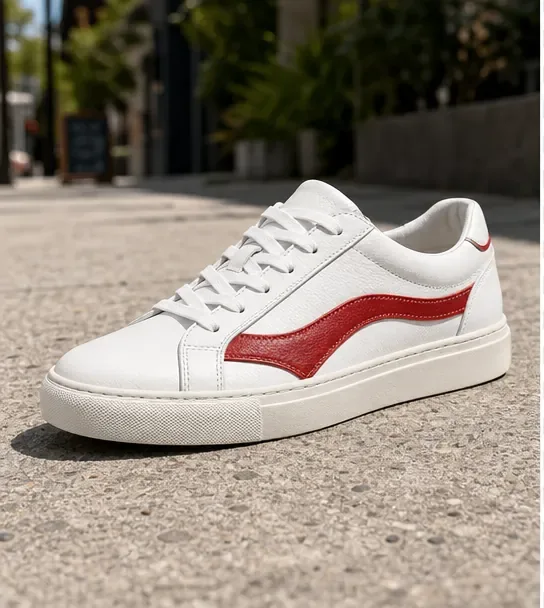
Output
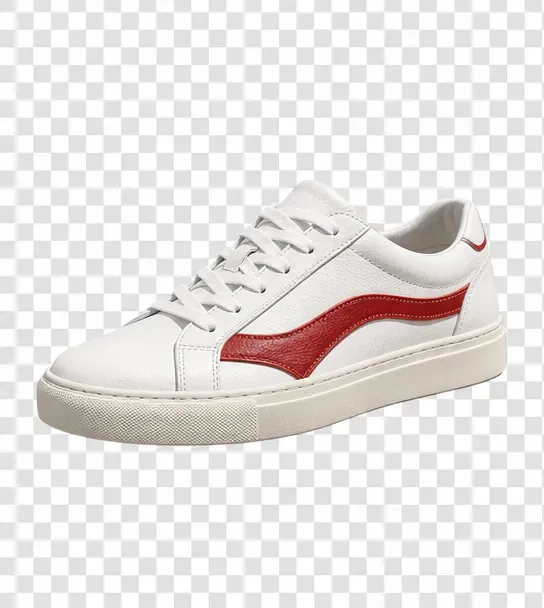
Footwear
Try It Now →

Input

Output

Plant / Botanical
Try It Now →

Input

Output

Drink / Beverage
Try It Now →

How It Works
Create in 3 Simple Steps
1
Upload Your Image
Select the 851 Labs Background Remover tool on JAI Portal and upload your product photo, portrait, or image. Supports JPG, PNG, and most common image formats.
2
AI Removes Background
The AI analyzes your image and automatically isolates the subject, preserving hair edges, fur, and semi-transparent objects with pixel-perfect accuracy in seconds.
3
Download Transparent PNG
Preview the cutout, then download your transparent PNG file. Use it immediately in product listings, designs, presentations, or social media graphics with full commercial rights.
The Problem & Solution
Why Choose AI for This?
⏱️
Before: Manually masking backgrounds in Photoshop takes 10–30 minutes per image, especially around hair and complex edges.
↓
With JAI Portal: JAI Portal's AI background remover isolates subjects in seconds with clean hair-edge detail and transparent PNG export.
💳
Before: Subscription tools lock you into monthly fees even when you only need background removal occasionally.
↓
With JAI Portal: Pay-per-image with credits—no subscription, no commitment, just 10 free credits to start and pay-as-you-go pricing.
✨
Before: Cheap background removers leave white halos, jagged edges, and missing hair strands that ruin professional product photos.
↓
With JAI Portal: 851 Labs Background Remover preserves fine details like fur, glass reflections, and semi-transparent objects with studio-grade accuracy.
Overview
About AI Image Background Remover
An AI background remover uses machine learning to automatically remove background from image files, isolating subjects with pixel-perfect precision in seconds. E-commerce sellers preparing product listings for Amazon, Etsy, and Shopify rely on background removal to create clean, professional catalog images. Graphic designers use it to extract subjects for composites, marketing agencies prepare assets for campaigns, and photographers isolate subjects for creative edits. JAI Portal delivers studio-quality background removal powered by 851 Labs Background Remover, handling complex edges like hair, fur, and semi-transparent objects with ease.
JAI Portal offers a pay-as-you-go AI background remover with no monthly subscriptions or hidden fees—just simple credits per image. Start with 10 free credits to test the tool, then pay only for what you use. The platform produces transparent PNG files ready for immediate use in product listings, social media posts, presentations, and print-on-demand designs. Whether you're processing a single portrait or batch-removing backgrounds from an entire product catalog, JAI Portal's automatic background remover handles high-volume workflows with consistent, professional results every time.
Real estate agents clean property photos, content creators prepare thumbnail assets, and social media managers export transparent PNGs for layered graphics. Print-on-demand sellers need clean product cutouts for mockups, presenters prepare slide assets, and personal users polish profile pictures and family photos. All outputs come with full commercial rights—you own what you create. With hair-edge accuracy, glass and transparency preservation, and instant processing, JAI Portal makes background removal faster and more accessible than manual editing or expensive design software.
Key Benefits
Why Choose JAI Portal for Background Removal
🎯
Hair & Fur Edge Accuracy
Advanced AI preserves every strand of hair, fur, and fine detail without halos or jagged edges. Perfect for portraits, pet photos, and apparel on models where edge quality defines professionalism.
🔍
Semi-Transparent Object Handling
Handles glass, reflections, shadows, and translucent materials naturally. Product photos with bottles, jewelry, and cosmetics retain realistic transparency and lighting without artificial cutouts.
📦
Batch-Ready for Catalogs
Process entire product catalogs or image sets with consistent quality across hundreds of photos. Ideal for e-commerce sellers preparing Amazon listings, Shopify stores, or Etsy shops at scale.
🖼️
Transparent PNG Export
Instant transparent PNG download ready for layering in designs, mockups, presentations, and social media graphics. No manual export steps—just download and use immediately.
💼
Full Commercial Rights
You own every cutout you create. Use outputs in client projects, product listings, marketing campaigns, print-on-demand designs, or resale without licensing restrictions or attribution requirements.
💰
Pay-Per-Image Pricing
No monthly subscriptions or hidden fees. Start with 10 free credits, then pay only for the images you process. Perfect for freelancers, agencies, and sellers with variable workloads.
Real-World Use Cases
Who Uses AI Background Removal
🛒E-Commerce Sellers
Shopify, Amazon, and Etsy sellers remove backgrounds from product photos to meet marketplace requirements and create clean, professional listings that increase conversion rates and reduce returns.
🎨Graphic Designers
Designers extract subjects from photos for composite images, ad creatives, posters, and branding materials. Clean cutouts speed up workflows and eliminate tedious manual masking in Photoshop.
📸Photographers
Portrait and product photographers isolate subjects for creative edits, client deliverables, and portfolio pieces. Fast background removal frees up time for shooting and creative retouching.
🏠Real Estate Agents
Agents clean property photos by removing distracting backgrounds, replacing skies, or isolating architectural elements for marketing flyers, listing websites, and social media promotion.
📱Social Media Managers
Content creators and social media managers prepare transparent PNGs for Instagram stories, YouTube thumbnails, TikTok overlays, and branded graphics that layer cleanly over any background.
👕Print-on-Demand Sellers
POD entrepreneurs remove backgrounds from product designs, mockups, and apparel photos for Redbubble, Printful, and Teespring listings. Clean cutouts ensure professional presentation and faster approvals.
🎬Content Creators
YouTubers, streamers, and video editors prepare thumbnail assets, overlay graphics, and presentation slides with transparent subjects that pop against any background or video frame.
Pro Tips
Tips for Perfect Background Removal
1
High-Contrast Source ImagesUse photos where the subject contrasts clearly with the background. Well-lit subjects with distinct edges produce cleaner cutouts with less manual cleanup required afterward.
2
Avoid Busy BackgroundsWhen shooting new photos, choose simple backgrounds or use shallow depth-of-field to blur distractions. Clean source images yield faster, more accurate AI background removal with fewer edge artifacts.
3
Check Hair and Fur EdgesZoom in on hair, fur, and fine details after removal to verify edge quality. For portraits and pet photos, hair-edge accuracy is the hallmark of professional cutouts that don't look artificially extracted.
4
Preserve Shadows IntentionallyDecide whether to keep or remove shadows based on your final use. Product photos for white-background listings benefit from shadow removal, while composite designs may need shadows for realism.
5
Batch Process CatalogsUpload multiple product photos at once to maintain consistent lighting and edge quality across your entire catalog. Batch processing saves time and ensures uniform presentation for e-commerce stores.
6
Export Transparent PNGsAlways download as PNG to preserve transparency. JPEGs flatten transparency to white, ruining the cutout. Use PNGs for layering in design tools, mockups, and web graphics.
7
Test Complex MaterialsFor glass, jewelry, or translucent objects, review how reflections and transparency are preserved. High-quality AI background removers retain natural lighting and material properties without artificial flattening.
Related Use Cases
Explore More AI Use Cases
FAQ
Frequently Asked Questions
JAI Portal's 851 Labs Background Remover uses advanced AI trained specifically on hair, fur, and fine edge detail. It preserves individual strands, fly-away hairs, and soft edges without halos or jagged artifacts, delivering studio-quality cutouts that rival manual Photoshop masking in a fraction of the time.
Yes, all background-removed images export as transparent PNG files ready for immediate use. The transparent checkerboard background is replaced with true alpha-channel transparency, allowing you to layer cutouts over any background in design tools, product mockups, presentations, or social media graphics.
Absolutely. You can upload and process multiple images in sequence or batches, making it ideal for e-commerce sellers preparing entire product catalogs for Amazon, Shopify, or Etsy. Consistent AI quality across hundreds of images ensures uniform presentation and faster listing workflows.
Yes, you retain full commercial rights to all outputs. Use your cutouts in client projects, product listings, marketing campaigns, print-on-demand designs, or resale without licensing restrictions, attribution requirements, or royalty fees.
The AI is trained on millions of images with varied backgrounds, from busy outdoor scenes to textured studio backdrops. It isolates subjects accurately even when backgrounds are cluttered, though high-contrast source images with clear subject-background separation yield the cleanest results.
Background removal costs just 1 credit per image on JAI Portal's pay-as-you-go pricing. Start with 10 free credits to test the tool, then purchase credits as needed with no monthly subscriptions or hidden fees. You only pay for the images you process.
Ready To Get Started With Our AI Image Background Remover?
Start for free with 10 credits. No subscription required. Pay only for what you use.
Get Started Free