Reframe Any Image
AI Image Aspect Ratio Changer – Convert Any Photo to Any Format
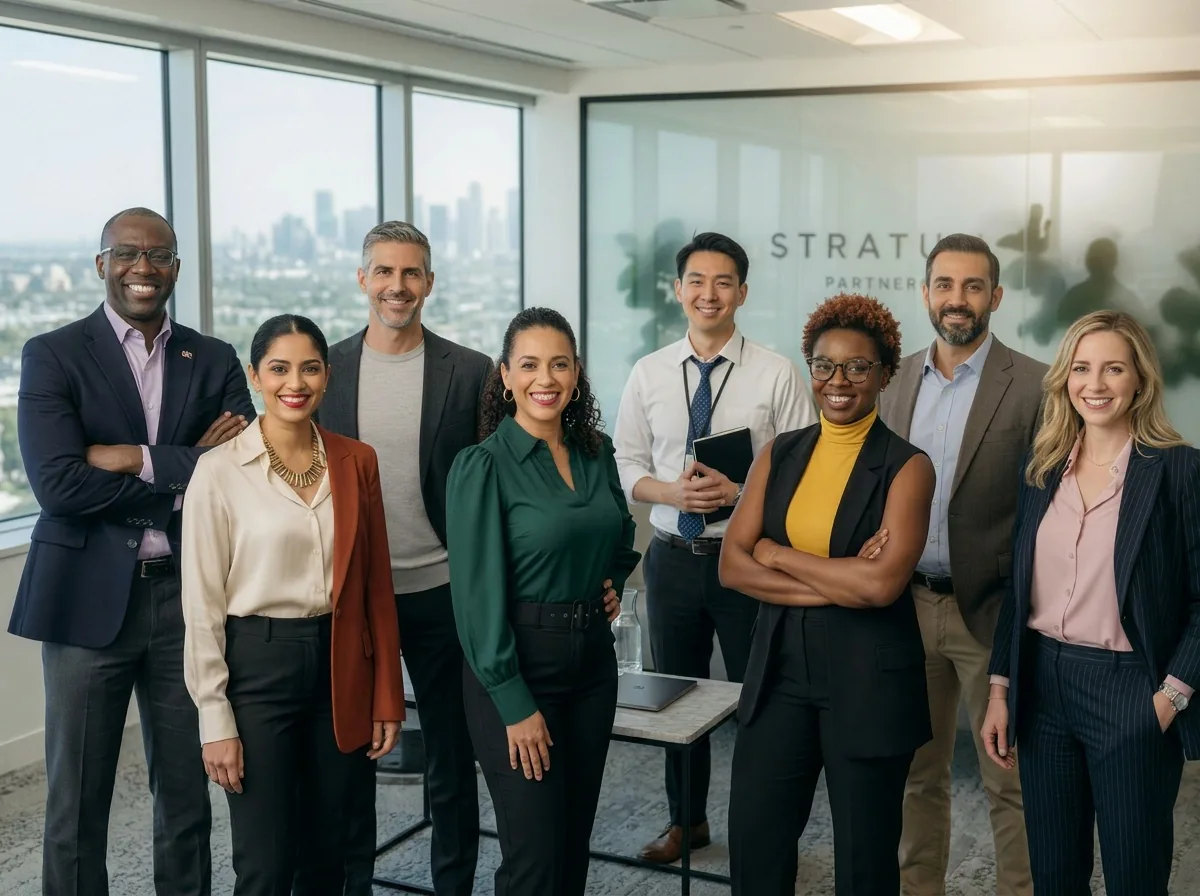
Turn landscape photos into vertical Instagram, Pinterest, or TikTok-ready shots in seconds. AI fills the new edges naturally — no cropping, no black bars, no stretched subjects.
Original 16:9
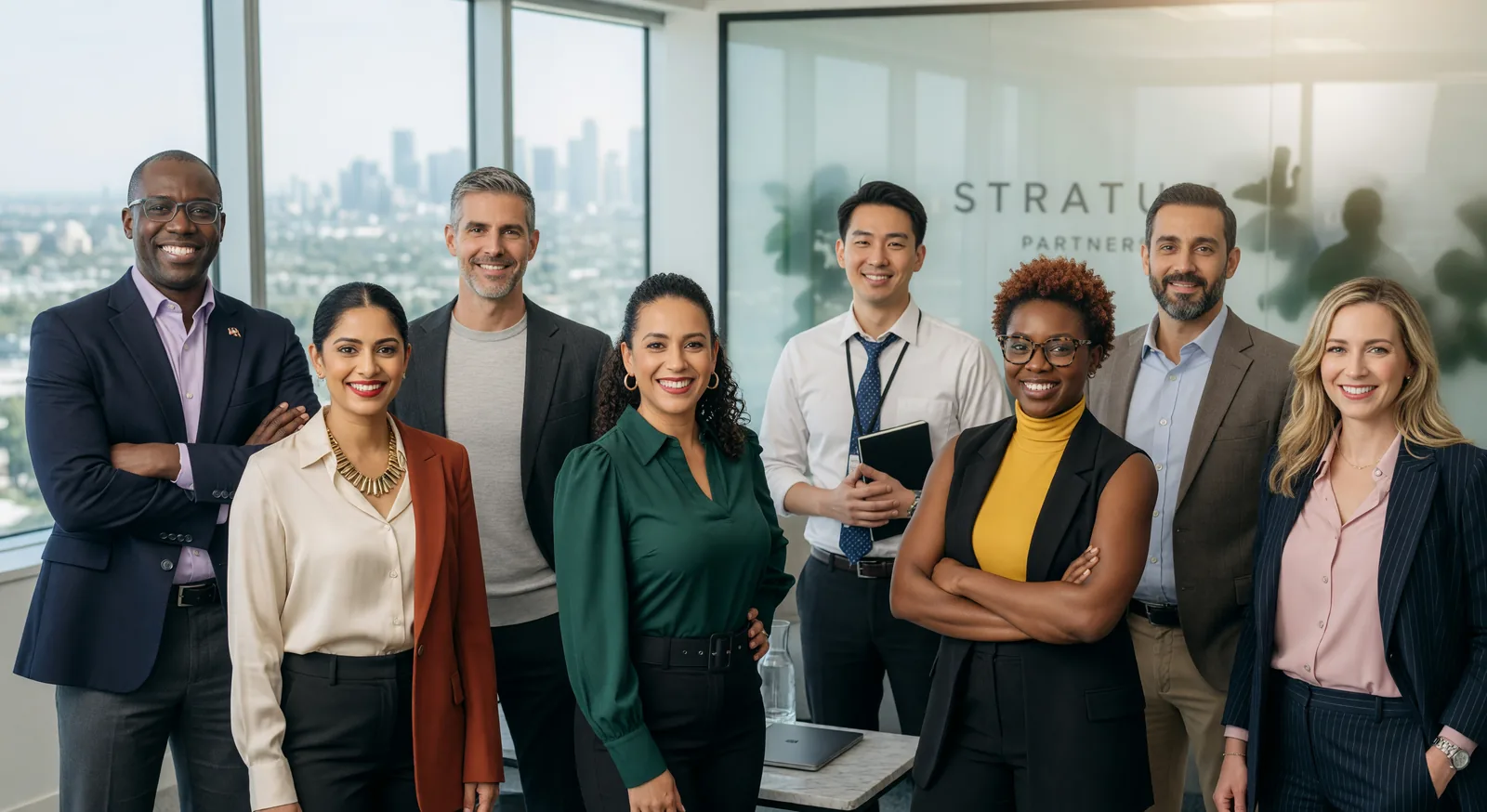
Reframed 4:3
Examples
See AI Image Aspect Ratio Changer in Action
Click any thumbnail to preview the output. Click "Try It Now" to open the generator pre-filled with the same setup.
Image Examples
AI Image Aspect Ratio Changer
Input · 1:1
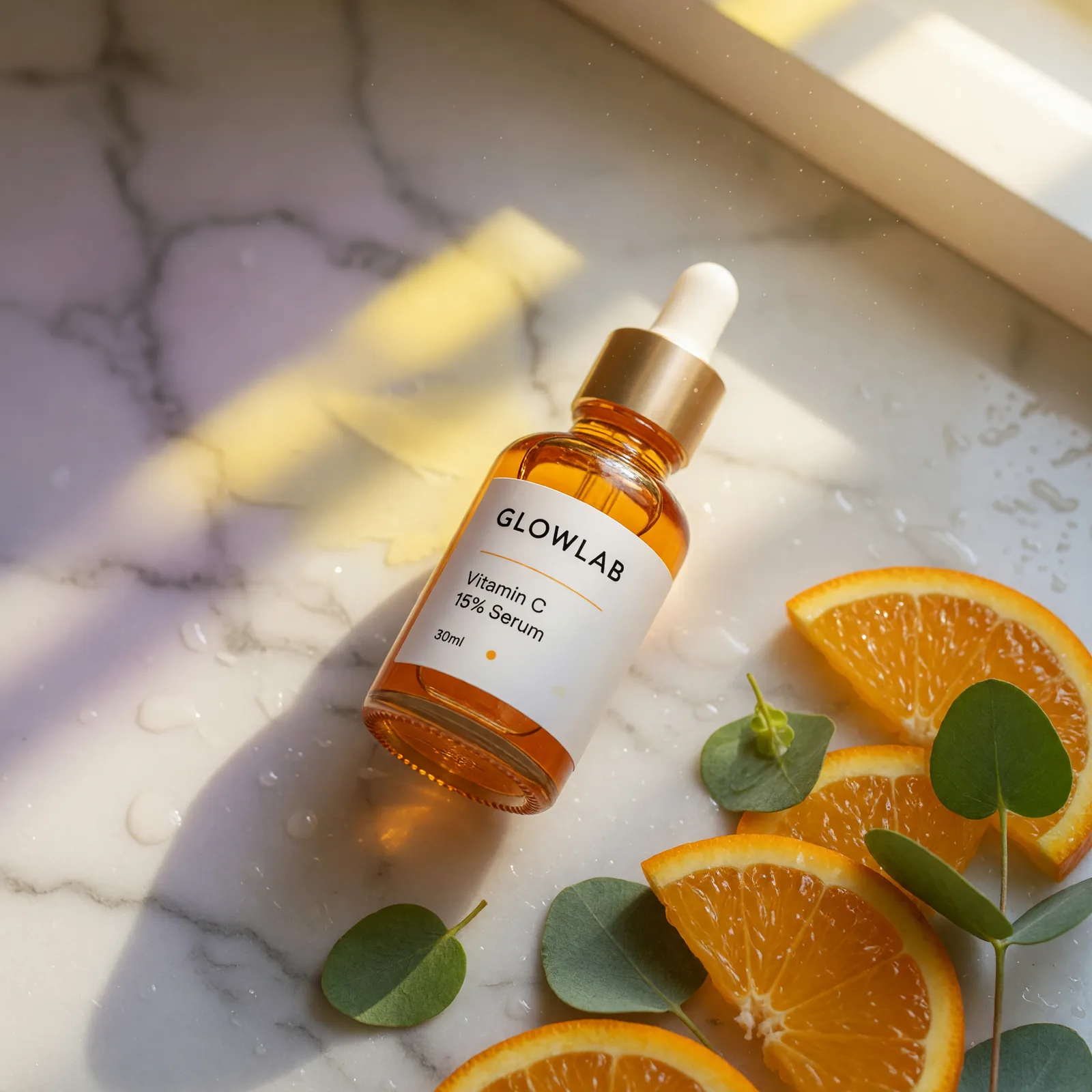
Output · 9:16
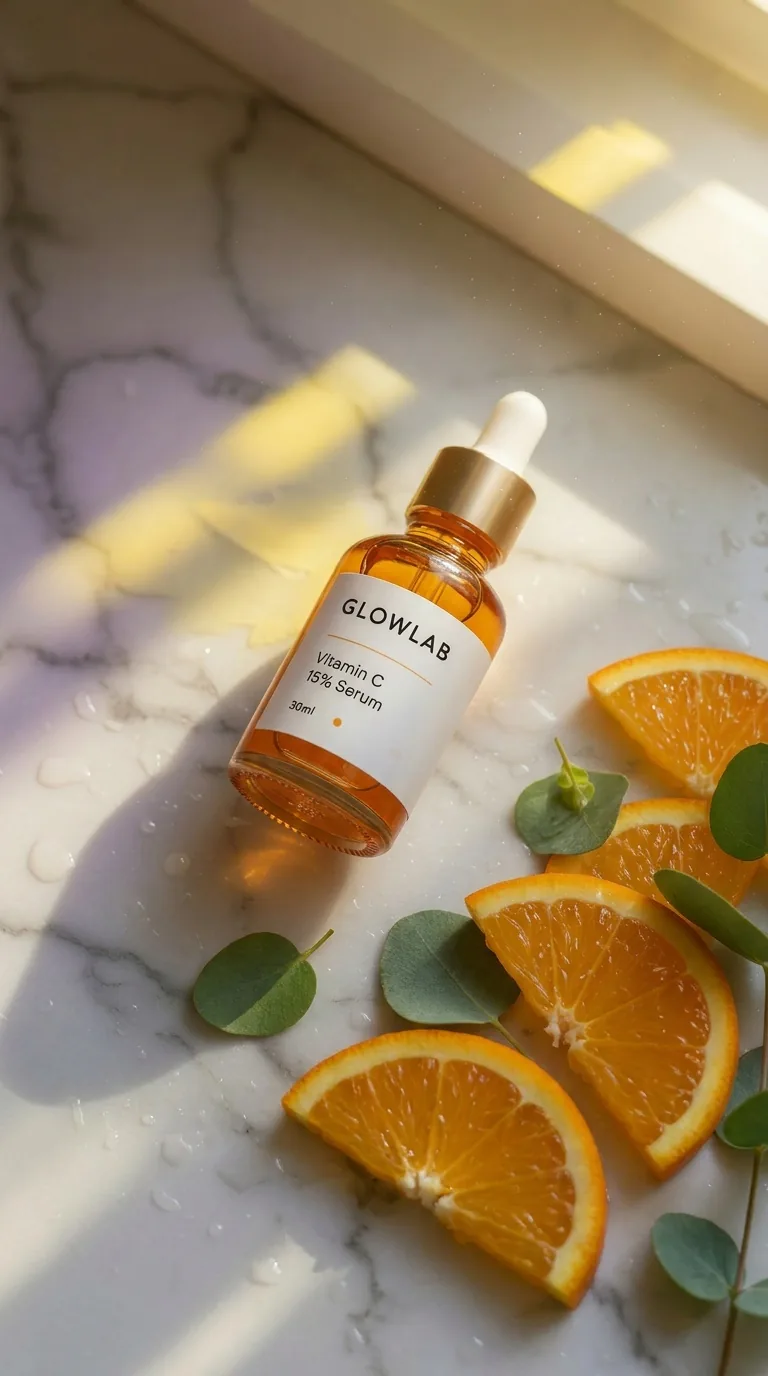
Instagram Reels Product
Try It Now →

Input · 9:16

Output · 16:9
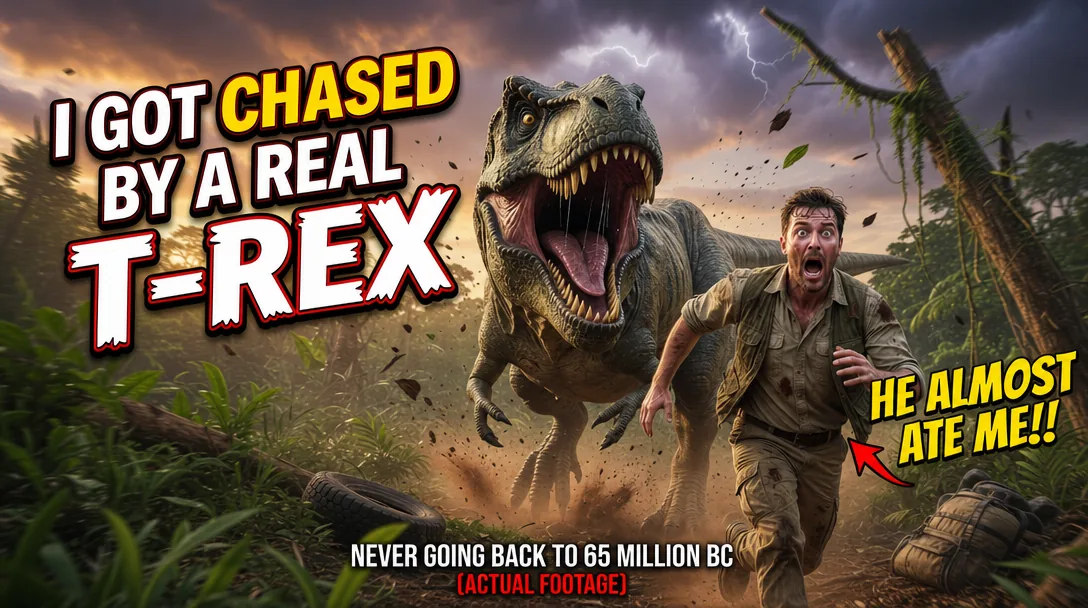
YouTube Thumbnail
Try It Now →

Input · 3:4
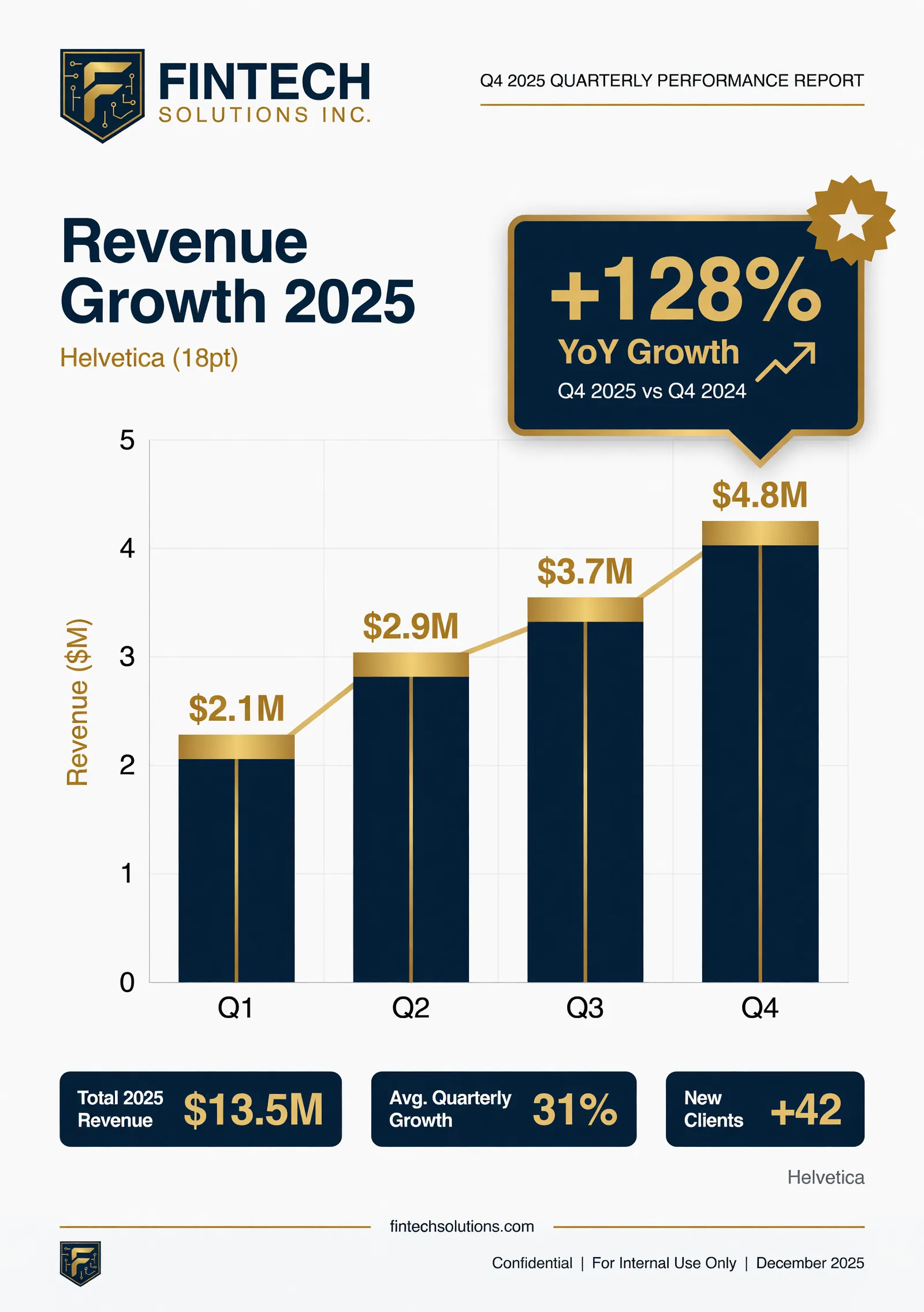
Output · 16:9
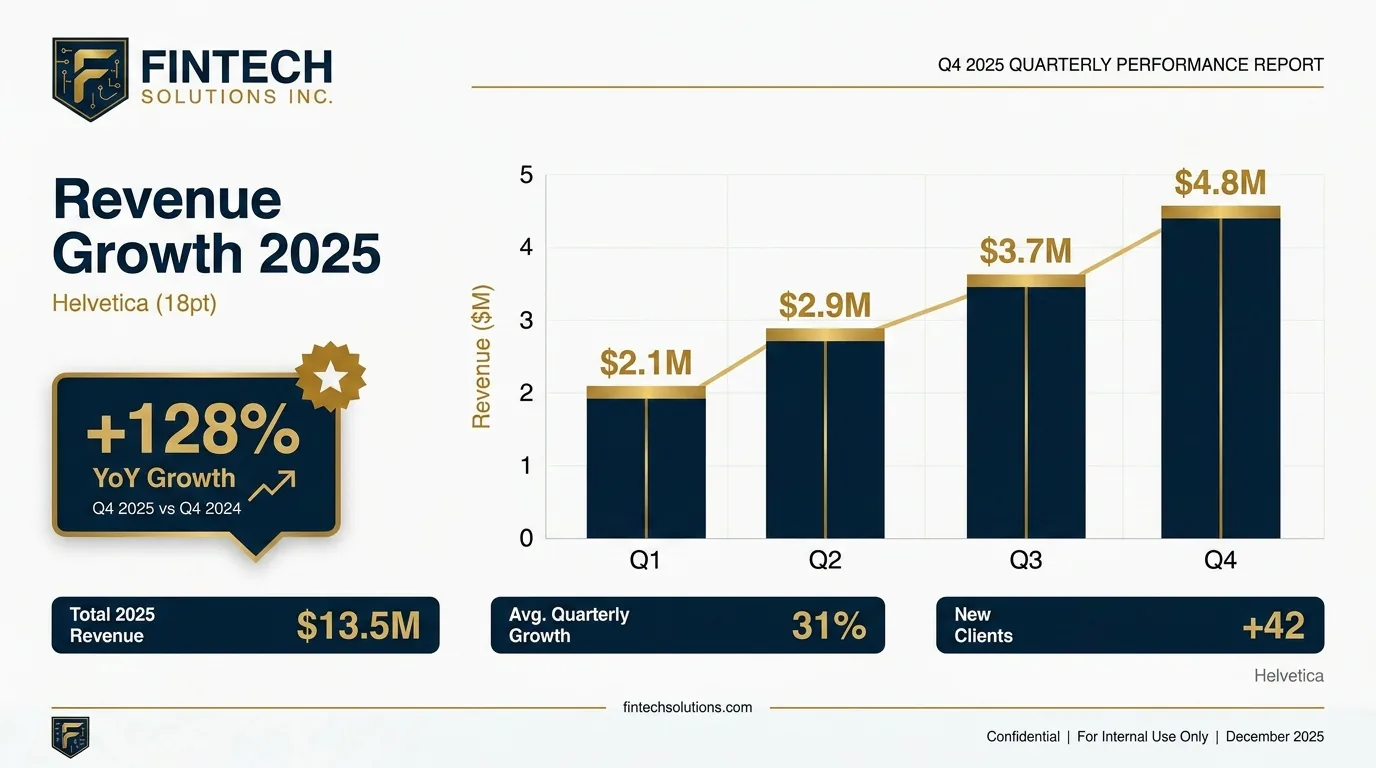
Presentation Slide Infographic
Try It Now →

Input · 4:5
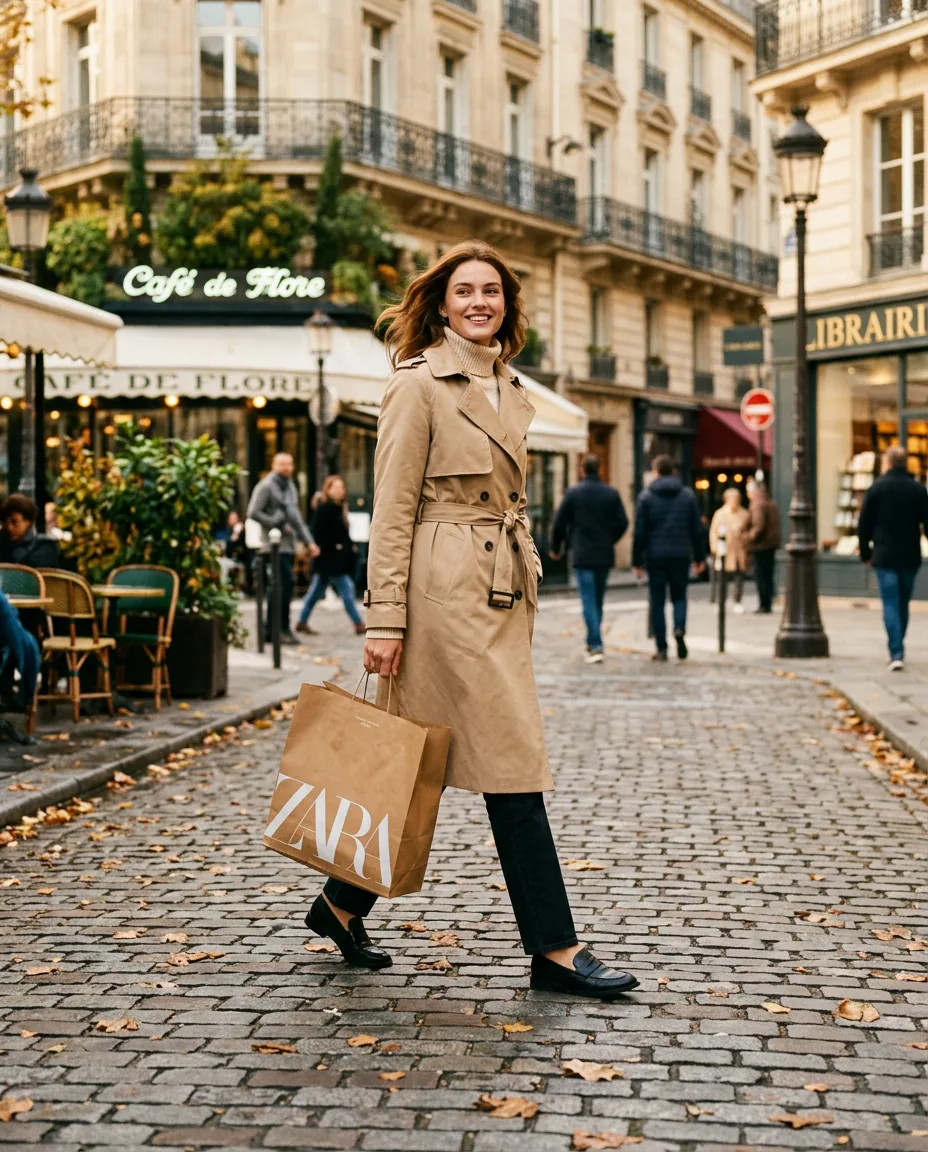
Output · 21:9
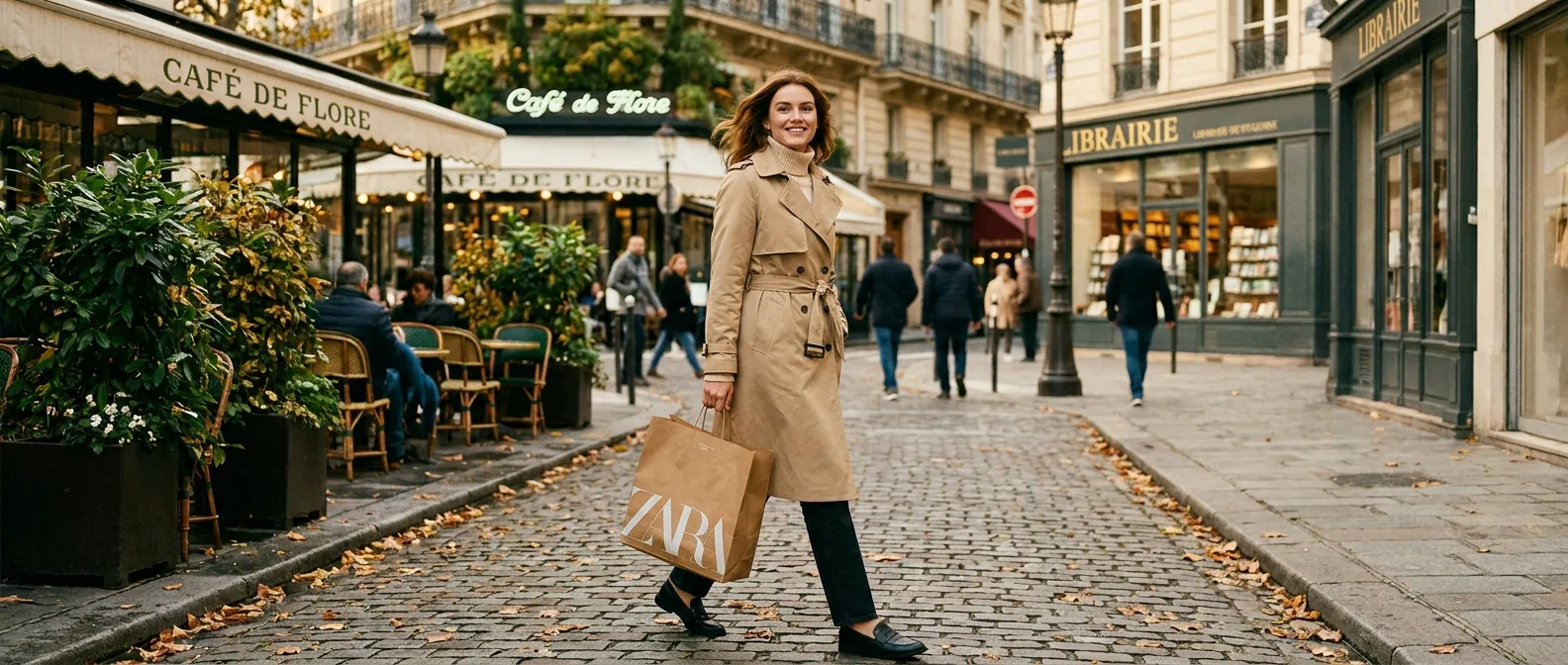
Billboard Advertisement
Try It Now →

Input · 9:16
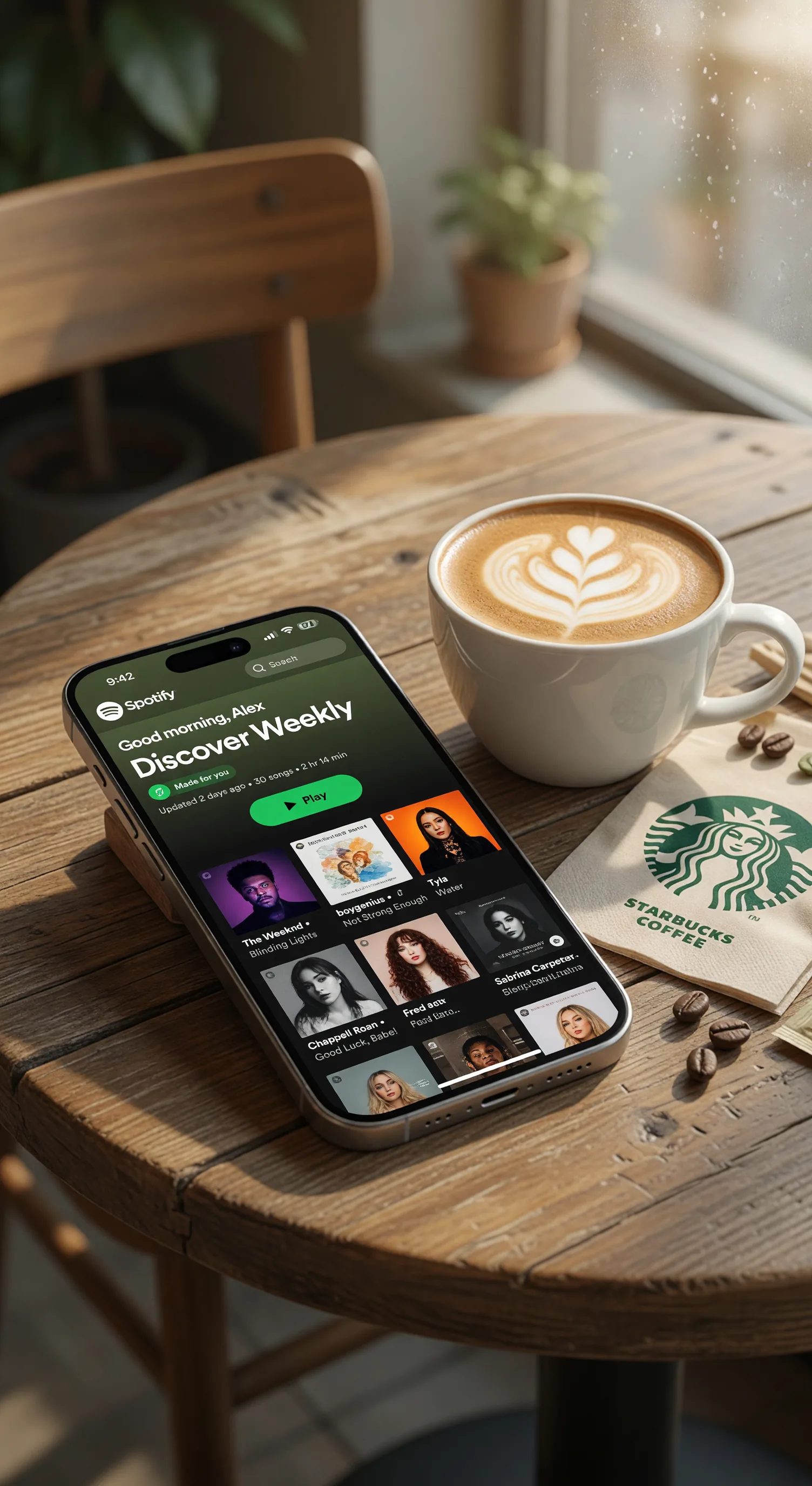
Output · 16:9
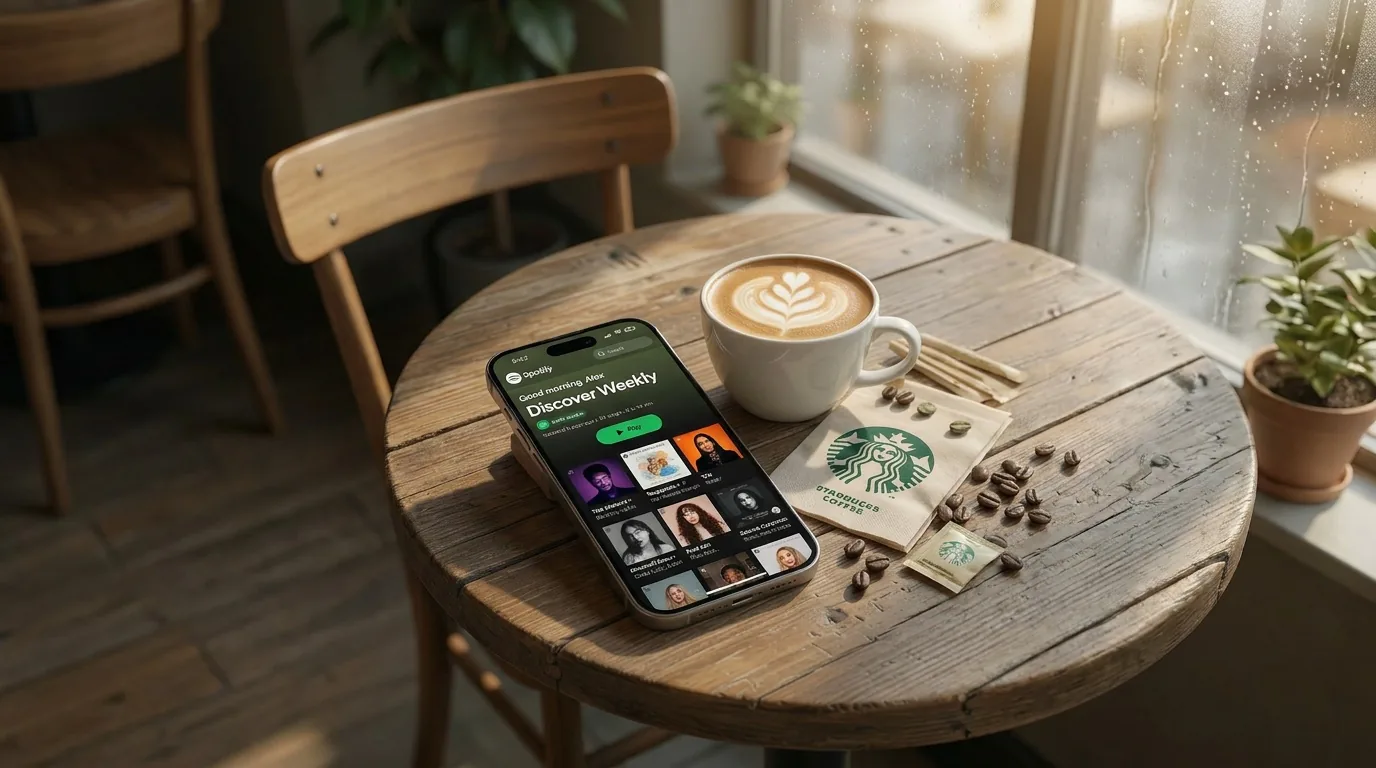
Twitter / X Post
Try It Now →

Input · 3:4
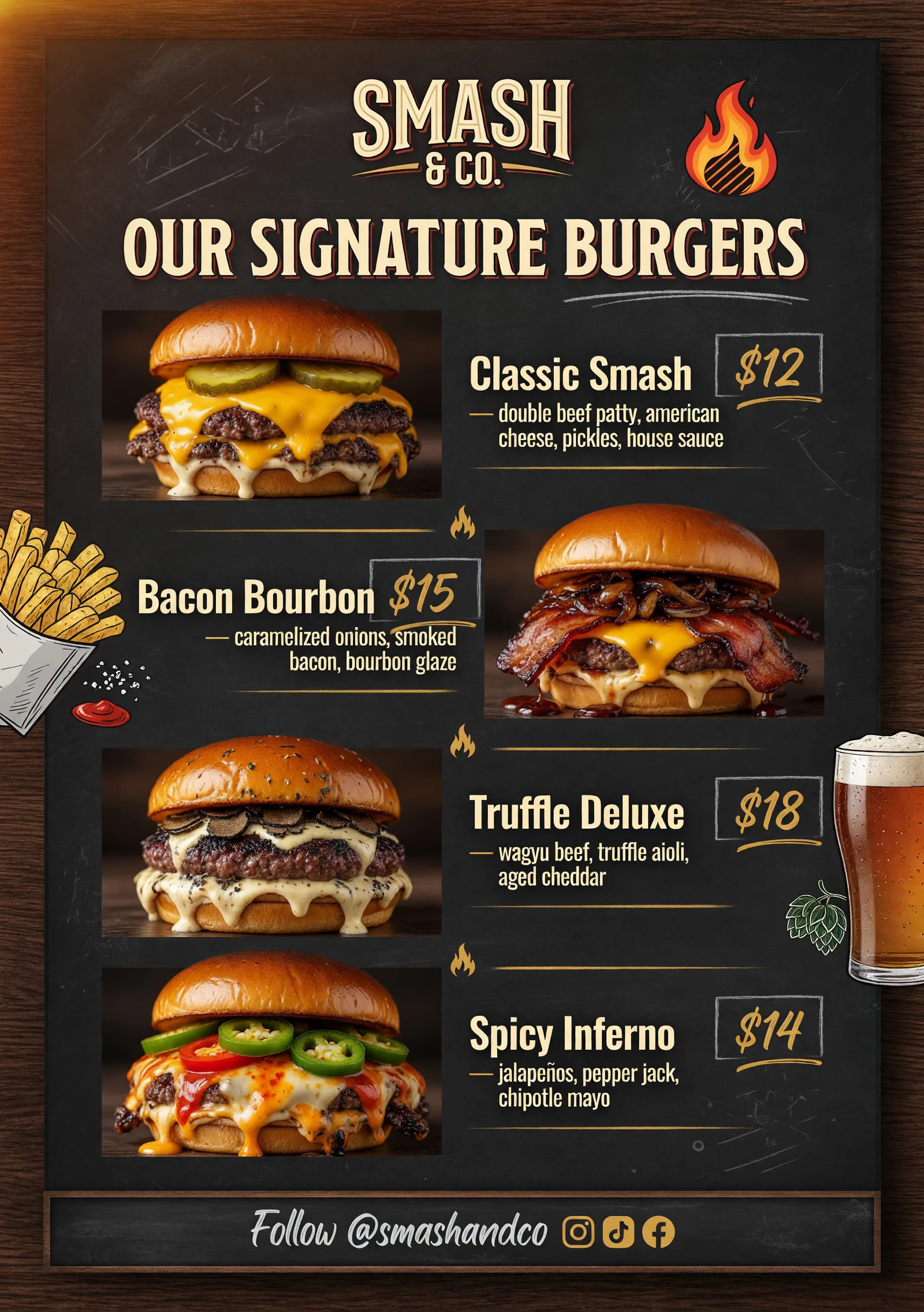
Output · 21:9
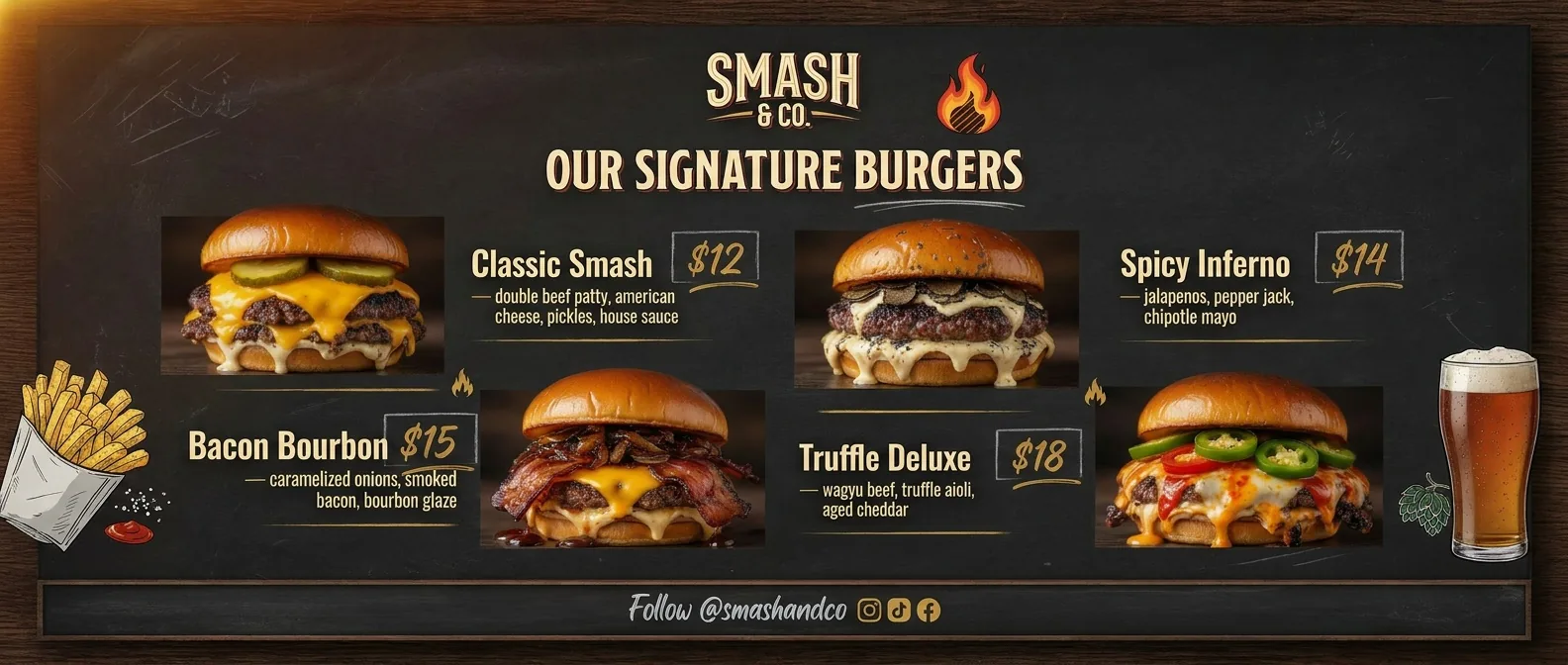
Restaurant Menu Board
Try It Now →

Input · 3:4
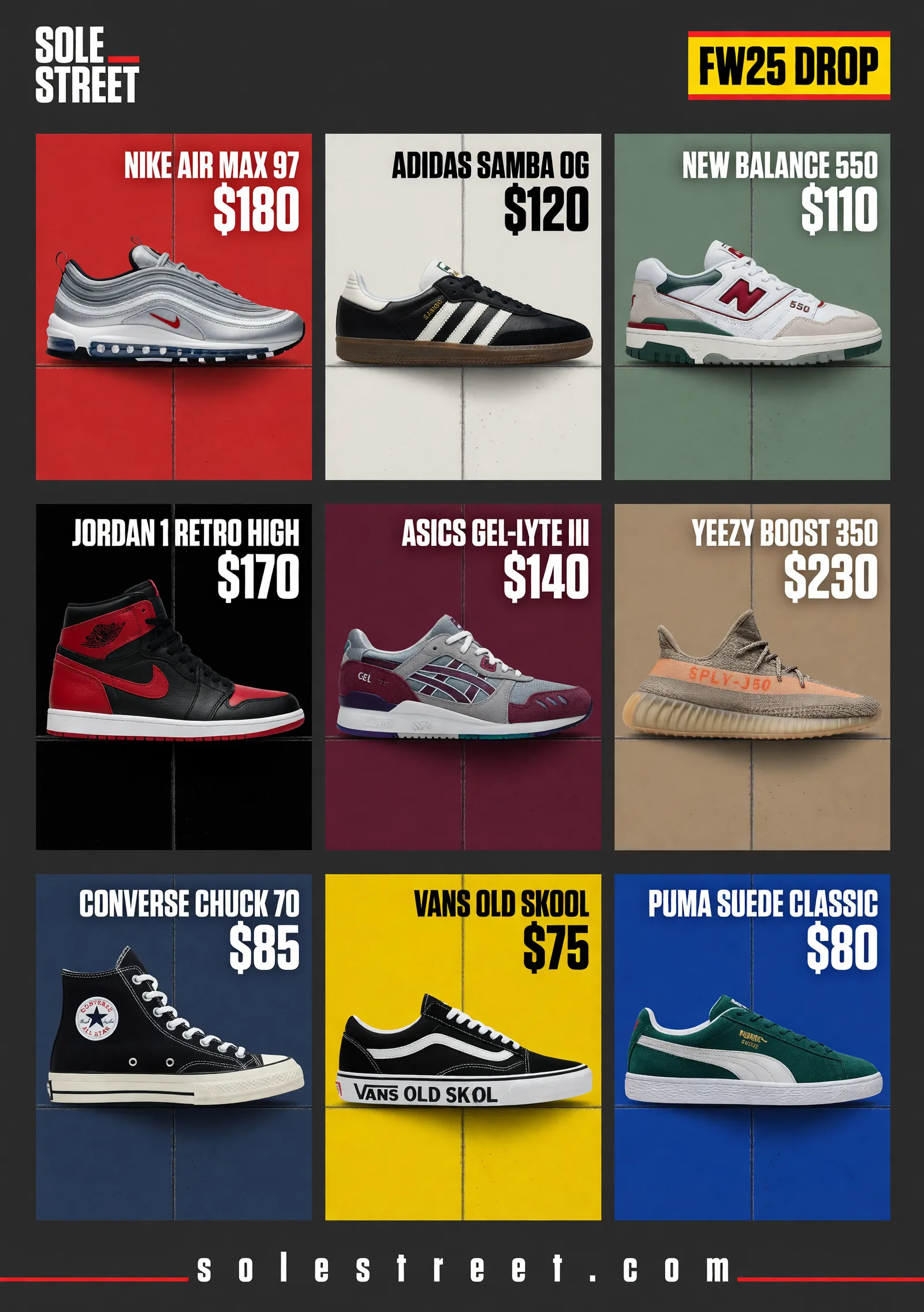
Output · 9:16
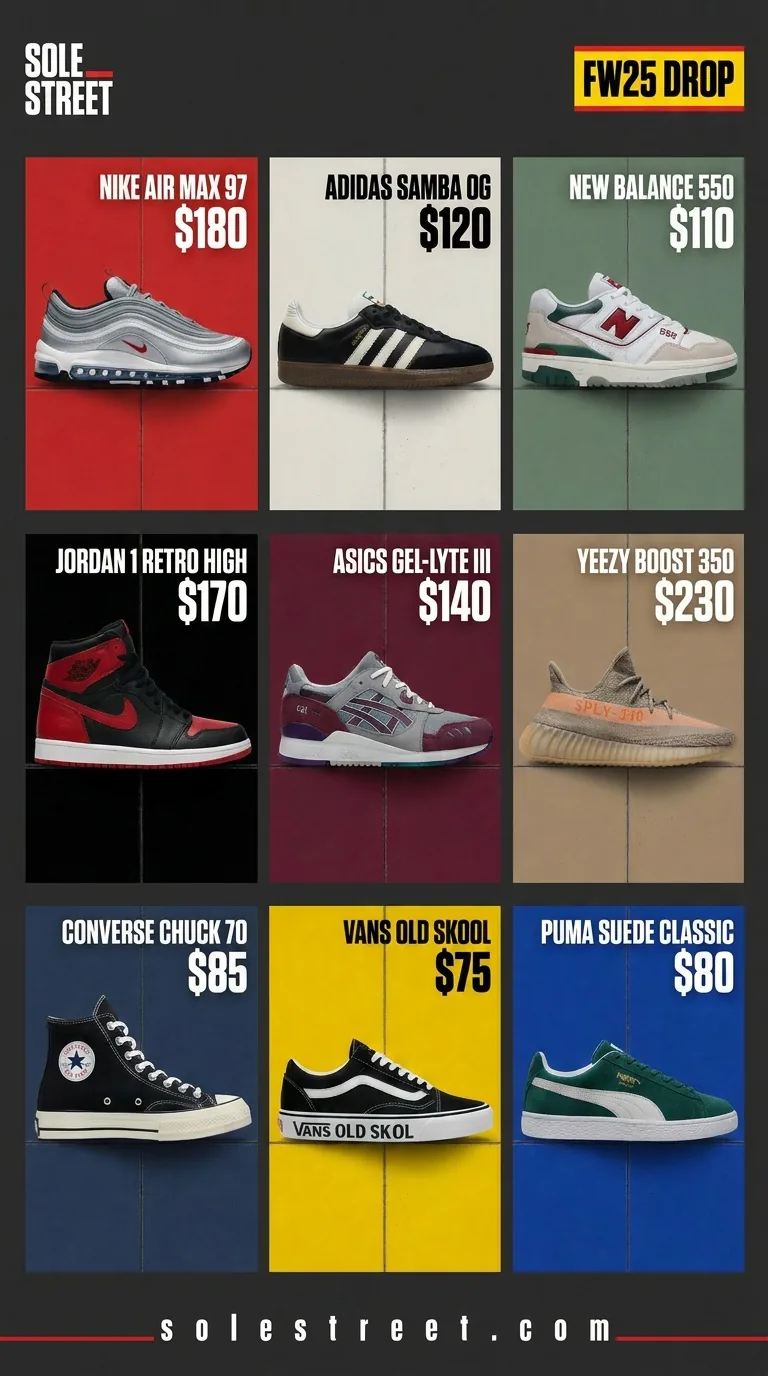
E-Commerce Product
Try It Now →

Input · 1:1
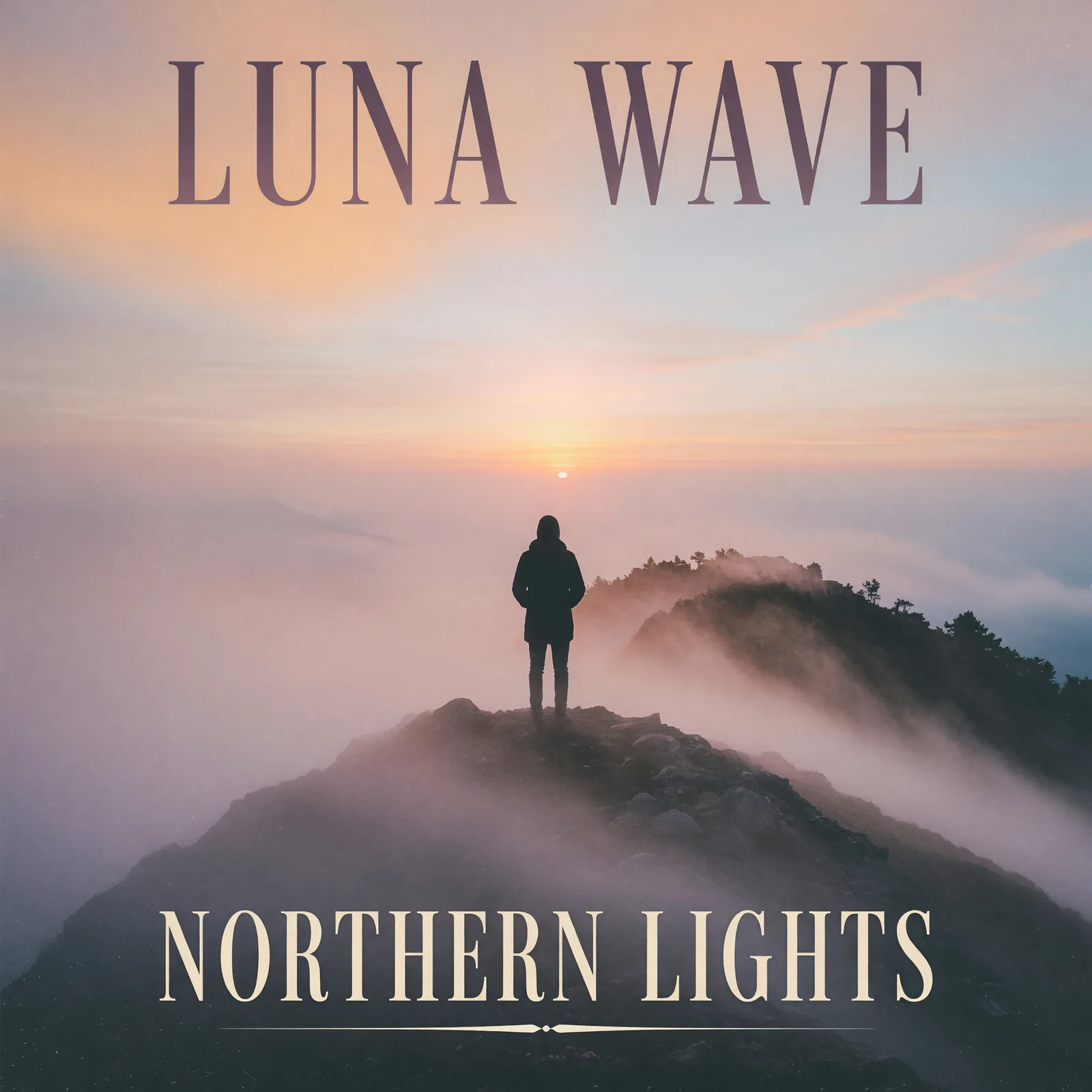
Output · 2:3
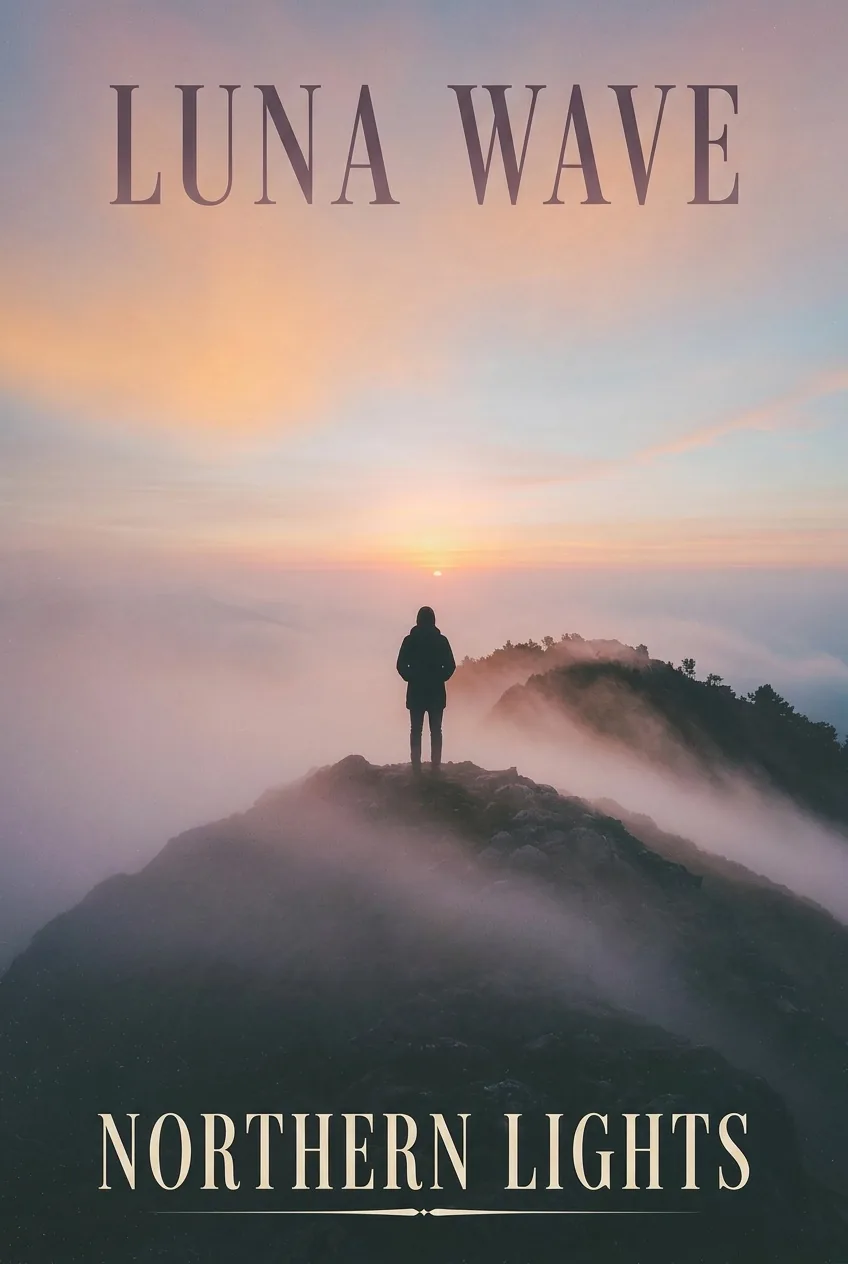
Spotify Canvas / Hero
Try It Now →

How It Works
Create in 4 Simple Steps
1
Upload Your Image
Select your source photo — any aspect ratio (16:9 landscape, 9:16 vertical, 4:3 classic, 1:1 square). JAI Portal accepts JPEG, PNG, and WebP up to high resolution.
2
Pick Your Target Aspect Ratio
Choose the format your platform needs — Vertical 9:16 for Stories, Reels, and Pinterest; Landscape 16:9 for banners and blog headers; Square 1:1 for Instagram Feed; Portrait 4:5 for IG Feed portrait; or Cinematic 21:9 for premium brand content.
3
AI Extends the Scene
The AI analyzes your image's background, lighting, and color palette, then intelligently extends the scene into the new edges. No cropping, no white bars — just natural-looking extension that matches the original quality.
4
Download and Publish
Preview the converted image, then download the platform-ready file. Use it immediately on Instagram, Pinterest, LinkedIn, or in paid ad campaigns — full commercial rights included.
The Problem & Solution
Why Choose AI for This?
✂️
Before: Cropping a 16:9 landscape product photo to make it vertical for Instagram cuts off half the frame — losing important context, text, or product details.
↓
With JAI Portal: JAI Portal's AI extends the scene above and below your original frame, keeping your subject fully visible while reformatting to 9:16 vertical.
🖼️
Before: Letterboxing photos with white bars on the sides wastes screen space and signals 'low effort' to viewers who scroll past in 2 seconds.
↓
With JAI Portal: AI inpainting fills the new edges with natural background content that matches the original lighting and color — no bars, no wasted pixels.
⚡
Before: Re-editing one master photo for Instagram, Pinterest, LinkedIn, and Facebook takes hours of Photoshop work, each platform with different aspect requirements.
↓
With JAI Portal: Run your master image through the AI aspect ratio changer once per target format — convert to 9:16, 1:1, 4:5, and 16:9 in minutes, not hours.
Overview
About AI Image Aspect Ratio Changer
An AI image aspect ratio changer is a tool that converts photos between formats — 16:9 landscape, 9:16 vertical, 1:1 square, 4:5 portrait, 21:9 cinematic — without cropping out important parts of the frame or leaving empty letterbox space. Social media managers repurposing landscape product shots for Instagram Reels and Stories, e-commerce teams adapting one master photo for multiple marketplace ratios, marketers building cross-platform ad creatives, and content creators preparing visuals for Pinterest, TikTok, and LinkedIn all face the same bottleneck: traditional cropping cuts off subjects or backgrounds, and letterboxing wastes pixels. JAI Portal's AI image resizer solves this by intelligently extending the scene into the new aspect ratio — generating natural background and lighting in the new edges so the converted image looks natively shot that way.
JAI Portal gives you access to advanced AI image aspect ratio conversion with no subscription required — just pay-per-image using credits. New users get 10 free credits to test the tool, and every converted image is yours to use commercially on Instagram, Pinterest, LinkedIn, TikTok, paid ads, or client deliverables. The most common conversion is 16:9 to 9:16 — taking a horizontal photo and making it vertical for short-form platforms — but the AI works in every direction: vertical to landscape, square to cinematic, portrait to widescreen. Whether you're converting one hero image into five platform variants or batch-processing a content library, you only pay for what you convert.
Marketing agencies adapting brand campaigns for cross-platform delivery, e-commerce sellers repurposing product photos for Instagram and Pinterest, editorial teams reformatting magazine images for mobile, and creators preparing visuals for multiple feeds all benefit from the same workflow: upload, pick target aspect ratio, download. No layer masks, no Photoshop healing brush, no manual content-aware fill. JAI Portal's AI image aspect ratio changer is built for teams that need clean, platform-ready visual assets fast, with full commercial rights and zero subscription lock-in. Start converting your image aspect ratios today and ship cross-platform campaigns in minutes instead of hours.
Key Benefits
Why Content Teams Choose AI for Image Aspect Ratio Conversion
⏱️
Seconds Per Conversion
Convert an image to a new aspect ratio in 10-20 seconds — not the 10-30 minutes manual Photoshop reframing takes. Process master photos into Instagram, Pinterest, and Facebook formats with the same fast turnaround.
🧠
Smart Edge Generation
AI analyzes the original frame's background, lighting, and color palette to extend the scene naturally into the new edges. The output looks like the photo was natively shot in the target aspect ratio — not cropped or letterboxed.
📱
Every Platform Covered
Supports the major aspect ratios in one tool: Vertical 9:16 (Stories, Reels, Pinterest), Landscape 16:9 (banners, blog headers), Square 1:1 (Instagram feed), Portrait 4:5 (IG feed portrait), Classic 4:3, and Cinematic 21:9 — no juggling between apps for different platforms.
💰
Pay-Per-Image Credits
No monthly subscriptions, no seat licenses, no bandwidth limits. Pay only for the conversions you actually run with credits. Start with 10 free credits, scale up to high-volume agency workflows without commitment.
✅
Commercial Rights Included
Every converted image is yours to use commercially — paid social ads, client deliverables, brand campaigns, e-commerce listings, sponsored content. No attribution required, no usage caps, no licensing fees beyond your credit cost.
🎯
Subject Stays Centered
The AI keeps your main subject perfectly centered and fully visible in the new framing — no awkward off-center crops or accidental subject removal. Works automatically for product shots, portraits, lifestyle photography, and UGC.
Real-World Use Cases
Who Converts Image Aspect Ratios With AI
📱Social Media Managers
Take one master product photo and convert it into Instagram Feed 1:1, Reels 9:16, Pinterest 2:3, and Facebook 16:9 in minutes. Keep your content calendar full across every platform without re-shooting or re-editing.
🛒E-Commerce Brands
Repurpose landscape catalog photos shot for your Shopify storefront into vertical 9:16 ads for TikTok Shop, Instagram Reels, and Pinterest. The AI keeps your product perfectly framed without cropping out key features.
📊Performance Marketers
Test multiple aspect ratios in your image ad campaigns to find what converts best on each channel. Generate 9:16, 1:1, 4:5, and 16:9 variants from the same master creative — let the data tell you which framing wins on Meta, TikTok, and Pinterest.
🎨Designers and Agencies
Stop spending hours manually reframing client photos in Photoshop. Run images through the AI converter for instant platform variants — Pinterest pins from landscape lifestyle shots, square feed posts from widescreen brand visuals, vertical Stories from horizontal hero images.
📚Editorial and Publishing
Adapt landscape magazine photos into mobile-optimized vertical formats for digital editions and social promotion. Reformat hero images for newsletter, web, and print without re-shooting or compromising composition.
🏡Real Estate and Travel
Convert landscape property and destination photos into vertical Instagram Reels and Stories formats. The AI extends the scene naturally, keeping the property or location centered for maximum visual impact.
🎓Online Course Creators
Adapt landscape course cover images and lesson visuals into vertical formats for TikTok and Reels marketing. Convert classroom-style graphics into mobile-friendly portrait shots for cross-platform student acquisition campaigns.
Pro Tips
Tips for the Best Image Aspect Ratio Conversion Results
1
Center Your Subject Before ConversionWhen converting 16:9 to 9:16 (the most common direction), keep your main subject roughly centered in the original photo. This gives the AI maximum room to extend the background above and below without distorting or cropping the subject. Off-center subjects can produce cinematic but less platform-friendly framing in the output.
2
Generate Multiple Aspect Ratios From One MasterIf you're running a cross-platform campaign, run your master image through the AI converter once per target format. Generate 9:16 for Reels and Stories, 16:9 for banners, 1:1 for Facebook feed, 4:5 for Instagram feed — all from the same master in under 5 minutes total.
3
Use a Text Prompt to Control Extended BackgroundsBy default, the AI extends your image's existing scene naturally. But you can override this with a text prompt for special cases — for example 'extend the sky with sunset clouds' or 'add more office background with bookshelves'. Useful when the original background is plain (a wall, sky, or simple gradient) and you want the new edges to match a specific brand aesthetic.
4
Keep Source Resolution HighUpload the highest-resolution master available — 2K or 4K input gives the AI more pixel data to reconstruct the new edges cleanly. Lower-resolution 720p sources still work but may produce softer extension edges. Output resolution matches the input, so a 4K source delivers a 4K converted image.
5
Test 21:9 Cinematic for Premium Brand ContentMost aspect ratio conversions target social media (9:16, 1:1, 4:5), but the 21:9 ultra-wide cinematic ratio is increasingly used for premium brand films, immersive landing pages, and high-end product launches. If your source image is 16:9, converting to 21:9 extends the scene horizontally — perfect for hero-section website images.
6
Use AI for Edge Cases Where Cropping FailsWhen a subject is too close to the edge of the original frame, cropping to a new aspect ratio would cut them off. The AI extension method preserves the subject entirely by generating new background space. Great for tightly composed portraits, product hero shots, and screenshots that need to be reformatted without losing key visual elements.
Related Use Cases
Explore More AI Use Cases
FAQ
Frequently Asked Questions
Upload your 16:9 horizontal photo to JAI Portal's AI Image Aspect Ratio Changer, select '9:16 Vertical' from the target aspect ratio dropdown, and click Generate. The AI takes 10-20 seconds to convert your landscape photo into a vertical format, automatically extending the scene above and below so your subject stays centered and nothing gets cropped. This is the most common conversion for repurposing horizontal photos into Instagram Stories, Reels, and Pinterest pins.
Yes — that's the core feature. Traditional cropping cuts off the sides of a landscape photo when making it vertical, often removing important subjects or background context. JAI Portal's AI image aspect ratio changer instead uses inpainting to generate new content on the top and bottom of the original frame, keeping the entire horizontal scene intact while extending it into a vertical format. The result looks like the photo was natively shot in 9:16.
Six aspect ratios cover every modern use case: Vertical 9:16 (Stories, Reels, Pinterest), Landscape 16:9 (banners, widescreen), Square 1:1 (Instagram feed), Classic 4:3 (standard web), Portrait 3:4 (Pinterest, vertical web), and Ultra Wide 21:9 (cinematic). Pick the format your platform requires and the AI handles the conversion automatically.
Yes. The aspect ratio converter works in both directions. If you have a vertical phone photo and need a horizontal banner version, upload it, select '16:9 Landscape', and the AI will extend the scene to the left and right sides while keeping your subject centered. This is useful for converting Story-format content into web banners, vertical UGC into landscape ad creatives, or portrait phone photos into widescreen presentation visuals.
Yes. All converted images come out watermark-free and include full commercial-use rights when generated with paid credits. You can use the output in paid social ads, client deliverables, brand content, e-commerce listings, and any other commercial application. There are no monthly subscriptions or usage caps — you only pay for each image you convert.
When the source photo has reasonable resolution and clear subject framing, the inpainted edges are typically indistinguishable from native photography. The AI matches lighting direction, color grading, depth-of-field, and texture characteristics of the original frame. For 90% of typical content (product shots, portraits, lifestyle photography, UGC), the conversion looks completely natural. For mission-critical brand work, you can preview the output and re-run with a guide prompt if needed.
Image aspect ratio conversion typically costs around 5 credits per image, though the exact cost may vary slightly based on resolution and model selection. JAI Portal uses a pay-per-image credit system with no monthly subscriptions — you only pay for the images you convert. New users receive 10 free credits to test the tool, and you can purchase additional credits as needed for high-volume work.
Yes. The model supports API access for automated batch workflows — submit multiple images programmatically and retrieve results via webhook or polling. This is particularly useful for agencies and high-volume content operations that need to convert hundreds of images into multiple aspect ratios for cross-platform distribution. The pay-as-you-go credit system scales linearly, so cost-per-conversion stays predictable even at scale.
Ready To Get Started With Our AI Image Aspect Ratio Changer?
Start for free with 10 credits. No subscription required. Pay only for what you use.
Get Started Free