Learn how to create professional, eye-catching product photography using free AI tools. Complete guide with prompts, techniques, and expert tips.
In today's competitive e-commerce landscape, stunning product photography can make or break your sales. Professional photo shoots cost thousands of dollars, but what if you could create magazine-quality product images for free using AI? Welcome to the revolution of AI-generated product photography, where your imagination is the only limit.
Whether you're an Amazon seller, Etsy shop owner, dropshipper, or social media marketer, this comprehensive guide will show you exactly how to create breathtaking product photos that convert browsers into buyers—without spending a dime on expensive equipment or photographers.
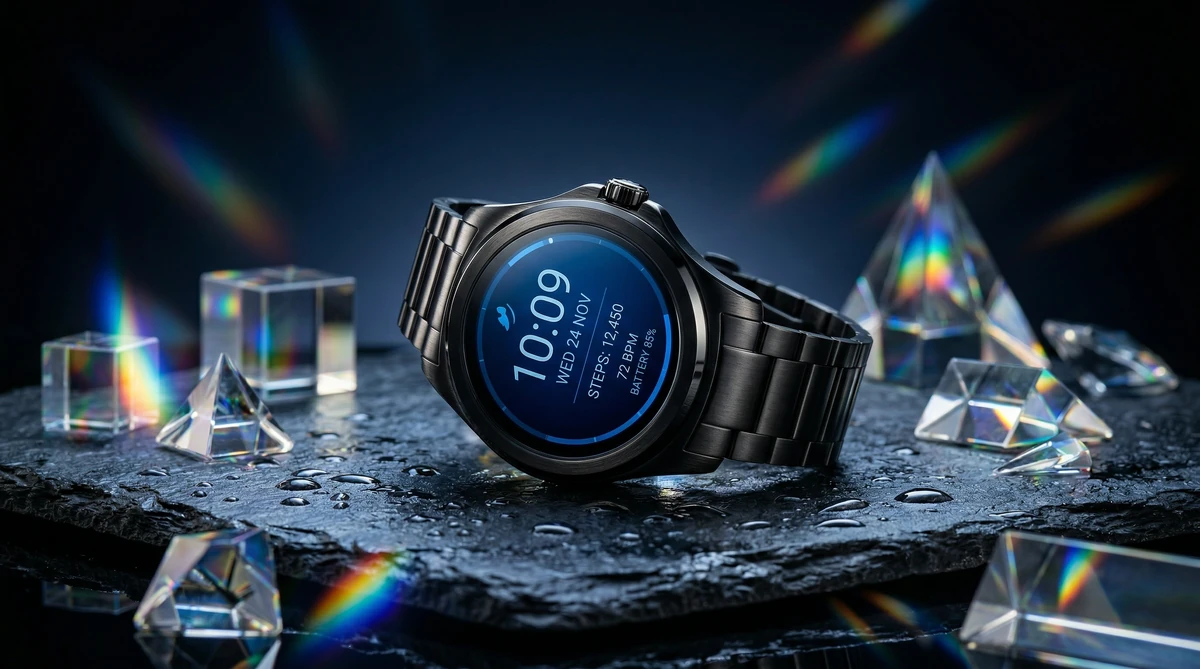
Why AI Product Photography is a Game-Changer
Traditional product photography requires significant investment: professional cameras ($2,000+), lighting equipment ($500+), backdrops, props, and either your time to learn photography or hiring a professional ($150-500 per hour). AI eliminates these barriers entirely.
Here's what makes AI product photography revolutionary:
- Zero Equipment Needed: No cameras, lighting, or studio space required
- Infinite Variations: Generate dozens of different scenes, angles, and styles in minutes
- Perfect Every Time: No shadows, reflections, or focus issues to fix in post-production
- Seasonal & Lifestyle Context: Place your product in any environment—beach, mountain, urban setting, cozy home
- A/B Testing Paradise: Create multiple versions to test which imagery drives more conversions
Best Free AI Tools for Product Photography in 2026
Several platforms now offer free AI image generation, but not all are created equal for product photography.
JAI Portal — The Complete Creative Platform
JAI Portal stands out as the most comprehensive solution for product photography. Unlike single-purpose tools, JAI Portal combines multiple AI models including the photorealistic Nano Banana 2 Pro, giving you studio-quality results with intuitive prompt assistance. The platform offers 10 free credits with no subscription required, making it perfect for small businesses and entrepreneurs.
Key advantages: Advanced prompt guidance, batch generation, high-resolution exports, and integrated editing tools all in one workflow.
Try These Models on JAI Portal
🚀 Start for free today — Get your 10 free credits instantly. No subscription. No credit card. No catch. → Create Free Account
Understanding Product Photography Styles for AI
Before diving into prompt writing, you need to understand the different styles of product photography and when to use each:
1. Studio Product Photography
Clean, professional shots with controlled lighting—ideal for Amazon listings, catalogs, and specifications. These feature the product as the hero with minimal distraction.
2. Lifestyle Product Photography
Products shown in real-world contexts—being used, styled with complementary items, or in aspirational environments. Perfect for social media, brand storytelling, and emotional connection.
3. Creative & Artistic Product Shots
Dramatic lighting, unexpected angles, artistic compositions that make products memorable. Best for premium brands, Instagram campaigns, and standing out from competitors.
4. Environmental Product Photography
Products in their natural habitat—outdoor gear in mountains, tech on modern desks, food in kitchens. Builds context and demonstrates use cases.
Step-by-Step Guide: Creating AI Product Photos
Step 1: Prepare Your Product Reference
While AI can generate products from scratch, the best results come from image-to-image generation. Take a basic photo of your product on any surface with your phone. Lighting doesn't need to be perfect—AI will handle that.
If you don't have a physical product yet (dropshipping, print-on-demand), find a clear reference image or detailed product description.
Step 2: Write a Detailed, Specific Prompt
This is where 90% of people fail. Generic prompts get generic results. The secret is being extremely specific about every visual element:
Bad Prompt: "A watch on a table"
Good Prompt: "Professional product photography of a luxury silver chronograph watch on a polished marble surface. Soft studio lighting from 45-degree angle creates subtle highlights on the stainless steel case and sapphire crystal. Background features elegant dark grey gradient. Shot on Canon EOS R5 with 100mm macro lens, f/2.8 for shallow depth of field. Photorealistic, commercial photography style, 4K quality."
Step 3: Specify Technical Photography Details
AI models trained on professional photography respond to technical language. Include these elements:
- Camera & Lens: "Shot on Sony A7R IV with 85mm f/1.4" or "Hasselblad medium format camera"
- Lighting: "Soft diffused studio lighting," "golden hour sunlight," "rim lighting from behind," "three-point lighting setup"
- Aperture/Depth: "f/1.8 for creamy bokeh" or "f/11 for complete sharpness"
- Composition: "Centered composition," "rule of thirds," "aerial flat lay," "45-degree hero angle"
- Style: "Commercial product photography," "editorial style," "minimalist aesthetic"
Step 4: Add Environmental Context & Props
Empty backgrounds are boring. Create visual interest:
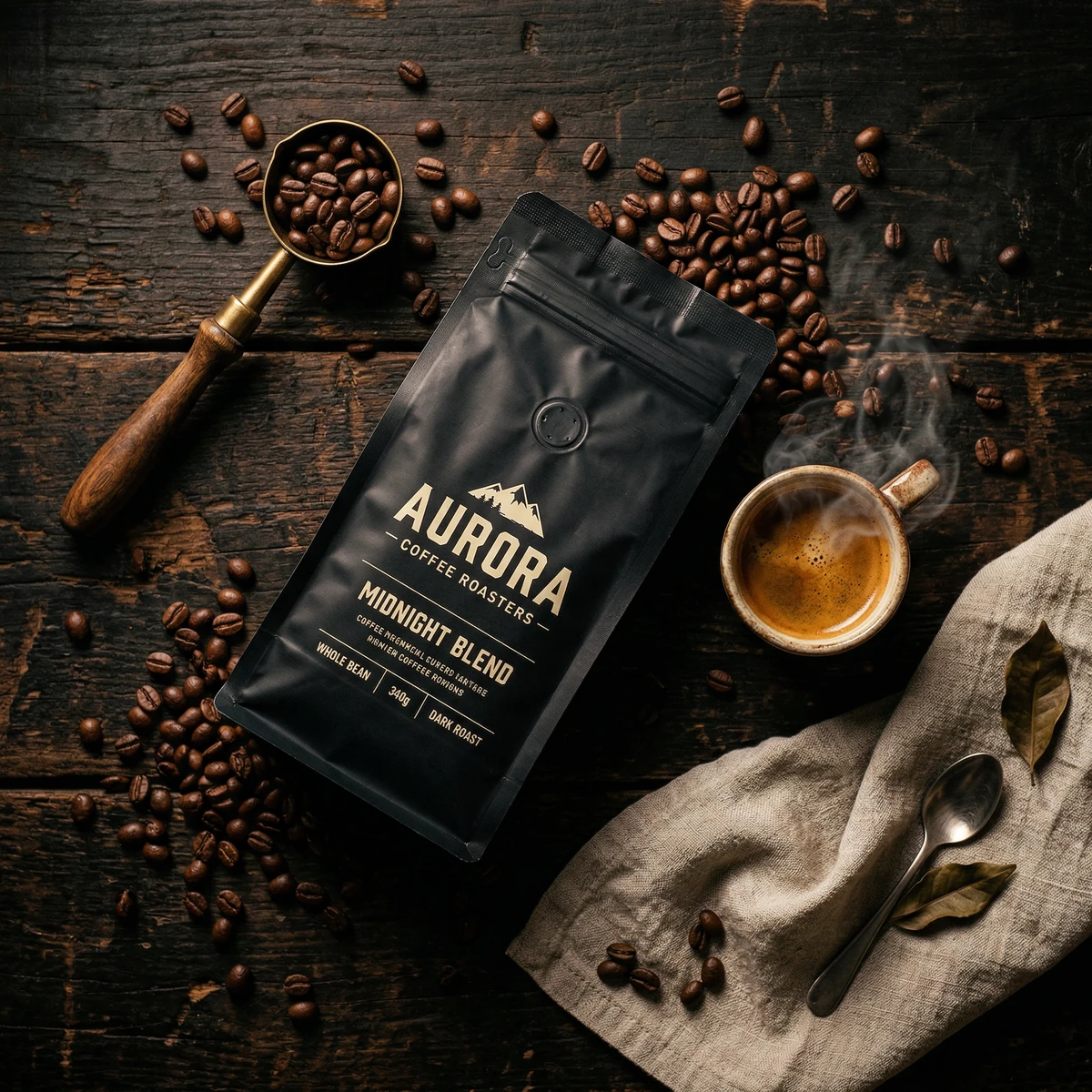
- For coffee products: Add fresh beans, steam, morning sunlight through a window
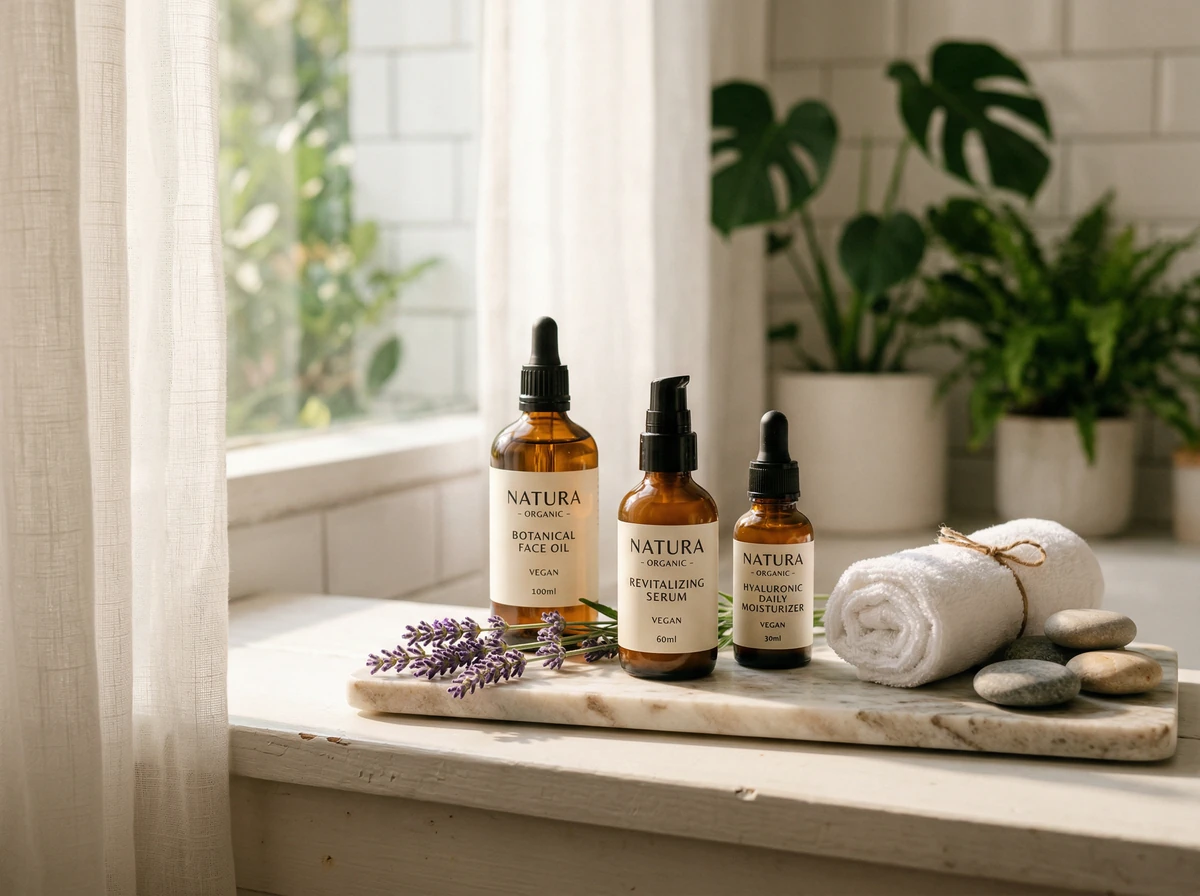
- For skincare: Include botanical elements, water droplets, natural textures
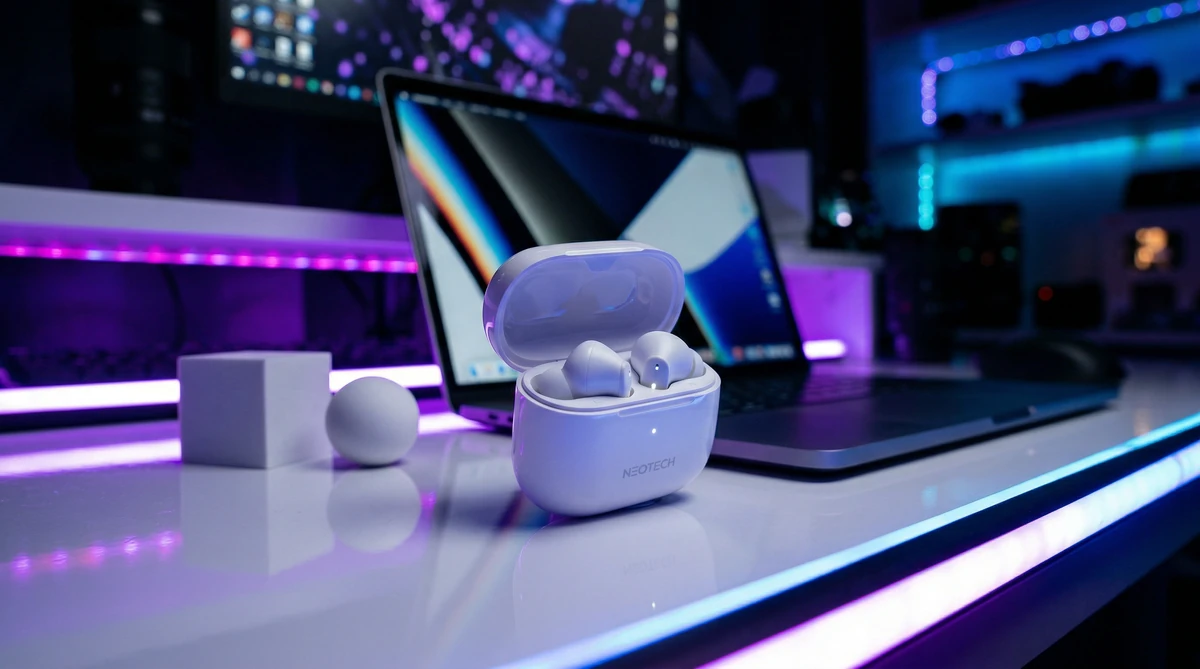
- For tech: Modern desk setup, soft LED glow, complementary gadgets
- For fashion: Lifestyle context—being worn, styled with accessories, in motion
Step 5: Generate Multiple Variations
Never settle for your first generation. Create 10-20 variations by tweaking:
- Lighting direction and color temperature
- Background colors and textures
- Camera angles (overhead, eye-level, low angle)
- Time of day and mood
- Props and styling elements
On JAI Portal's AI Product Photoshoot, you can queue multiple prompts and generate them in batch, saving tremendous time.
Step 6: Refine with Editing Tools
While AI generates impressive results, minor adjustments can perfect them. Use JAI Portal's integrated editing features to:
- Adjust brightness and contrast for punch
- Fine-tune color balance to match brand palette
- Add subtle vignetting to draw focus to product
- Sharpen key details like logos or textures
Proven Prompt Formulas for Different Products
Electronics & Tech Gadgets
Formula: Product + Modern Environment + Dramatic Lighting + Technical Specs
"Professional product photography of [wireless earbuds] on a minimalist white marble desk with MacBook and succulent plant in background. Dramatic side lighting creates rim light on black glossy surface. Shot on Canon EOS R5, 50mm f/1.4, shallow depth of field with bokeh. Modern tech aesthetic, commercial photography, 8K quality."
Beauty & Skincare Products
Formula: Product + Natural Elements + Soft Lighting + Aspirational Mood
"Elegant product photography of [serum bottle] positioned on wet river stones with fresh eucalyptus leaves and water droplets. Soft diffused natural light from window creates ethereal glow. Sage green background with organic texture. Shot on Fujifilm GFX100, 110mm macro lens, f/2.8. Spa-like atmosphere, luxury skincare editorial style."
Fashion & Accessories
Formula: Product + Lifestyle Context + Movement/Texture + Editorial Style
"Fashion editorial photograph of [leather handbag] on a rustic wooden cafe table with vintage books and cappuccino. Warm golden hour sunlight streams through window creating soft shadows. Shot on Leica M11 with 50mm Summilux lens, f/1.4 creates dreamy bokeh. Parisian cafe aesthetic, Vogue editorial style, film photography look."
Food & Beverage Products
Formula: Product + Food Styling + Natural Light + Appetizing Details
"Overhead flat lay food photography of [protein powder container] surrounded by fresh berries, almonds, and a smoothie bowl. Rustic wooden board background with linen napkin. Bright natural window light from left creates fresh, appetizing look. Shot on Nikon Z9, 85mm macro, f/2.8. Food magazine editorial style, vibrant colors, mouth-watering aesthetic."
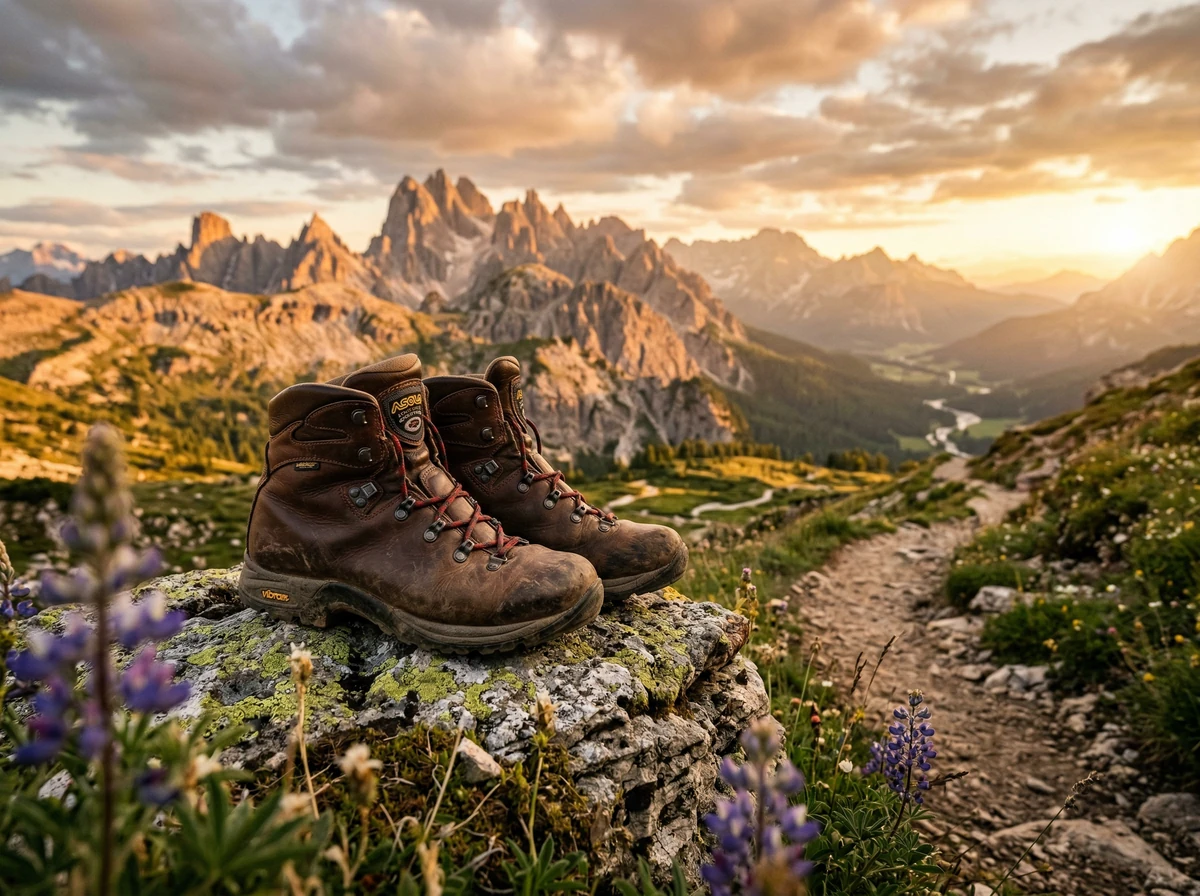
Advanced Techniques for Pro-Level Results
Seasonal Variations for Year-Round Marketing
Create seasonal versions of your product shots to maintain fresh content:
- Spring: Pastel backgrounds, fresh flowers, soft morning light
- Summer: Bright colors, beach/pool context, high-key lighting
- Fall: Warm tones, autumn leaves, cozy textures, golden hour lighting
- Winter: Cool tones, snow elements, festive props, moody dramatic lighting
Creating Consistent Brand Aesthetics
Maintain visual consistency across all AI-generated product photos:
- Choose 2-3 primary background colors that match your brand
- Stick to consistent lighting style (always soft and bright, or always dramatic and moody)
- Use similar camera angles across product lines
- Maintain consistent color grading and editing style
- Save your successful prompt formulas as templates
The "Invisible Model" Technique
For apparel and accessories, create lifestyle shots without needing actual models:
"Product photography of [leather jacket] artfully draped over a vintage chair in a Brooklyn loft apartment. Exposed brick wall background, industrial pendant lights, late afternoon sun streaming through large windows. Shot on Sony A7R IV, 35mm f/1.4, selective focus on jacket details. Urban lifestyle editorial style, commercial quality."
Common Mistakes to Avoid
- Being Too Vague: "Nice product photo" gets random results. Be specific about every element.
- Ignoring Lighting: Lighting creates mood and dimension. Always specify lighting direction, quality, and color.
- Forgetting Scale & Context: Help AI understand size by adding reference objects or context.
- Overcomplicating Scenes: Too many props creates chaos. Less is often more.
- Not Testing Multiple Styles: Your first idea might not be the winner. Generate variations.
- Neglecting Brand Consistency: Random styles confuse customers. Develop a consistent visual language.
Optimizing AI Product Photos for Different Platforms
Amazon & E-commerce Listings
- Use clean white or light grey backgrounds for main image
- Generate multiple angles showing product details
- Create infographic-style images highlighting features
- Maintain minimum 1000px on longest side for zoom functionality
Instagram & Social Media
- Go for lifestyle and contextual shots over plain backgrounds
- Use vertical composition (4:5 ratio) for feed posts
- Create carousel-worthy variety showing different uses and contexts
- Incorporate trending aesthetics while maintaining brand identity
Website Product Pages
- Start with hero shot showing product in aspirational context
- Follow with multiple angles on neutral background
- Include scale reference images
- Add lifestyle context images showing product in use
Measuring Success & Iterating
Track which AI-generated product photos drive the best results:
- Use UTM parameters to track traffic from different images
- Run A/B tests comparing AI photos vs. traditional photography
- Monitor conversion rates for listings with different image styles
- Track social media engagement metrics for various approaches
- Survey customers asking which images influenced their purchase
Use these insights to refine your prompt writing and continuously improve your AI product photography.
Conclusion: Your Product Photography Revolution Starts Now
AI has democratized professional product photography, making studio-quality images accessible to everyone regardless of budget or technical skills. By mastering the art of detailed prompt writing and understanding photography fundamentals, you can create stunning product photos that rival expensive professional shoots—all for free.
The key is specificity, creativity, and iteration. Don't settle for generic results. Push the boundaries, experiment with different styles, and develop a unique visual language for your brand.
Ready to transform your product photography? Visit JAI Portal's AI Product Photoshoot today and start creating stunning, conversion-optimized product images in minutes. With intuitive tools, powerful AI models like Nano Banana 2 Pro, and unlimited creative possibilities, your next viral product shot is just a prompt away.
Your competitors are still booking expensive photo shoots. You'll be creating dozens of professional product photos before they even finish setting up their lighting equipment. The future of product photography is here—and it's free.
Frequently Asked Questions (FAQ)
1. Do AI-generated product photos look as good as real photographs?
Yes, when the right prompt techniques are applied, AI-generated product photos can come remarkably close to professional studio shots. Advanced models like Nano Banana 2 Pro on JAI Portal realistically recreate light, texture, and shadow details, producing results that can genuinely fool the human eye.
2. Do I need any technical skills to use these tools?
No photography or graphic design experience is required whatsoever. JAI Portal features an intuitive interface and built-in prompt guidance system that allows complete beginners to achieve professional-quality results. All you need to do is describe your product and the environment you want in plain text.
3. Can I use AI-generated photos on marketplaces like Amazon or Etsy?
Generally yes, but it is always recommended to review each platform's content policy. Amazon requires that the main product image accurately represents the actual item, so using AI visuals as supplementary lifestyle images is the safer approach for compliance. On Etsy and most social media platforms, AI-generated images can typically be used without restrictions.
4. How many variations should I generate for a single product?
It is recommended to generate at least 10–20 variations per product. By testing different lighting setups, background colors, and camera angles, you can measure which image drives the highest conversion rate. Running A/B tests clearly reveals which visuals create the strongest purchase intent among your customers.
5. Can I get high enough resolution images with free tools?
Absolutely. JAI Portal delivers high-resolution outputs that are more than sufficient for e-commerce listings and social media. While Amazon's zoom feature only requires a minimum of 1,000 pixels on the longest side, JAI Portal offers 4K and 8K export options with pay-as-you-go credits.
6. How do I get started — is there a free trial?
Getting started on JAI Portal is completely free — no subscription, no credit card required. Simply create your account and you'll instantly receive 10 free credits to generate your first professional product photos right away. No commitments, no hidden fees — just stunning visuals from the moment you sign up.
🚀 Start for free today — Get your 10 free credits instantly. No subscription. No credit card. No catch. → Create Free Account