3D Figurine Collectible
Transform Photos into Collectible Figurines
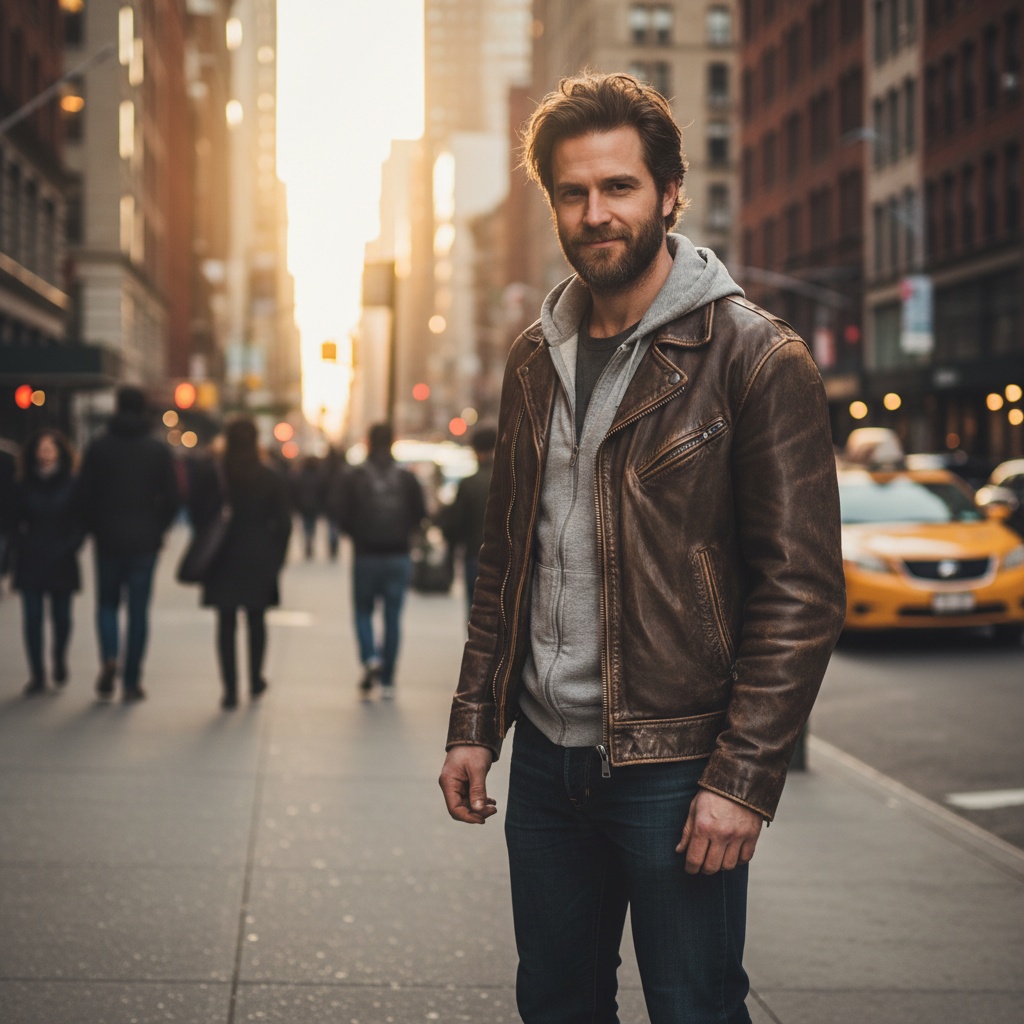
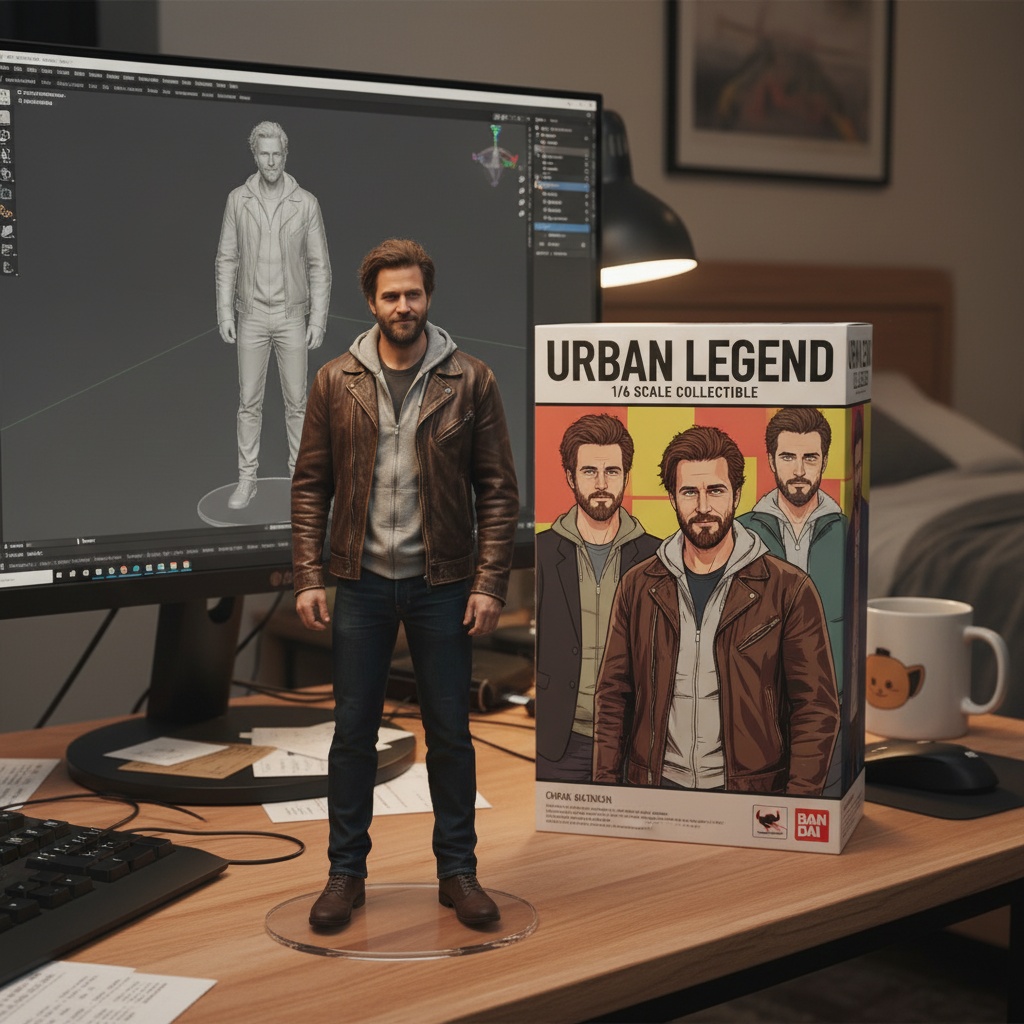
Free to try - Sign up in seconds
About This Trend
The AI 3D Figurine Collectible trend transforms ordinary photos into extraordinary collectible figurines using advanced AI image editing. This innovative approach combines artistic creativity with cutting-edge machine learning to produce hyper-realistic miniature versions of people, characters, or objects.
Using the powerful Nano Banana Edit model, users can specify intricate details like scale (1/6, 1/12, etc.), base design, packaging style, and environmental context. The AI interprets these instructions to generate professional-quality images that look like actual photographed collectibles.
This trend has exploded in popularity among collectors, artists, and content creators who want to visualize custom figurines before production, create unique social media content, or simply explore creative possibilities.
Ready to create your own?
Try this trend for free. No credit card required, just sign up and start creating.
How It Works
Upload a clear, well-lit photo of your subject
Our AI analyzes your image and applies the figurine transformation
The model generates a realistic collectible scene with packaging
Download your high-resolution figurine artwork
Features
- Transform any photo into a realistic collectible figurine
- Customize scale, base design, and packaging style
- Generate workspace scenes with 3D modeling displays
- Hyper-realistic lighting and material rendering
- High-resolution output suitable for printing
Use Cases
- Creating personalized collectible figurine concepts
- Toy designers prototyping new product ideas
- Social media content creation
- Gift visualization before custom ordering
- Fan art and character merchandise concepts
Pro Tips for Better Results
Start with High-Resolution Portrait Photos
The GPT-Image 1.5 Edit model works best with images at least 1024px on the shortest side. Use well-lit portraits with clear facial features and minimal motion blur. If you're starting from a low-quality selfie, consider running it through AI Headshot Generator first to create a crisp base image, then apply the figurine transformation for maximum detail in the final collectible render.
Specify Scale and Material Details Explicitly
When using the figurine transformation, include specific details in your prompt like "1/6 scale collectible figurine with matte finish base" or "1/12 scale action figure with metallic paint details." The AI interprets these technical specifications to generate realistic proportions and material textures. Mention packaging style preferences too—blister pack, window box, or premium display case—to get the exact collectible aesthetic you're envisioning for your final image.
Use Neutral Backgrounds for Clean Results
Photos with busy backgrounds can confuse the AI when it tries to isolate your subject for figurine conversion. Solid color backgrounds or simple studio setups work best. If your source photo has a cluttered background, the model might incorporate unwanted elements into the base or packaging design. For complex edits where you need precise background control, OpenAI GPT Image 2 Edit offers more granular masking options before applying the figurine style.
Experiment with Lighting Angle Descriptions
Collectible figurines are typically photographed with professional studio lighting. Include lighting cues in your transformation prompt like "soft box lighting from upper left" or "dramatic side lighting with rim light." These details help GPT-Image 1.5 Edit render realistic shadows, highlights, and material reflections that make the figurine look genuinely three-dimensional. The model excels at simulating how light interacts with painted plastic, resin, and metallic finishes common in high-end collectibles.
Create Series with Consistent Styling
If you're designing multiple figurines for a collection, establish a consistent prompt template. Use identical phrasing for scale, base style, and packaging across all generations to maintain visual cohesion. Note specific color schemes, logo placements, and typography choices in your prompts. This approach works especially well when creating fan art series or conceptualizing an entire product line. The model's consistency improves when you reuse successful prompt structures rather than starting from scratch each time.
Combine with Portrait Enhancement Models First
For character-based figurines, consider a two-step workflow: first enhance your portrait with FLUX 2 Face to Full Portrait to generate a full-body character pose, then apply the figurine transformation. This gives you more control over the character's stance and costume details before the collectible packaging is added. The combination produces figurines with more dynamic poses and complete character designs rather than simple bust-style collectibles.
Frequently Asked Questions
Other Models You Could Use
Ready to Try 3D Figurine Collectible?
Transform your images with AI in seconds. No design skills required.
Get Started FreeJoin thousands of creators using JAI Portal