Studio Portrait Pro
AI Studio Portraits with Cinematic Mood
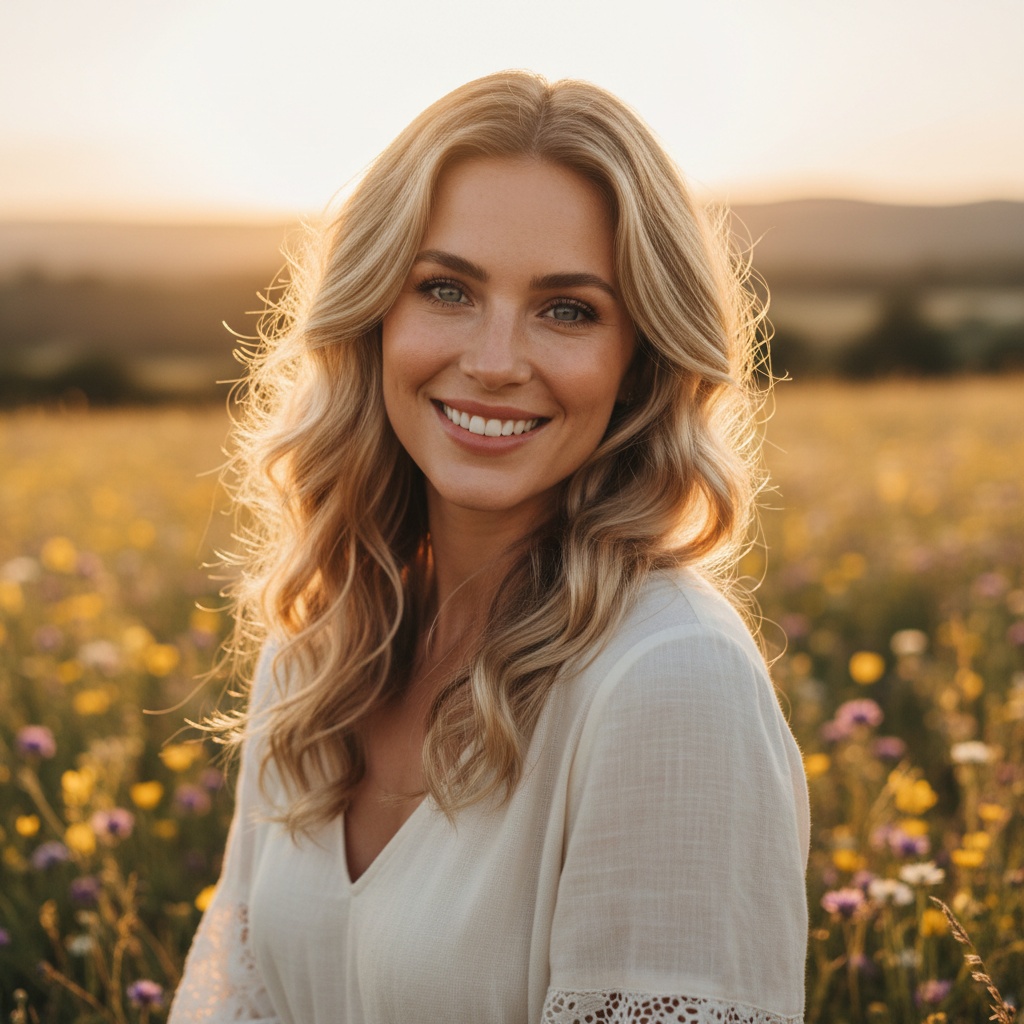
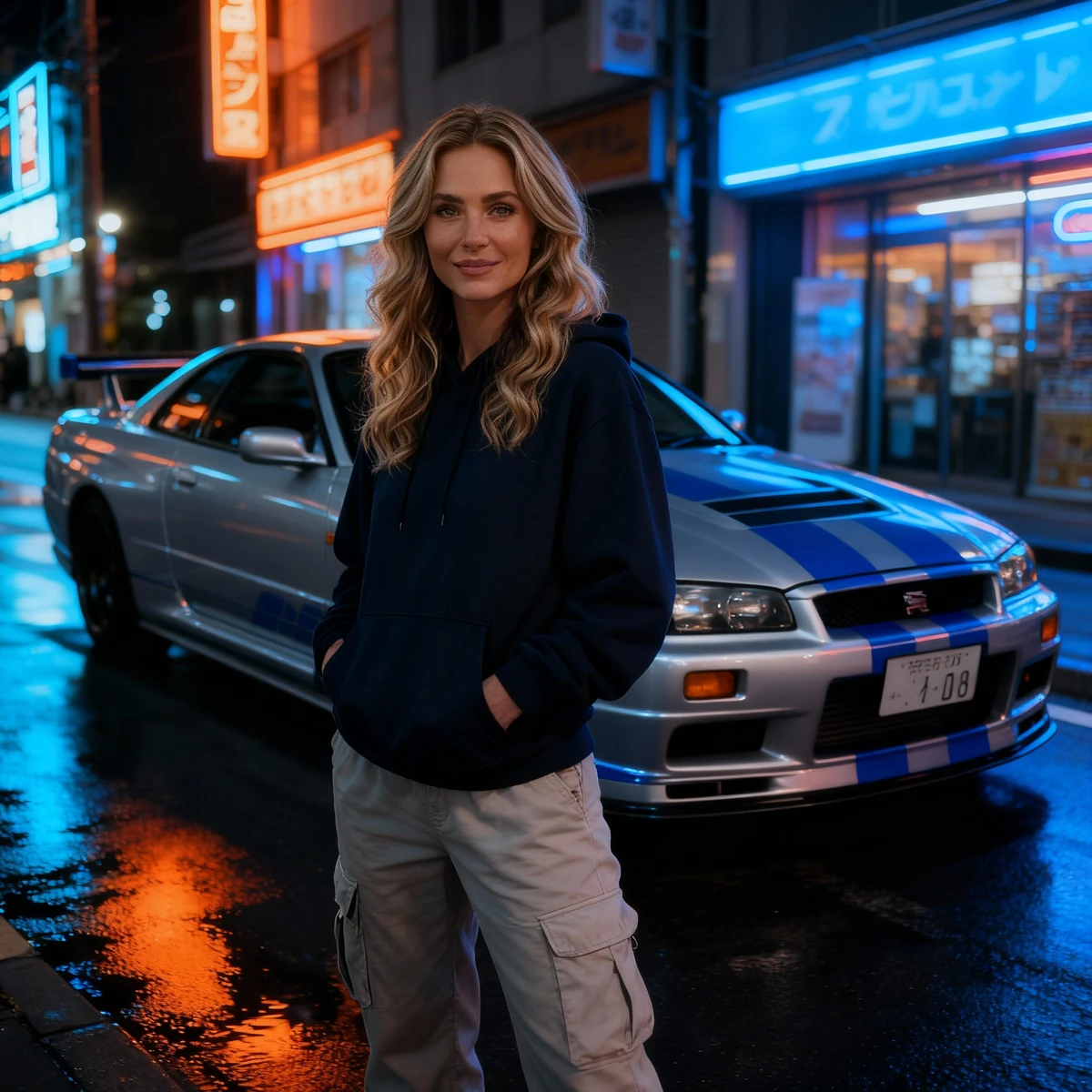
Free to try - Sign up in seconds
About This Trend
Studio Portrait Pro harnesses the power of AI to reimagine your personal or professional photos as high-end studio portraits with a cinematic flair. Leveraging the advanced bytedance-seedream-4-0-edit model, this trend brings out the drama, depth, and polish of professional photography studios—no expensive equipment or complex setup required.
Whether you want to upgrade your profile picture, create visually stunning marketing materials, or immortalize special moments with a touch of Hollywood, Studio Portrait Pro delivers. The AI automatically enhances lighting, applies studio-grade color grading, and introduces cinematic backgrounds and effects, completely transforming ordinary snapshots into magazine-worthy images.
Its popularity is driven by the desire for premium, eye-catching visuals for social media, portfolios, and branding. Content creators, professionals, and even casual users are able to achieve results that rival those of seasoned photographers, making high-quality imagery accessible to everyone. This trend is especially valuable for users who want to enhance their online presence or capture timeless, visually impactful portraits without the traditional limitations of time, cost, or location.
Studio Portrait Pro stands out for its ability to combine artistry with automation, providing consistently impressive results tailored to your preferences. The seamless workflow makes it easy for anyone to achieve a cinematic, professional look, fueling the rising demand for AI-powered image editing solutions.
Ready to create your own?
Try this trend for free. No credit card required, just sign up and start creating.
How It Works
Upload your photo with clear facial features and good resolution.
AI analyzes your image and applies studio lighting and cinematic effects.
The model generates a professional studio portrait with enhanced mood.
Download your high-resolution, cinematic studio portrait.
Features
- Transforms any photo into a cinematic studio portrait
- Automatic enhancement of lighting and color grading
- Choice of professional backgrounds and effects
- High-resolution output for printing or online use
- Quick, user-friendly process with instant results
Use Cases
- Upgrading LinkedIn or social media profile pictures
- Creating promotional images for marketing campaigns
- Enhancing actor or model headshots for portfolios
- Personal keepsakes with cinematic flair
- Virtual business portraits for remote teams
Pro Tips for Better Results
Use Well-Lit Source Photos
The bytedance-seedream-4-0-edit model performs best when your input photo already has decent lighting. Avoid heavily shadowed or underexposed images. Natural daylight or evenly distributed indoor lighting gives the AI a solid foundation to build cinematic studio effects, resulting in more realistic skin tones and depth.
Center Your Subject in Frame
Position your face or upper body near the center of the photo before uploading. Off-center compositions can confuse the AI's focus detection, leading to inconsistent background blur or lighting placement. A centered subject ensures the model applies studio effects exactly where they matter most, maximizing the dramatic impact of the final portrait.
Choose High-Resolution Originals
Upload images at least 1024×1024 pixels for optimal output quality. Low-resolution or heavily compressed photos lose fine details during processing, resulting in softer edges and less professional-looking results. High-resolution inputs allow the AI to preserve facial features, hair texture, and subtle lighting nuances that define a True studio portrait.
Compare Output Styles Across Models
If you need a more traditional corporate headshot, try the AI Headshot Generator for cleaner, less cinematic results. For experimental or artistic edits, FLUX 2 Dev Edit offers more creative freedom. Testing multiple models helps you find the exact aesthetic your brand or portfolio demands.
Avoid Busy Backgrounds in Source Images
The AI works best with simple, uncluttered backgrounds. Busy or patterned backdrops can interfere with the model's ability to isolate your subject and apply cinematic effects cleanly. Plain walls, solid colors, or slightly blurred outdoor settings give the bytedance-seedream-4-0-edit model the cleanest canvas to work with.
Experiment with Different Facial Expressions
Subtle changes in expression can dramatically alter the mood of your studio portrait. A slight smile reads as approachable and professional, while a neutral expression leans cinematic and editorial. Upload a few variations of the same pose to see which expression pairs best with the AI's lighting and color grading choices.
Frequently Asked Questions
Other Models You Could Use
Ready to Try Studio Portrait Pro?
Transform your images with AI in seconds. No design skills required.
Get Started FreeJoin thousands of creators using JAI Portal