Tactical Operator: Enter the Counter-Strike 2 World
Transform into a CS2 Tactical Operator with Legendary Skins
Free to try - Sign up in seconds
About This Trend
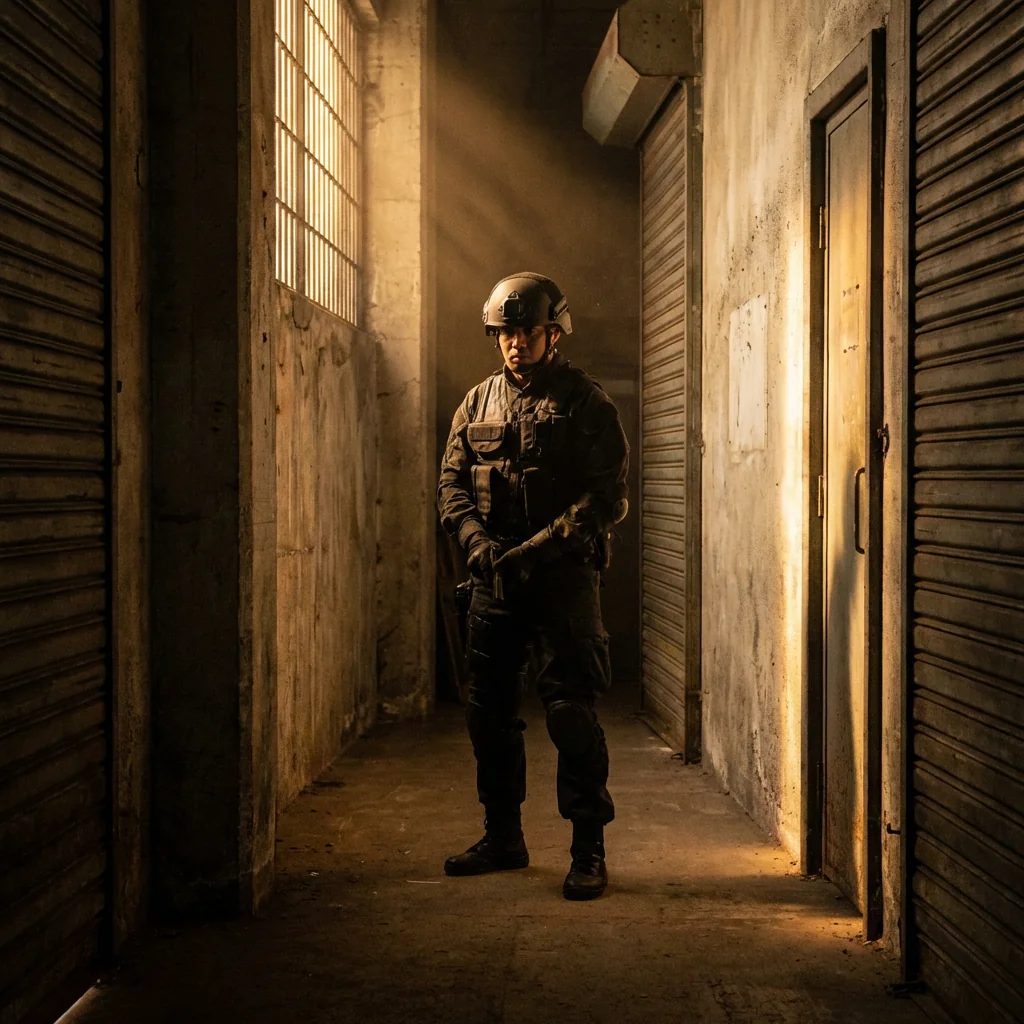
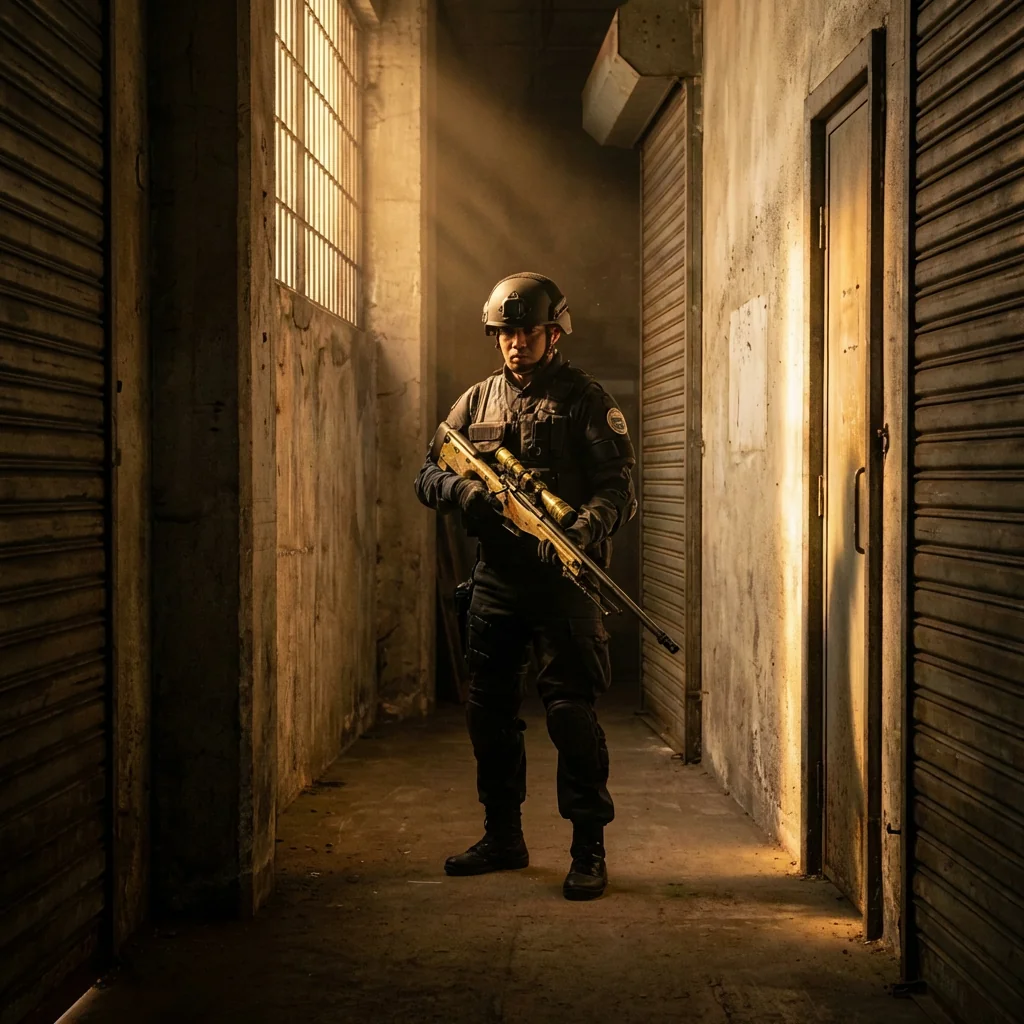
Experience the thrill of Counter-Strike 2 like never before with our cutting-edge AI transformation tool. This revolutionary effect transforms your ordinary photos into stunning CS2 tactical operator portraits, complete with legendary weapon skins, authentic faction uniforms, and iconic map environments. Whether you're a seasoned CS player or new to the game, this AI-powered tool brings the competitive gaming world directly to your personal photos.
Our advanced AI technology meticulously analyzes your photo's composition, lighting, and atmosphere to seamlessly integrate Counter-Strike 2 elements while preserving your original pose and facial features. The system intelligently applies textures from famous maps like Dust 2, Mirage, Inferno, and Overpass based on your photo's existing environment. You'll be equipped with randomly assigned legendary weapon skins from an extensive collection including AWP Dragon Lore, AK-47 Fire Serpent, M4A4 Howl, Karambit Doppler, and exclusive sport gloves. Each transformation maintains photorealistic quality matching the Source 2 engine's stunning graphics.
The transformation process respects your photo's original structure while applying authentic Counter-Strike visual elements. Your character will be dressed in realistic tactical gear from either Counter-Terrorist factions (GIGN, SAS, FBI) or Terrorist groups (Elite Crew, Phoenix, Balkan). The AI ensures proper weapon positioning, natural hand poses, and appropriate environmental textures that match your photo's lighting conditions. Perfect for gaming profiles, social media content, esports team presentations, or simply showcasing your love for Counter-Strike. Create professional-quality CS2 operator portraits in seconds without any photo editing skills required.
Ready to create your own?
Try this trend for free. No credit card required, just sign up and start creating.
How It Works
Upload a clear photo with visible face and good lighting - outdoor or indoor photos work perfectly
Click 'Transform' and let AI analyze your photo's atmosphere and composition
AI automatically assigns legendary weapon skins, tactical gear, and map environment textures
Download your high-resolution Counter-Strike 2 tactical operator portrait instantly
Share your CS2 transformation on social media and gaming platforms
Features
- AI-powered transformation into Counter-Strike 2 tactical operator
- 30+ legendary weapon skins including AWP Dragon Lore, AK-47 Fire Serpent, M4A4 Howl
- Authentic CT and T faction uniforms with realistic tactical gear
- Smart environment mapping to iconic CS2 maps (Dust 2, Mirage, Inferno, Overpass)
- Facial feature and pose preservation technology
- Source 2 engine quality realistic rendering
- Automatic lighting and texture adaptation
- Exclusive knife skins: Karambit Doppler, Butterfly Fade, M9 Bayonet Lore
- Premium sport gloves: Vice, Pandora's Box variants
- One-click professional CS2 portrait generation
Use Cases
- Create epic gaming profile pictures for Steam, Discord, and social media
- Design unique esports team member portraits and promotional materials
- Generate Counter-Strike themed content for YouTube thumbnails and Twitch overlays
- Produce personalized CS2 wallpapers and desktop backgrounds
- Create memorable gifts for Counter-Strike enthusiast friends
- Develop creative content for gaming communities and forums
- Build professional-looking CS2 cosplay reference images
Pro Tips for Better Results
Use High-Contrast Outdoor Photos for Best Results
Photos taken in natural daylight with clear shadows produce the most dramatic CS2 operator transformations. The Nano Banana Pro Edit model excels at interpreting outdoor lighting conditions and mapping them to iconic Counter-Strike map environments like Dust 2's sandy terrain or Mirage's Middle Eastern architecture. Avoid heavily filtered or low-light indoor selfies—the AI needs distinct lighting information to properly render tactical gear textures and weapon reflections.
Face the Camera Directly for Weapon Positioning
Forward-facing poses with visible shoulders allow the AI to naturally position legendary weapon skins in your hands. Angled or profile shots may result in awkward weapon placement since the Nano Banana Pro Edit model relies on detecting hand positions and body orientation. If you want full tactical operator portraits with visible gear, consider using FLUX 2 Face to Full Portrait first to generate a full-body base image, then apply the CS2 transformation for maximum control.
Keep Background Elements Simple for Clean Map Textures
Plain walls, open skies, or minimal backgrounds give the AI more flexibility to apply authentic Counter-Strike 2 map textures. Busy backgrounds with many objects can confuse the texture mapping algorithm, resulting in less cohesive environment integration. The model works best when it can clearly distinguish foreground subject from background elements. Urban settings naturally translate well to maps like Inferno or Overpass, while desert or beige backgrounds align perfectly with Dust 2 aesthetics.
Upload Full-Resolution Photos for Maximum Detail
Higher resolution input images allow the AI to render intricate details like AWP Dragon Lore patterns, Karambit Doppler phases, and sport glove stitching with greater accuracy. While the Nano Banana Pro Edit model accepts various sizes, images above 1024px width produce noticeably sharper weapon skin textures and tactical gear details. Avoid heavily compressed social media downloads—export original photos directly from your camera or phone gallery for professional-quality CS2 operator portraits.
Run Multiple Generations for Different Loadouts
Since the AI randomly assigns weapon skins and faction gear with each transformation, generate 3-5 variations to get your preferred legendary skin combination. You might receive an AWP Asiimov in one generation and an AK-47 Fire Serpent in another. Each transformation costs minimal credits, making it economical to experiment until you get that coveted Dragon Lore or Howl appearance. Save your favorites and compare different Counter-Terrorist versus Terrorist faction aesthetics across multiple outputs.
Combine with Other Models for Custom Scenarios
For more creative control over specific elements, use OpenAI GPT Image 2 Edit or FLUX 2 Dev Edit to manually adjust backgrounds before applying the CS2 transformation. This two-step workflow lets you first set up a specific map environment or lighting scenario, then overlay the tactical operator effect. Advanced users can also use JAI Portal Spicy Image Editor for fine-tuning weapon positions or gear details after the initial CS2 transformation completes.
Frequently Asked Questions
Other Models You Could Use
Ready to Try Tactical Operator: Enter the Counter-Strike 2 World?
Transform your images with AI in seconds. No design skills required.
Get Started FreeJoin thousands of creators using JAI Portal