AI-Powered Cleanup
Remove Watermarks from Images Instantly with AI
Clean up your product photos and owned images in seconds. Perfect for e-commerce sellers and content creators who need pristine visuals.

Examples
See AI Watermark Remover in Action
Click any thumbnail to preview the output. Click "Try It Now" to open the generator pre-filled with the same setup.
Image Examples
AI Watermark Remover
Input

Output

Toys
Try It Now →

Input
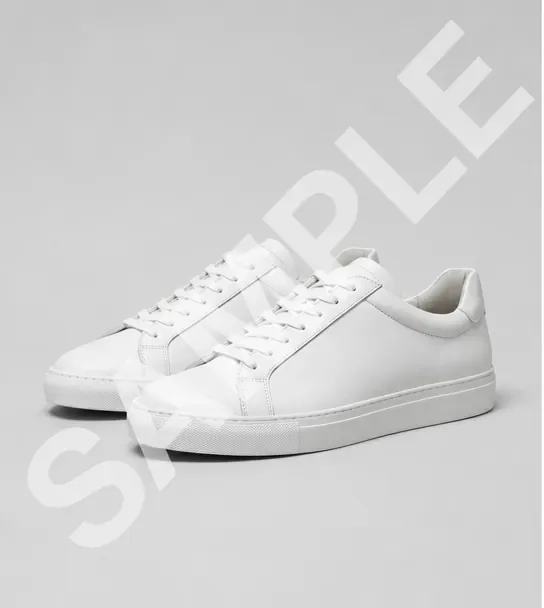
Output
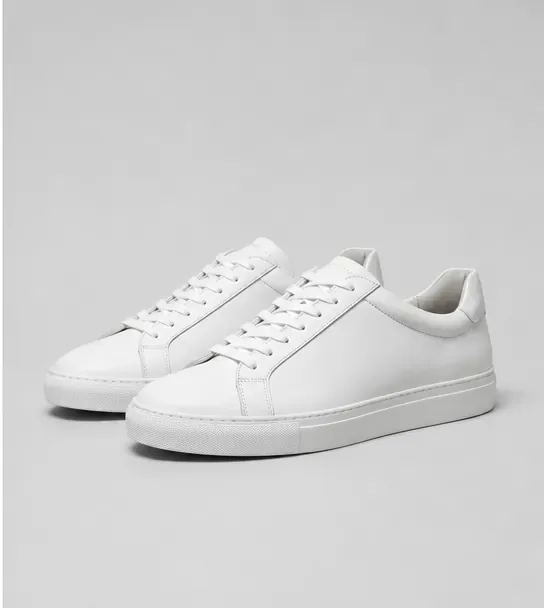
Footwear
Try It Now →

Input
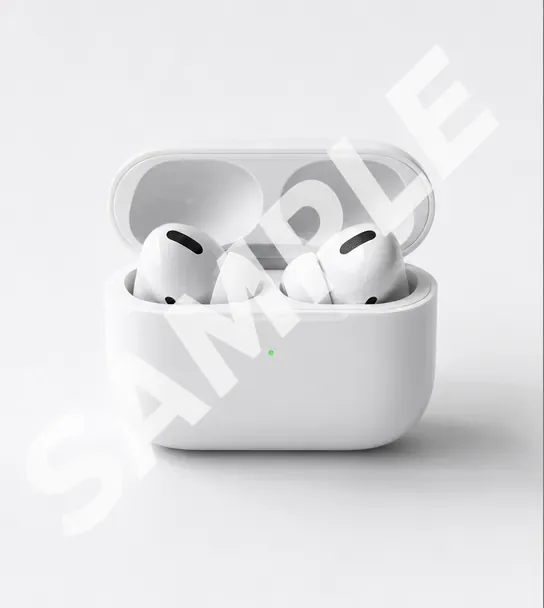
Output
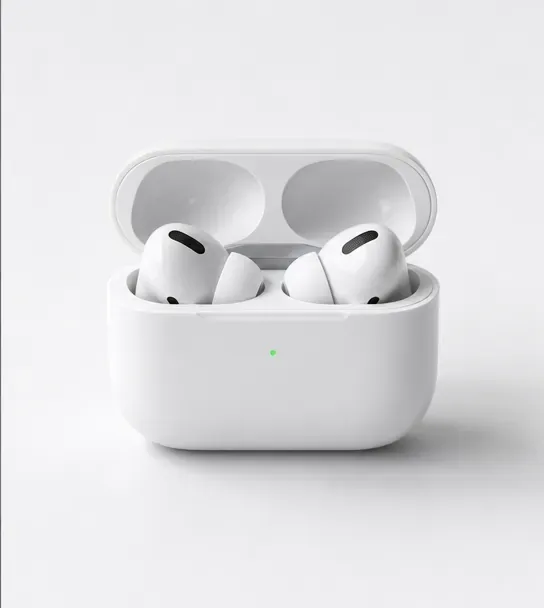
Electronics
Try It Now →

Input

Output

Cosmetics
Try It Now →

Input

Output
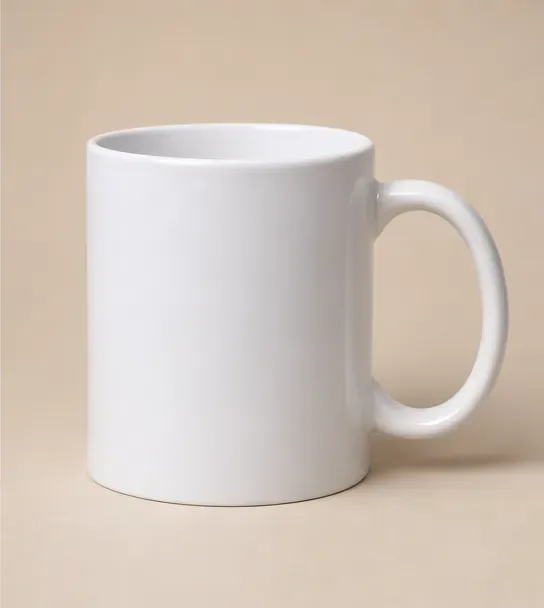
Homeware
Try It Now →

Input
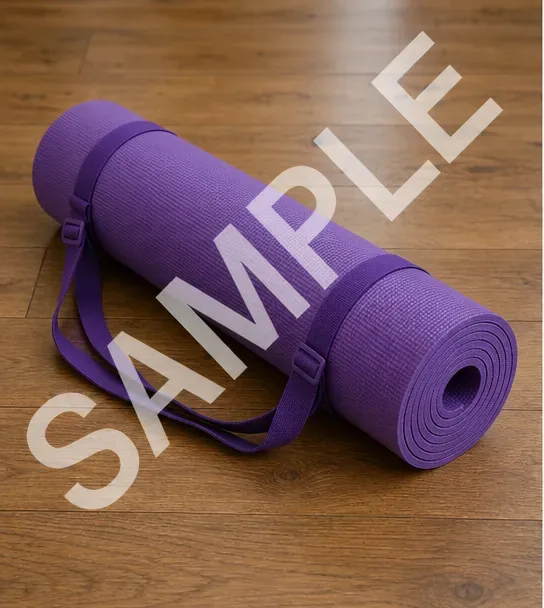
Output
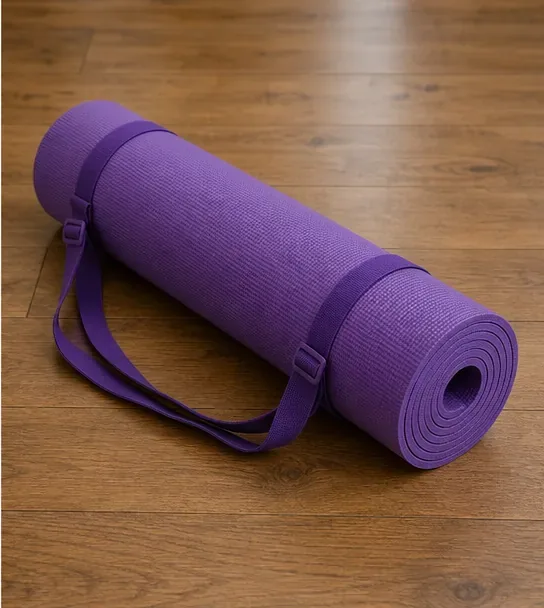
Fitness
Try It Now →

Input

Output
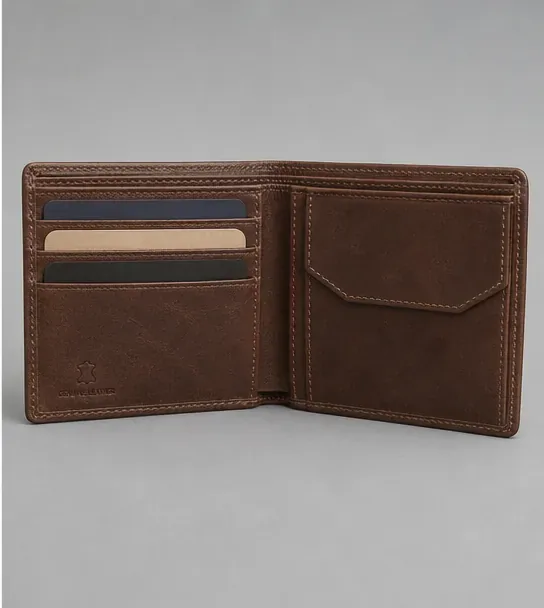
Accessories
Try It Now →

Input

Output

Food Packaging
Try It Now →

Input

Output

Publishing
Try It Now →

Input

Output

Plants
Try It Now →

Input

Output

Watches
Try It Now →

Input

Output

Gaming
Try It Now →

How It Works
Create in 4 Simple Steps
1
Upload Your Image
Select the product photo or image with the watermark you want to remove. Supports JPG, PNG, and most common image formats.
2
AI Detects Watermark
Our AI automatically identifies watermarks, logos, text overlays, and sample stamps on your image. No manual selection needed.
3
Remove & Download
Click remove and watch the AI cleanly erase the watermark while intelligently filling in the background. Download your pristine image instantly.
4
Use Commercially
Your cleaned images are ready for e-commerce listings, marketing materials, or any commercial use. You own 100% of the output.
The Problem & Solution
Why Choose AI for This?
🖼️
Before: Product photos cluttered with watermarks from suppliers or sample images that can't be used for listings.
↓
With JAI Portal: Clean, professional product images ready for your store in seconds with AI-powered watermark removal.
⚡
Before: Spending hours manually editing out watermarks in Photoshop or paying designers per image.
↓
With JAI Portal: Remove watermarks instantly with one click, processing dozens of images in minutes for just credits per image.
♻️
Before: Unable to use your own archived photos because of outdated watermarks or branding overlays.
↓
With JAI Portal: Reclaim your owned content by removing old watermarks and logos, giving images new life for marketing.
Overview
About AI Watermark Remover
An AI watermark remover takes a photo with overlay text, logos, or sample stamps and reconstructs the underlying image so the result looks like the watermark was never there. JAI Portal makes this a one-click step instead of a Photoshop project. Upload the image, choose the watermark removal model, and the platform analyzes the surrounding pixels to fill in the cleared region — keeping textures, lighting, and product details intact. The use case is built for e-commerce sellers, dropshippers, marketers, and content owners who need pristine product photos without the time or cost of manual retouching.
JAI Portal runs on a pure pay-as-you-go credit system. There is no monthly subscription, no per-seat pricing, and no hidden charges — you load credits once and spend them only when you process an image. New accounts get 10 free credits at signup, which is enough to clean several images and decide whether the workflow fits your catalog before paying anything. Outputs are commercially licensed, so cleaned product shots can go straight into your store, ad creative, marketplace listings, or marketing emails without any attribution requirement.
Online sellers cleaning up supplier sample images, photographers refreshing portfolio shots, agencies preparing client decks, and brands rescuing archived assets all use the same workflow: upload, generate, download. The platform processes images in seconds rather than the minutes a manual fix in a graphics editor would take, which means hundreds of catalog images become a single afternoon of work. Sign up, claim your free credits, and clean your first product photo in under a minute.
Key Benefits
Why Use an AI Watermark Remover
⚡
Seconds Per Image
Each watermark removal completes in 5-15 seconds. A full product catalog of 50-100 images turns into a single afternoon instead of a week of manual retouching.
🧠
Smart Background Reconstruction
The model analyzes pixels around the watermark and rebuilds matching textures, lighting, and shadows — so the cleaned area blends naturally with the rest of the photo.
💳
Pay Per Image, Not Per Month
No subscription required. Credits stay in your account until you use them, which is ideal for sellers who only clean photos when adding new SKUs to their store.
📦
Built for Bulk E-Commerce Work
Process supplier samples, marketplace imports, and stock photos without queueing — credits scale linearly so a catalog refresh stays predictable in cost.
©️
Commercial Use Included
Cleaned images are 100% yours. Use them in Shopify, Amazon, eBay, Etsy, paid ads, email campaigns, and printed catalogs without licensing or attribution requirements.
🖼️
Quality That Survives Zoom
Outputs preserve original resolution and detail, which means cleaned photos still look sharp on product detail pages, retina displays, and large-format print.
Real-World Use Cases
Who Uses AI to Remove Watermarks
🛒Dropshippers and Marketplace Sellers
Clean up supplier sample photos with overlay watermarks so they can be published on Amazon, eBay, Etsy, or your own Shopify storefront without re-shooting the product.
📸Content Owners Refreshing Archives
Reclaim old marketing photos that still carry outdated brand watermarks or stamped dates so they can be redeployed in current campaigns and social posts.
🏢Agencies Preparing Client Decks
Strip preview-stamp overlays from licensed stock comps and supplier images so creative pitches, mood boards, and proofs look polished and final.
🏠Real Estate and Listings
Clean up MLS or vendor-supplied property images that come with photographer watermarks so listings present cleanly across portals and social posts.
🍴Restaurants and Food Brands
Remove sample stamps from supplied menu and product photography so each dish image renders cleanly on delivery apps, the website, and printed menus.
🏷️Print-on-Demand and POD Sellers
Erase mockup-tool watermarks from product preview images so the final shop listing shows only the t-shirt, mug, or poster without distracting overlay branding.
Pro Tips
Pro Tips for Cleaner Removals
1
Upload the Highest Resolution AvailableMore pixels give the model more context to reconstruct the background. A 2000px+ source produces noticeably cleaner results than a 600px thumbnail.
2
Plain Backgrounds Are EasiestWatermarks over white seamless, gradient studio sweeps, or single-color surfaces clean up almost flawlessly. Busy patterns and text-heavy backdrops are harder.
3
Use Only on Content You Own or Have Rights ToThe tool is built for cleaning your own product photos, licensed assets, or stock you have purchased — not for stripping copyrighted images that belong to someone else.
4
For Layered Watermarks, Run TwiceWhen an image has both a corner logo and a diagonal stamp, run the cleanup, download the result, and feed it back through for the second mark for cleaner output.
5
Inspect Edges After CleanupZoom in around where the watermark used to be. If you spot a soft halo or texture mismatch, run the image through one more time — it usually resolves on the second pass.
6
Batch Similar Images TogetherCleaning a set of photos with the same supplier watermark in the same position produces consistent results — an easy way to plow through a full catalog in one session.
Related Use Cases
Explore More AI Use Cases
FAQ
Frequently Asked Questions
The JAI Portal watermark remover is designed for cleaning up your own owned content, licensed images, or product photos where you have rights. Always ensure you have legal permission to edit and use any image before removing watermarks.
Watermark removal costs just 5 credits per image on JAI Portal. There are no subscriptions or hidden fees—you only pay for what you use with our pay-as-you-go credit system.
Our AI watermark remover intelligently fills in removed areas while preserving original image quality. The technology analyzes surrounding pixels to seamlessly reconstruct the background, maintaining professional quality for e-commerce use.
Yes, the AI handles various watermark types including diagonal text, corner logos, semi-transparent overlays, timestamps, and sample stamps. It works on simple and complex backgrounds, though results are best on clear product photography.
Absolutely. All content you generate or edit on JAI Portal is 100% yours to use commercially. You retain full ownership and rights to use cleaned images in your e-commerce store, marketing, or any business purpose.
Watermark removal is nearly instant, typically taking just 5-15 seconds per image. You can process multiple product photos in minutes, making it perfect for bulk e-commerce catalog cleanup or rapid content preparation.
Ready To Get Started With Our AI Watermark Remover?
Start for free with 10 credits. No subscription required. Pay only for what you use.
Get Started Free