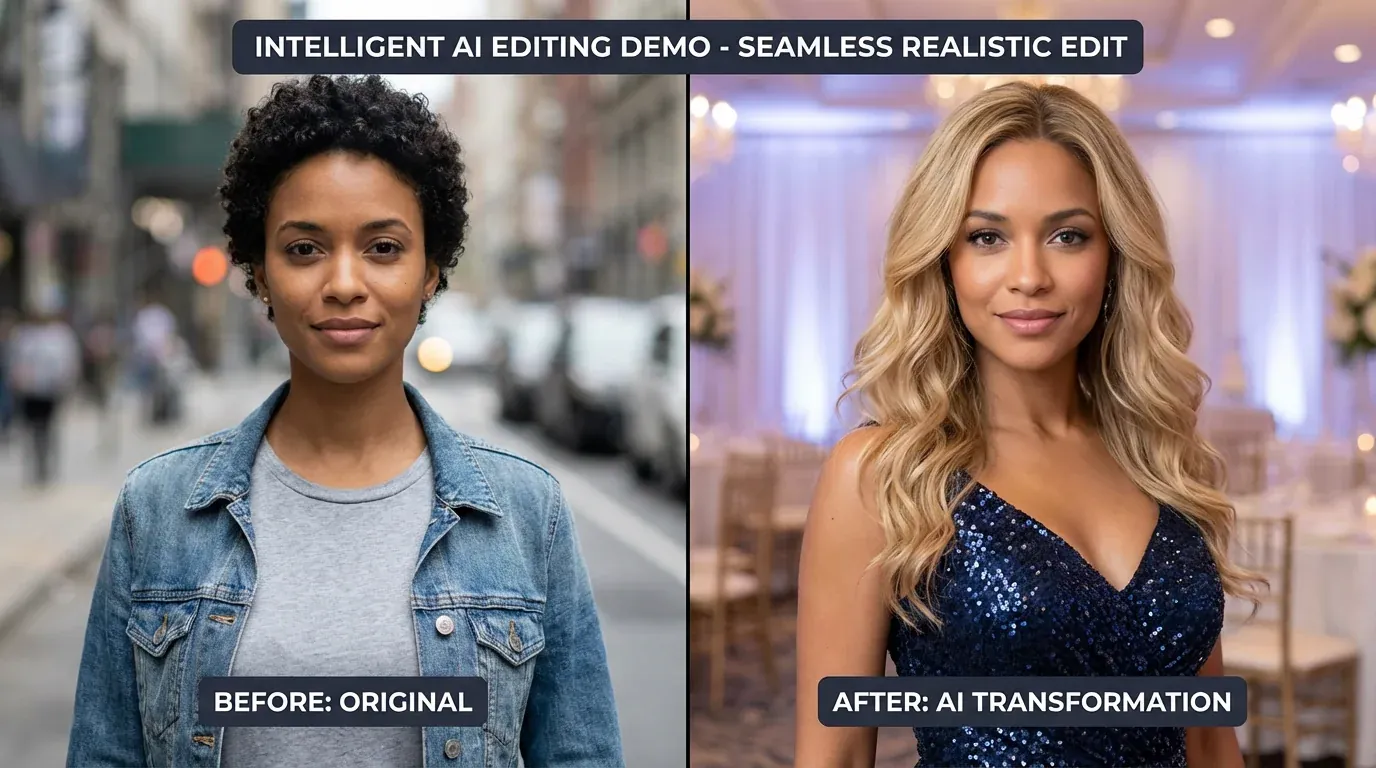
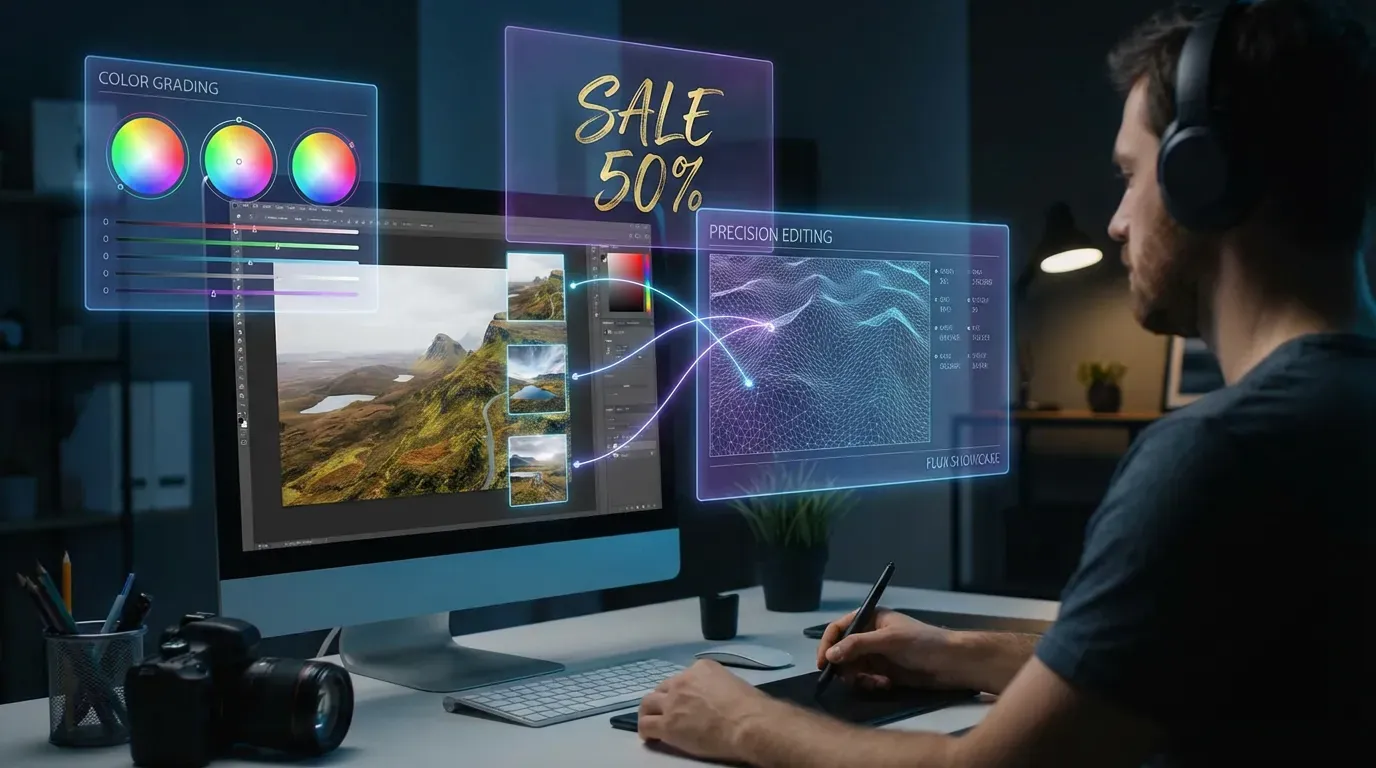
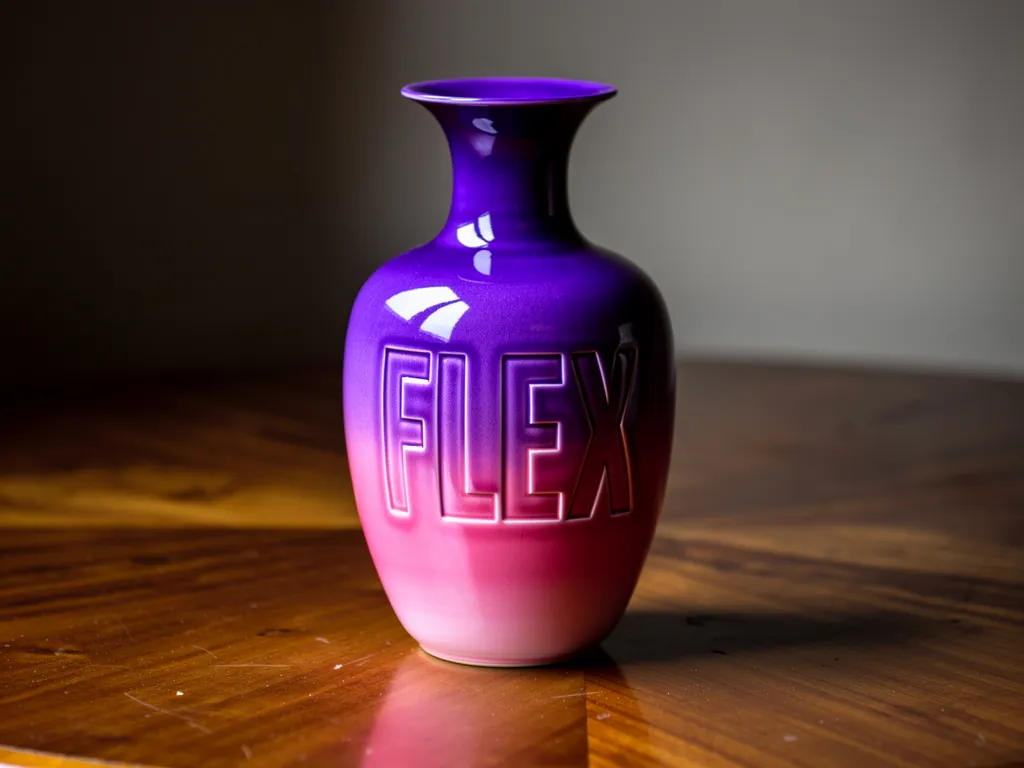
Updated June 2026 · 10 Models Tested

10 Best Nano Banana Pro Alternatives in 2026 – Expert Ranked

10 AI image editing tools tested. Multi-image fusion, advanced transformations — no subscription, no watermark. Pay only for what you use.

Nano Banana Pro alternatives from just 2 credits · 10 free credits on signup

Try #1 Ranked FLUX 2 Pro Edit Free
10 Free Credits · No credit card required
FLUX 2 Pro Edit example output
#1 FLUX 2 Pro Edit — Sample generation
Nano Banana Pro Alternatives Ranked

Updated June 2026
#1 Best Overall On JAI

FLUX 2 Pro Edit

Best Overall Alternative

FLUX 2 Pro Edit AI offers advanced image editing, high-quality manipulation, style transfer, and seq

Pros

  • Professional-grade editing quality
  • Advanced style transfer capabilities
  • 3x cheaper than Nano Banana Pro

Cons

  • Slightly higher cost than budget options
  • May require more detailed prompts
5 credits per use · ~2 uses with free credits
See comparison with other tools ↓
Try FLUX 2 Pro Edit Free →
10 free credits — no card required
★★★★☆ 4.8/5
#2 Best Quality On JAI

Qwen Image Edit Plus

Best for Multi-Image Editing

Qwen Image Edit Plus is an advanced AI image editing tool for multi-image editing, text-based transf

Pros

  • Advanced multi-image editing capabilities
  • Text-based transformation support
  • Excellent for complex editing tasks

Cons

  • Higher cost than basic editors
  • Learning curve for advanced features
10 credits per use · ~1 use with free credits
See comparison with other tools ↓
Try Qwen Image Edit Plus Free →
10 free credits — no card required
★★★★☆ 4.7/5
#3 Best Value On JAI

FLUX 2 Flash Edit

Fastest & Most Affordable

FLUX 2 Flash Edit: Fast, precise AI image editing with natural language prompts and hex color contro

Pros

  • Lightning-fast processing speed
  • 87% cheaper than Nano Banana Pro
  • Hex color control for precision

Cons

  • May sacrifice some quality for speed
  • Limited advanced features
2 credits per use · ~5 uses with free credits
See comparison with other tools ↓
Try FLUX 2 Flash Edit Free →
10 free credits — no card required
★★★★☆ 4.6/5
#4 On JAI

StepX Edit2

Best for Advanced Editing

StepX Edit2: advanced AI image-to-image editing with abstract prompt understanding, reflection loop,

Pros

  • Abstract prompt understanding
  • Reflection loop technology
  • Cutting-edge AI capabilities

Cons

  • Higher cost than most alternatives
  • May be overkill for simple edits
25 credits per use · ~0 uses with free credits
See comparison with other tools ↓
Try StepX Edit2 →
10 free credits — no card required
★★★★☆ 4.8/5
#5 On JAI

FLUX 2 Max Edit

Best for Realistic Results

FLUX 2 Max Edit delivers advanced AI image editing with realistic results, precision, and seamless t

Pros

  • Highly realistic editing results
  • Precision control features
  • Seamless transformations

Cons

  • Mid-range pricing
  • Processing time for quality
10 credits per use · ~1 use with free credits
See comparison with other tools ↓
Try FLUX 2 Max Edit Free →
10 free credits — no card required
★★★★☆ 4.7/5
#6 On JAI

Gemini 2.0 Flash Edit

Best Google AI Editor

Edit images instantly with Gemini 2.0 Flash Edit—Google's fast AI image editor. Modify photos using

Pros

  • Google's advanced AI technology
  • Fast processing speed
  • 73% cheaper than Nano Banana Pro

Cons

  • May have Google ecosystem dependencies
  • Limited customization options
4 credits per use · ~2 uses with free credits
See comparison with other tools ↓
Try Gemini 2.0 Flash Edit Free →
10 free credits — no card required
★★★★☆ 4.6/5
#7 On JAI

FLUX 2 Flex Edit

Best Multi-Reference Editor

Transform images with FLUX 2 Flex Edit: advanced AI image editing, multi-reference features, HEX col

Pros

  • Multi-reference image support
  • HEX color precision control
  • Advanced transformation features

Cons

  • Requires understanding of multi-reference workflow
  • May need more setup time
4 credits per use · ~2 uses with free credits
See comparison with other tools ↓
Try FLUX 2 Flex Edit Free →
10 free credits — no card required
★★★★☆ 4.7/5
#8 On JAI

Qwen Image Edit 2511

Best for Precision Control

Qwen Image Edit 2511 enables precise AI-powered image editing, style transformation, and angle adjus

Pros

  • Precise editing controls
  • Style transformation capabilities
  • Angle adjustment features

Cons

  • Moderate pricing tier
  • May require technical knowledge
6 credits per use · ~1 use with free credits
See comparison with other tools ↓
Try Qwen Image Edit 2511 Free →
10 free credits — no card required
★★★★☆ 4.6/5
#9 On JAI

Reve Edit

Best Natural Language Editor

Reve Edit AI enables seamless image editing using natural language text prompts. Instantly transform

Pros

  • Seamless natural language editing
  • Instant transformations
  • User-friendly interface

Cons

  • May lack advanced features
  • Limited technical controls
4 credits per use · ~2 uses with free credits
See comparison with other tools ↓
Try Reve Edit Free →
10 free credits — no card required
★★★★☆ 4.5/5
#10 On JAI

FLUX 2 Turbo Edit

Best Speed-Quality Balance

FLUX 2 Turbo Edit: Ultra-fast AI image editing with precise natural language and hex color controls.

Pros

  • Ultra-fast processing
  • Precise natural language control
  • Hex color controls

Cons

  • May prioritize speed over maximum quality
  • Limited advanced customization
3 credits per use · ~3 uses with free credits
See comparison with other tools ↓
Try FLUX 2 Turbo Edit Free →
10 free credits — no card required
★★★★☆ 4.6/5
Verdict
Our Top Picks
The alternatives above offer compelling reasons to move beyond Nano Banana Pro's 15-credit pricing. FLUX 2 Pro Edit leads with advanced manipulation capabilities and professional-grade output quality. Qwen Image Edit Plus excels at multi-image workflows that Nano Banana Pro handles less efficiently. FLUX 2 Flash Edit delivers the fastest processing speeds at lower credit costs, perfect for high-volume work. JAI Portal's pay-per-use model means you're never locked into a subscription—test any alternative, switch between models based on project needs, and pay only for successful generations. Whether you prioritize speed, cost efficiency, specialized features, or photorealistic quality, there's an alternative that outperforms Nano Banana Pro for your specific use case. Start by testing the top three alternatives with your actual images to see which delivers the best results for your workflow.

Side by Side
Feature Comparison
Nano Banana Pro vs top alternatives
Feature Nano Banana Pro FLUX 2 Pro Edit Qwen Image Edit Plus FLUX 2 Flash Edit StepX Edit2
Price per Edit 15 credits 5 credits 10 credits 2 credits 25 credits
Multi-Image Support ✓ Yes ✓ Yes ✓ Yes ✓ Yes ✓ Yes
Processing Speed Fast Fast Fast Ultra-Fast Moderate
Natural Language ✓ Yes ✓ Yes ✓ Yes ✓ Yes ✓ Yes
Style Transfer Advanced Advanced Advanced Standard Advanced
Color Control ✓ Yes ✓ Yes ✓ Yes HEX Control ✓ Yes
Best For Multi-image fusion Professional editing Complex tasks High-volume Abstract prompts
Quality Level Premium Premium Premium High Premium
Try Free → Try Free → Try Free → Try Free → Try Free →
FLUX 2 Pro Edit #1 Ranked
Price5 credits
Rating4.8/5
Price TypePay-as-you-go
Best ForProfessional designers and businesses ne...
Try FLUX 2 Pro Edit Free →
Qwen Image Edit Plus
Price10 credits
Rating4.7/5
Price TypePay-as-you-go
Best ForAdvanced users needing sophisticated mul...
Try Qwen Image Edit Plus Free →
FLUX 2 Flash Edit
Price2 credits
Rating4.6/5
Price TypePay-as-you-go
Best ForHigh-volume workflows requiring fast, af...
Try FLUX 2 Flash Edit Free →
StepX Edit2
Price25 credits
Rating4.8/5
Price TypePay-as-you-go
Best ForProfessional studios and advanced users ...
Try StepX Edit2 Free →

Why Switch
Why Look for Nano Banana Pro Alternatives?
💰
Better Pricing
Nano Banana Pro costs 15 credits per edit. Many alternatives offer similar or better features at lower credit costs, starting from just 1-5 credits per generation.
Faster Processing
Some alternatives like FLUX 2 Flash Edit and Reve Fast Edit deliver ultra-fast image editing in seconds, perfect for high-volume workflows and quick iterations.
🎨
Specialized Features
Different tools excel at specific tasks—from virtual try-on and background generation to product photography and style transfer—letting you choose the best tool for your needs.
🔧
More Control
Alternatives offer varied control options including hex color precision, camera angle adjustments, LoRA customization, and advanced inpainting capabilities for specialized editing workflows.

Context
Choosing the Right Nano Banana Pro Alternative
Nano Banana Pro is a capable image editing model at 15 credits per edit, but it's not the only option on JAI Portal. Whether you're looking for faster processing speeds, lower credit costs, or specialized features like hex color control and multi-image editing, there are dozens of alternatives worth considering. This page compares the top image editing models available on JAI Portal's pay-per-use platform. You'll find options like FLUX 2 Flash Edit for ultra-fast edits, Qwen Image Edit Plus for handling multiple images simultaneously, and FLUX 2 Pro Edit for advanced manipulation tasks. Each alternative offers different strengths—some prioritize speed, others focus on precision control or realistic output quality. Since JAI Portal charges only for what you generate, you can test multiple models without subscription commitments. The alternatives below are ranked by overall capability, pricing efficiency, and specialized features to help you find the right fit for your specific image editing workflow.

Real Scenarios
When to Choose a Nano Banana Pro Alternative
E-commerce teams editing product photos at scale
Online retailers processing hundreds of product images daily need cost-effective solutions with consistent quality. FLUX 2 Flash Edit delivers fast edits at lower credit costs than Nano Banana Pro, making it ideal for bulk background removal, color adjustments, and lighting corrections. For brands requiring photorealistic results with precise color matching, FLUX 2 Max Edit provides advanced control over hex colors and detailed manipulation without breaking the budget on high-volume workflows.
Social media managers creating quick content variations
Content creators need to generate multiple versions of images for A/B testing and platform-specific formats. Reve Edit excels at natural language editing, letting you describe changes conversationally rather than using technical parameters. When speed matters most for trending content, FLUX 2 Turbo Edit balances rapid processing with quality output. Both alternatives process edits faster than Nano Banana Pro while maintaining professional results suitable for Instagram, LinkedIn, and other social platforms where visual consistency matters.
Design agencies requiring precise client revisions
Creative agencies handling client feedback need pixel-perfect control over edits. Qwen Image Edit 2511 offers precision controls for style transformation and angle adjustments that exceed Nano Banana Pro's capabilities. For projects involving multiple reference images or complex style transfers, StepX Edit2 provides advanced prompt understanding and reflection loop capabilities. These alternatives give designers the granular control needed for professional client work where minor details determine approval.
Marketing teams localizing visual content globally
Global campaigns require editing images for different markets, languages, and cultural contexts. Gemini 2.0 Flash Edit leverages Google's AI infrastructure for fast modifications across diverse visual styles. When handling multiple images simultaneously for regional campaigns, Qwen Image Edit Plus processes batch edits more efficiently than running Nano Banana Pro individually. These alternatives reduce both time and credit costs when adapting visual assets for international audiences.
Photographers enhancing portfolio images professionally
Professional photographers need realistic edits that maintain image integrity while enhancing visual appeal. FLUX 2 Max Edit specializes in photorealistic results with seamless transformations that don't look artificially edited. For photographers working with complex lighting scenarios or requiring advanced inpainting, FLUX 2 Flex Edit offers multi-reference features and HEX color precision. Both alternatives provide the professional-grade quality needed for client deliverables and portfolio presentations.

Tips
Pro Tips for Picking the Right Alternative
💡
Start with low-credit models for testing
Before committing credits to expensive edits, test your prompts and workflows on faster, lower-cost alternatives. Models like FLUX 2 Flash Edit help you refine your editing approach without burning through credits. Once you've dialed in the exact parameters, switch to higher-quality models for final production. This strategy saves significant credits when you're still learning what works best for your specific image types.
💡
Match model capabilities to your actual needs
Don't pay for features you won't use. If you're only adjusting colors and lighting, a specialized model may outperform general-purpose editors at lower cost. Evaluate whether you actually need advanced features like multi-reference editing or LoRA customization. Many users find that simpler models like Reve Edit handle 80% of their tasks perfectly well, reserving premium models for complex projects.
💡
Compare output quality with identical prompts
Run the same editing prompt across three different alternatives using the same source image. This direct comparison reveals which model interprets your instructions most accurately. Save your test results to build a personal reference guide of which models work best for specific edit types. JAI Portal's pay-per-use structure makes these comparison tests affordable since you're only charged for actual generations.
💡
Consider processing speed for time-sensitive work
Credit cost isn't everything—time has value too. For deadline-driven projects, faster models like FLUX 2 Turbo Edit may justify slightly higher costs through improved productivity. Calculate your effective hourly rate when choosing between a 10-second edit and a 60-second edit. Speed advantages compound quickly when processing multiple images or iterating through client revisions.
💡
Leverage specialized models for niche requirements
Generic editors handle common tasks, but specialized alternatives excel at specific challenges. If you frequently work with abstract concepts or complex style transfers, StepX Edit2 offers advanced prompt understanding that general models can't match. Identify your most common pain points with Nano Banana Pro, then find alternatives specifically designed to solve those problems rather than settling for all-purpose tools.
💡
Track credit usage across different workflows
Monitor which models consume the most credits in your typical workflows. You might discover that switching models for specific task types reduces overall spending by 30-40%. For example, use budget-friendly options for rough drafts and iterations, then switch to premium models only for final deliverables. This hybrid approach optimizes both quality and cost efficiency across your entire image editing pipeline.

How To
Migrating from Nano Banana Pro to JAI Portal
Switching from Nano Banana Pro to JAI Portal alternatives takes just a few steps. First, identify your most common editing tasks—background removal, color adjustments, style transfers, or object modifications. This determines which alternative best matches your workflow. Second, select 2-3 alternatives from the list above based on your priorities: FLUX 2 Flash Edit for speed and cost savings, FLUX 2 Pro Edit for advanced features, or Qwen Image Edit Plus for multi-image projects. Third, run identical test edits using the same source images and prompts you'd use with Nano Banana Pro. Compare output quality, processing speed, and credit costs. Fourth, adjust your prompts for each model—some respond better to detailed descriptions while others prefer concise instructions. Fifth, integrate your chosen alternative into your regular workflow, starting with non-critical projects. Finally, track credit usage over two weeks to confirm cost savings. JAI Portal's pay-per-use structure means there's no penalty for testing multiple alternatives, and you can switch between models based on specific project requirements rather than being locked into one option.

Questions
Frequently Asked Questions
While there are no completely free alternatives, FLUX 2 Flash Edit at 2 credits per edit and FLUX 2 Turbo Edit at 3 credits per edit are the most affordable options, costing 87% and 80% less than Nano Banana Pro respectively. Both offer fast, precise AI image editing with natural language prompts and hex color controls, making them excellent budget-friendly choices.
For maximum quality, FLUX 2 Pro Edit and StepX Edit2 are top choices. FLUX 2 Pro Edit offers advanced image editing with high-quality manipulation and style transfer at 5 credits per edit. StepX Edit2 provides cutting-edge AI with abstract prompt understanding and reflection loop technology at 25 credits, delivering professional-grade results for demanding projects.
FLUX 2 Flash Edit is the fastest alternative, offering ultra-fast AI image editing with natural language prompts and hex color controls at just 2 credits per edit. For slightly more features while maintaining excellent speed, FLUX 2 Turbo Edit provides ultra-fast processing at 3 credits per edit with precise natural language and hex color controls.
Qwen Image Edit Plus is specifically designed for advanced multi-image editing and text-based transformations at 10 credits per edit. FLUX 2 Flex Edit is another excellent choice, offering multi-reference image support with HEX color precision control and advanced transformation features at just 4 credits per edit.
Yes, most alternatives offer better pricing. FLUX 2 Flash Edit (2 credits), FLUX 2 Turbo Edit (3 credits), and FLUX 2 Flex Edit (4 credits) are all significantly cheaper than Nano Banana Pro's 15 credits. Even premium options like FLUX 2 Pro Edit (5 credits) and FLUX 2 Max Edit (10 credits) cost substantially less while delivering comparable or superior quality.
Yes, all listed alternatives support commercial use with pay-as-you-go pricing. FLUX 2 Pro Edit and FLUX 2 Max Edit are particularly well-suited for commercial projects, offering professional-grade editing quality with realistic results and precision control. StepX Edit2 is ideal for professional studios requiring cutting-edge AI capabilities with abstract prompt understanding.
For commercial work, value means balancing quality, speed, and credit efficiency. FLUX 2 Pro Edit delivers professional-grade results suitable for client deliverables and commercial licensing without the 15-credit cost of Nano Banana Pro. If you're processing high volumes, FLUX 2 Flash Edit provides excellent quality-to-cost ratio for batch operations. For projects requiring photorealistic output where quality cannot be compromised, FLUX 2 Max Edit justifies its credit cost through superior realism and precision control. The best choice depends on your specific commercial requirements—test all three with your actual project images.
Yes, several alternatives handle batch processing more efficiently. Qwen Image Edit Plus is specifically designed for multi-image editing workflows, processing several images simultaneously rather than sequentially. This reduces total processing time significantly when you're editing product catalogs or content libraries. FLUX 2 Flash Edit also excels at high-volume work through its ultra-fast processing speed, completing individual edits in seconds. For batch operations, these alternatives save both time and credits compared to running Nano Banana Pro repeatedly. JAI Portal's pay-per-use model means you only pay for successful generations, making batch testing risk-free.
Brand work demands precise color control that goes beyond basic adjustments. FLUX 2 Max Edit and FLUX 2 Flex Edit both support hex color precision, letting you specify exact brand colors rather than approximating with text descriptions. This ensures consistency across all edited images, critical for maintaining brand guidelines. Qwen Image Edit 2511 offers precision control for style transformation while preserving specific color values. These capabilities exceed Nano Banana Pro's color handling, particularly important for corporate clients with strict brand standards. Test your brand's specific hex codes with these models to verify color accuracy.
Editing images containing text requires models that preserve legibility while applying transformations. Gemini 2.0 Flash Edit leverages Google's AI infrastructure, which includes strong text understanding capabilities that help maintain typography integrity during edits. For complex text-heavy images requiring precise modifications around letterforms, StepX Edit2 offers advanced prompt understanding that can interpret instructions about preserving or modifying text elements. FLUX 2 Pro Edit also handles text-containing images well through its advanced manipulation features. Always test with your specific typography styles, as results vary based on font complexity and image composition.
Portrait editing requires natural-looking results that preserve facial features and skin tones. FLUX 2 Max Edit specializes in realistic results, making it excellent for portrait work where artificial-looking edits are immediately noticeable. The model handles skin texture, lighting adjustments, and facial feature modifications with photorealistic quality. FLUX 2 Pro Edit offers advanced manipulation suitable for professional portrait retouching, including subtle adjustments that maintain natural appearance. For quick portrait edits in social media workflows, Reve Edit provides natural language control that simplifies common portrait adjustments. Test these alternatives with diverse skin tones and lighting conditions to ensure consistent quality.
When learning, you'll generate many test edits before achieving desired results. FLUX 2 Flash Edit offers the fastest, most affordable option for experimentation, letting you iterate quickly without accumulating high credit costs. Its rapid processing means you can test multiple prompt variations in minutes. Reve Edit is also excellent for beginners due to its natural language interface—you describe edits conversationally rather than learning technical parameters. Both alternatives cost significantly less per edit than Nano Banana Pro's 15 credits, making them ideal for building skills. Start with these models, document what works, then graduate to premium alternatives like FLUX 2 Pro Edit for final production work.
Browse by Type
Explore AI Models by Category
Try the Best Nano Banana Pro Alternatives Free
Get 10 free credits to test FLUX, Qwen, Gemini, and 98+ other AI image editing models. No subscription required.
Start Free
10 Free Credits · No Credit Card Required

Related Content
How-To Guides
Face Swap in Photos with AI How to Enlarge Images Without Losing Quality Generate 3D Models from Photos with AI
Free Tools
Free AI Art Generator – From Idea to Masterpiece, Free 🎨 Free AI Image Editor Tool Free AI Headshot Generator
Alternatives
Morph Studio Alternatives Pixverse v5.5 text to video Alternatives Kling Lipsync Alternatives
Best Of
Best Free AI Image Generators 2026 Best AI Animation Generators 2026 Best Background Removal Tools
Explore Related