Use code JAI15 for 15% OFF 12:00:00
🚀 10 Free Credits • No Subscription

Free AI Anime Generator – Zero Cost 🎌

Turn any photo or idea into anime with AI. 10 free credits, no subscription. Part of an all-in-one AI platform.

Best free alternative to Midjourney anime Better pricing than NovelAI No subscription like Artbreeder Cheaper than Jasper Art anime Pay as you go—unlike DALL-E subscriptions More models than Craiyon anime
500K+
Active Users
10M+
Generations
4.9/5
Rating
110+
AI Models
Free to Try
Available AI Models
Start creating with your 10 free credits
✓ No Subscription Required ✓ No Watermarks ✓ Commercial Use License ✓ 10 Free Credits on Signup ✓ 110+ Anime AI Models
Kolors Image to Image
Try Now →
Free to Try
Kolors Image to Image
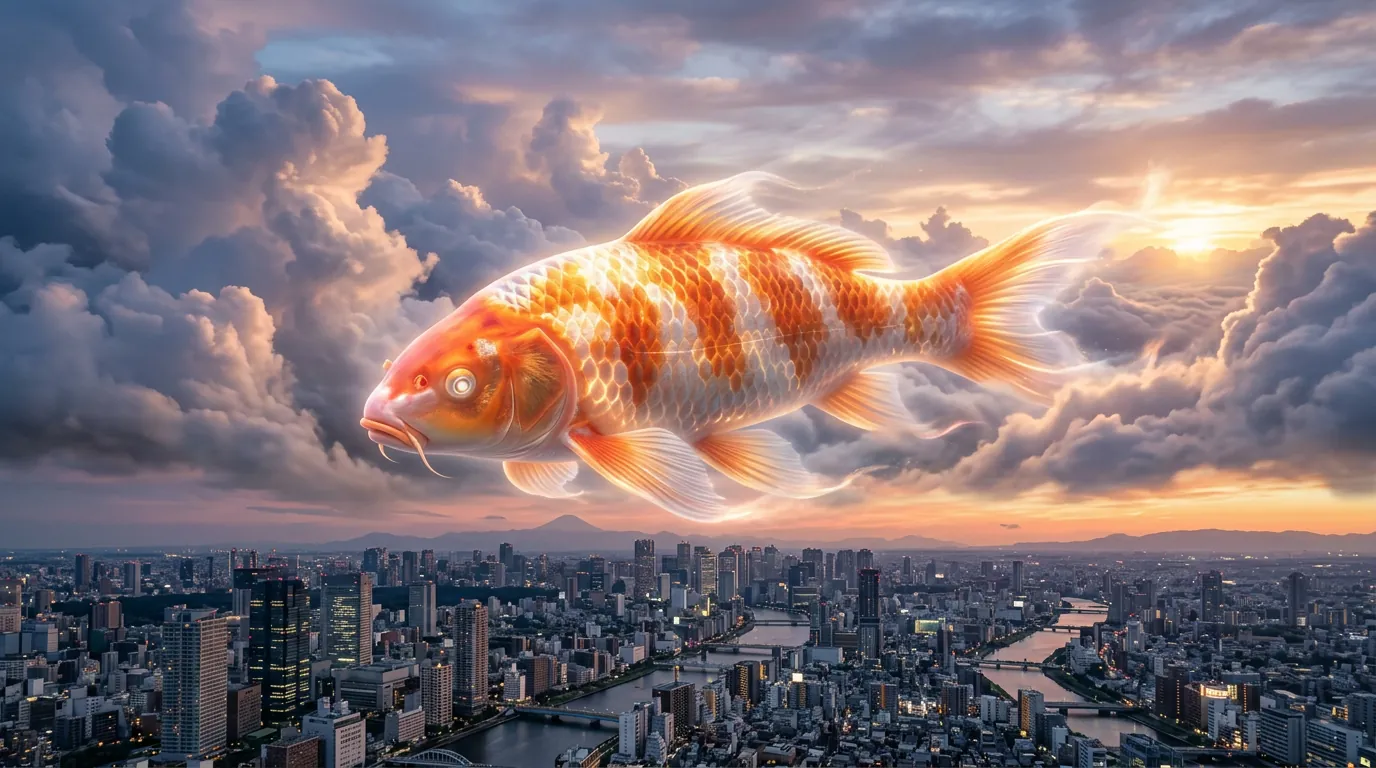
Transform images into photorealistic 8K versions with adjustable strength
Luma Reframe Image
Try Now →
Free to Try
Luma Reframe Image
Change photo aspect ratios with AI-generated content (not cropping)
Reve Fast Edit
Try Now →
Free to Try
Reve Fast Edit
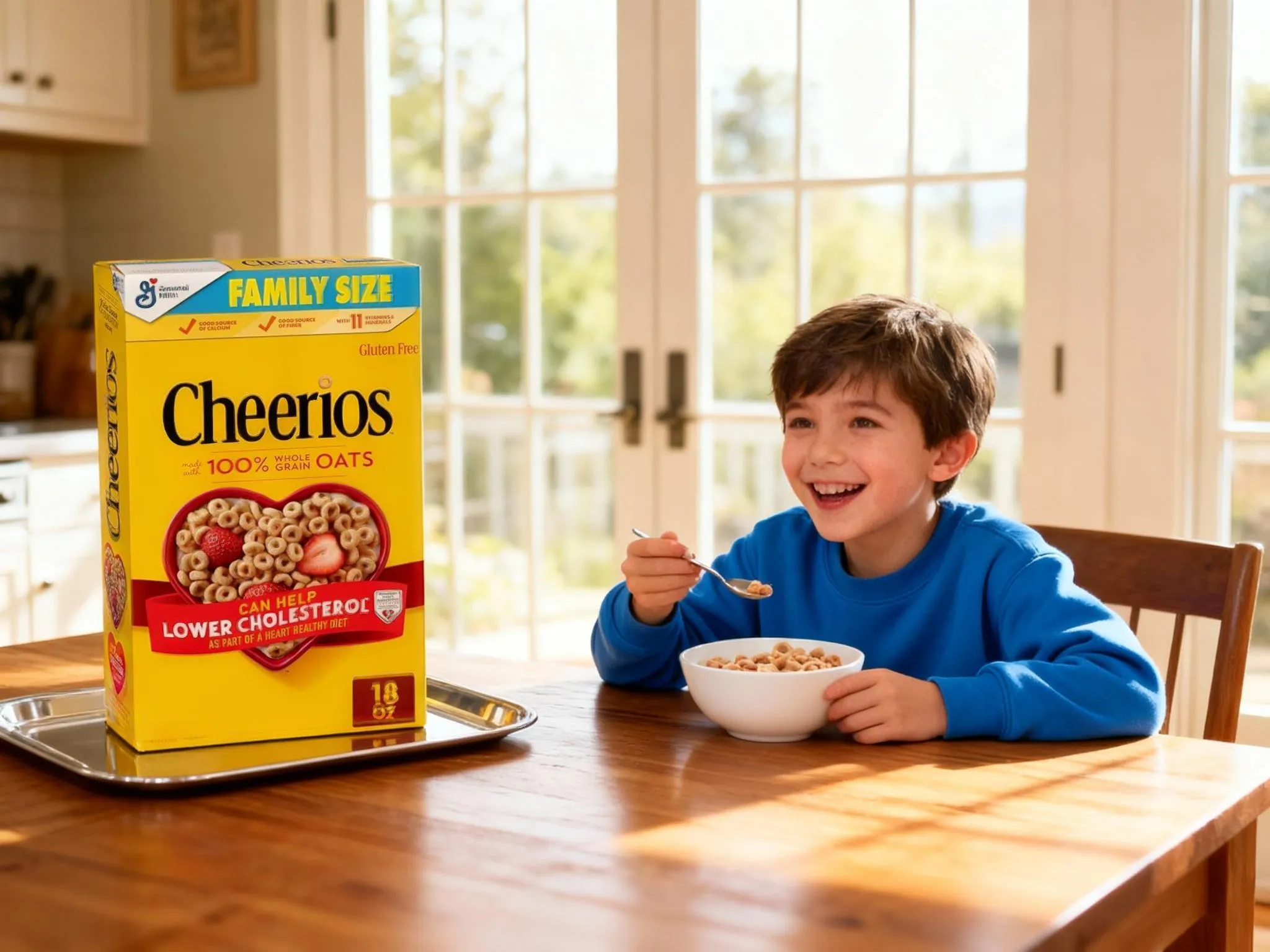
Edit images quickly using text prompts, generate up to 4 variations
Z-Image Turbo Image to Image
Try Now →
Free to Try
Z-Image Turbo Image to Image
Transform images lightning-fast with text prompts.
Playground v2.5 Image to Image
Try Now →
Free to Try
Playground v2.5 Image to Image
Transform existing images with adjustable strength and aesthetic quality
Playground v2.5 Inpainting
Try Now →
Free to Try
Playground v2.5 Inpainting
Fill in or replace parts of images using masks and text prompts
Fast SDXL Image to Image
Try Now →
Free to Try
Fast SDXL Image to Image
Transform existing images while preserving aspect ratio and details
Reve Fast Remix
Try Now →
Free to Try
Reve Fast Remix
Combine and transform up to 4 images into new creations
Recraft Vectorize
Try Now →
Free to Try
Recraft Vectorize
Convert your photos and illustrations into scalable SVG vector graphics.
Fast SDXL Inpainting
Try Now →
Free to Try
Fast SDXL Inpainting
Fill in or replace specific areas of images using masks
Image2Pixel
Try Now →
Free to Try
Image2Pixel
Convert any image into authentic retro pixel art with advanced color and scale control.
Luma Photon Flash Modify
Try Now →
Free to Try
Luma Photon Flash Modify
Quickly edit images using text prompts with adjustable strength
NVIDIA Chrono Edit
Try Now →
Free to Try
NVIDIA Chrono Edit
Edit images with physics-aware AI that understands how objects should look and behave.
GPT Image 1 Mini Edit
Try Now →
Free to Try
GPT Image 1 Mini Edit
Edit and combine multiple images using natural language instructions.
FLUX 2 Flash Edit
Try Now →
Free to Try
FLUX 2 Flash Edit
FLUX.2 [dev] Flash image editing. Precise modifications using natural language descriptions and hex color control. Fast editing in a flash
Z-Image Turbo Inpaint
Try Now →
Free to Try
Z-Image Turbo Inpaint
Generate images from text, an image and a mask using Z-Image Turbo. Precise inpainting with Tongyi-MAI's super-fast 6B model for seamless image editing
Z-Image Turbo Inpaint LoRA
Try Now →
Free to Try
Z-Image Turbo Inpaint LoRA
Generate images from text, image, mask and custom LoRA using Z-Image Turbo. Advanced inpainting with LoRA support for precise modifications and style control
Kling Image O3 Image to Image
Try Now →
Free to Try
Kling Image O3 Image to Image
Kling Omni 3 image-to-image with flawless consistency. 1K/2K/4K resolution, supports up to 10 reference images (@Image1, @Image2, etc.)
Grok Imagine Image Edit
Try Now →
Free to Try
Grok Imagine Image Edit
Edit images precisely with xAI's Grok Imagine model. Natural language image editing with automatic prompt enhancement
FLUX 2 Turbo Edit
Try Now →
Free to Try
FLUX 2 Turbo Edit
FLUX.2 [dev] Turbo image editing. Precise modifications using natural language and hex color control at turbo speed
Wan v2.6 Image to Image
Try Now →
Free to Try
Wan v2.6 Image to Image
Wan 2.6 image-to-image model with multi-image composition. Combine elements from up to 3 reference images with natural language instructions. Supports Chinese and English
Bria Fibo Mashup
Try Now →
Free to Try
Bria Fibo Mashup
Merge three images into one cohesive creation blending subject, scene, and style
Kling Image v3 Image to Image
Try Now →
Free to Try
Kling Image v3 Image to Image
Kling V3 image-to-image transformation with face control support. 1K/2K resolution, multiple aspect ratios
JAI Home Edit
Try Now →
Free to Try
JAI Home Edit
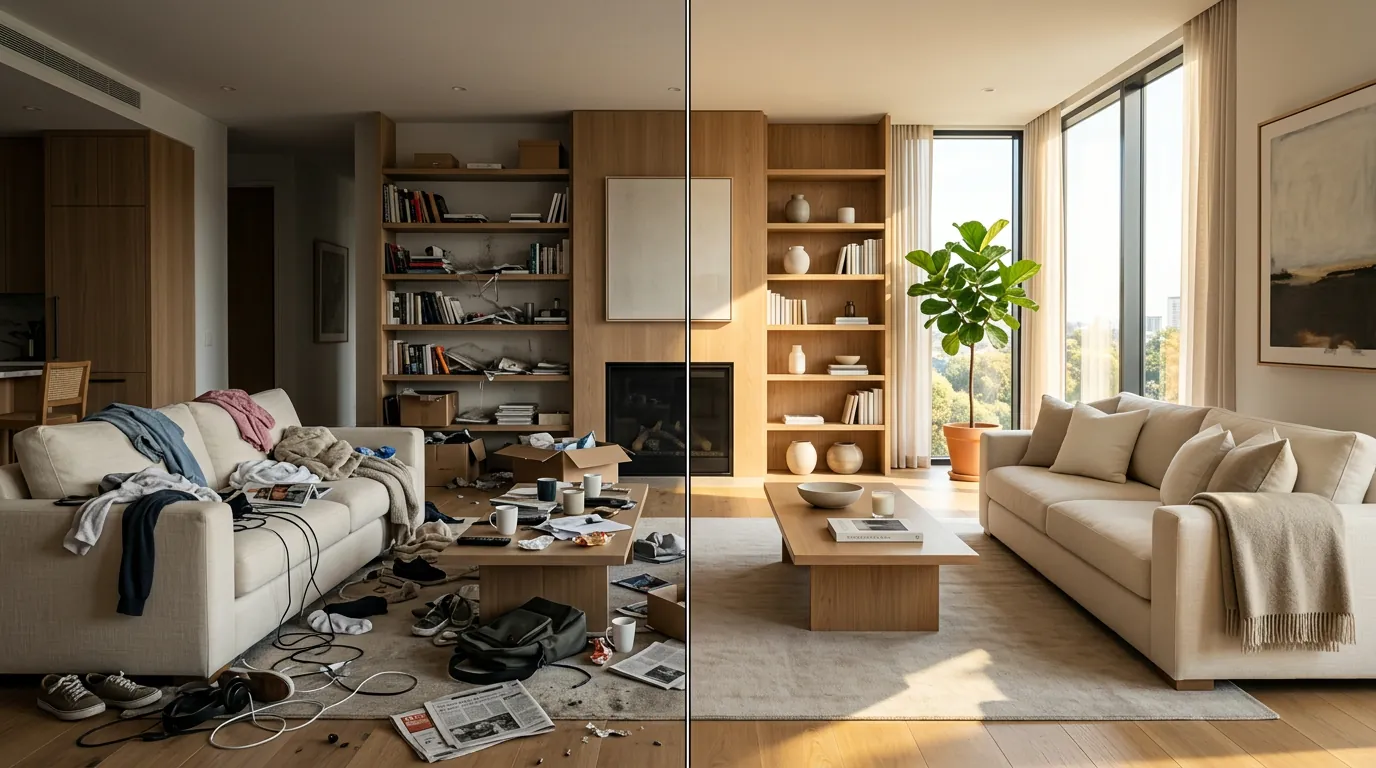
AI Home Edit transforms your home interior and exterior photos with realistic, prompt-based edits. Edit structural elements, furniture, or both with extensive style and color options
JAI Home Style
Try Now →
Free to Try
JAI Home Style
AI Home Style reimagines your home interior and exterior design with bold, prompt-driven concepts. Transform your space with extensive style options and optional style reference images
Kling Omni Image O1
Try Now →
Free to Try
Kling Omni Image O1
Create consistent characters and scenes using up to 10 reference images - perfect for comics, IP design, and series.
Bytedance Seedream v5 Lite Edit
Try Now →
Free to Try
Bytedance Seedream v5 Lite Edit
Fast, high-quality intelligent multi-image editing. Reference up to 10 input images (Figure 1, Figure 2, etc.), 2K resolution, prompt enhancement
Qwen Image 2 Edit
Try Now →
Free to Try
Qwen Image 2 Edit
Unified generation-and-editing model. Multi-image editing (1-6 images), Chinese & English support, 512x512-2048x2048, prompt expansion, 1-6 outputs
Gemini 2.0 Flash Multi Edit
Try Now →
Free to Try
Gemini 2.0 Flash Multi Edit
Edit multiple images at once with a single text instruction for consistent results.
FLUX Kontext Pro
Try Now →
Free to Try
FLUX Kontext Pro
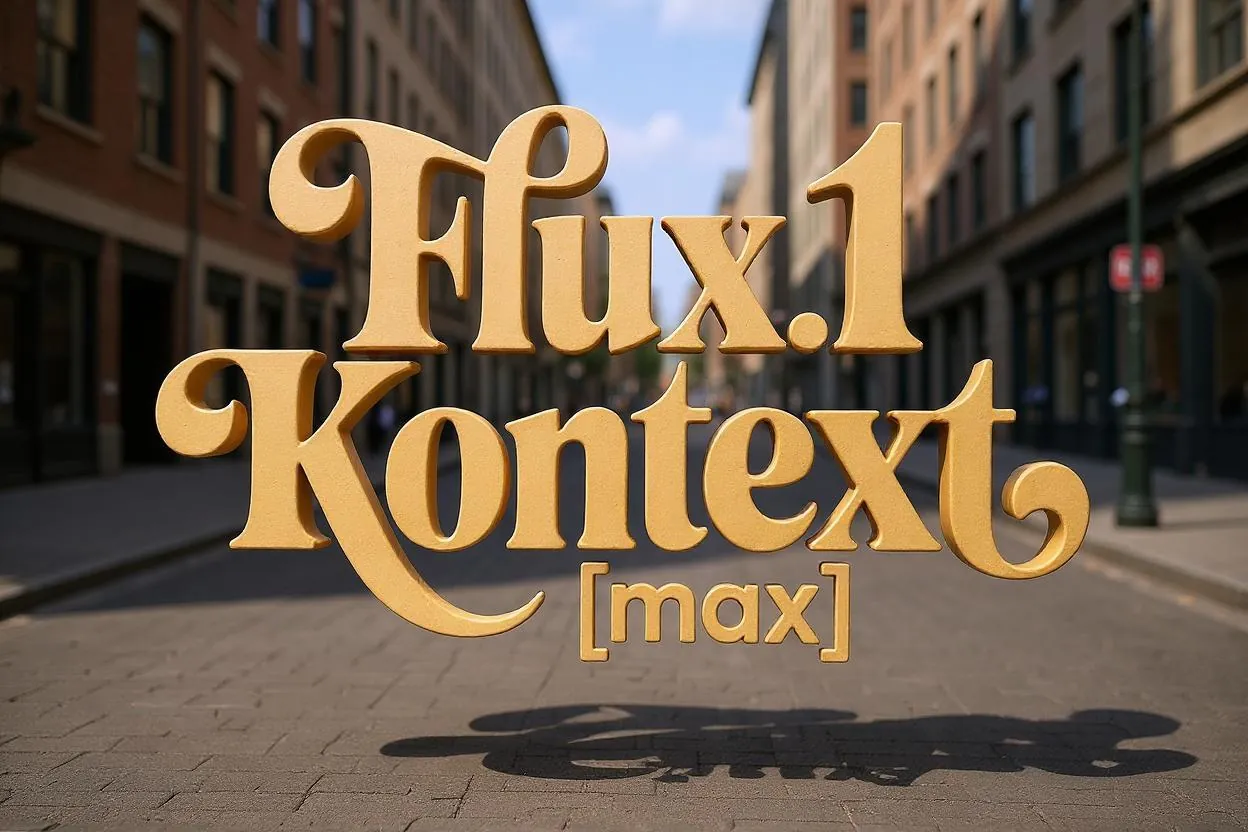
Edit images by describing changes in plain language
Qwen Image Edit
Try Now →
Free to Try
Qwen Image Edit
Edit images with text prompts in English or Chinese - change appearance, semantics, or add text
Bria Generate Background
Try Now →
Free to Try
Bria Generate Background
Generate new backgrounds for your images
FLUX 2 Apartment Staging
Try Now →
Free to Try
FLUX 2 Apartment Staging
Turn empty rooms into furnished spaces for real estate listings and design previews
Seedream v4.5 Edit
Try Now →
Free to Try
Seedream v4.5 Edit
Edit images using up to 10 reference images for complex tasks like product replacement and composition.
ByteDance Seedream 4.0 Edit
Try Now →
Free to Try
ByteDance Seedream 4.0 Edit
Edit images using text prompts with support for up to 6 reference images.
Fibo Edit
Try Now →
Free to Try
Fibo Edit
High-quality image editing model achieving maximum controllability and transparency by combining JSON + Mask + Image. Supports both natural language and structured instructions
Stable Diffusion V3 Medium Image-to-Image
Try Now →
Free to Try
Stable Diffusion V3 Medium Image-to-Image
Transform images with enhanced typography and adjustable modification strength
FLUX 2 Flex Edit
Try Now →
Free to Try
FLUX 2 Flex Edit
Edit images with multiple references and precise color control using HEX values.
FLUX 2 Dev Edit
Try Now →
Free to Try
FLUX 2 Dev Edit
Edit images precisely using text descriptions and HEX color control.
FLUX 2 Add Background
Try Now →
Free to Try
FLUX 2 Add Background
Add backgrounds to product photos and isolated subjects automatically.
FLUX 2 Face to Full Portrait
Try Now →
Free to Try
FLUX 2 Face to Full Portrait
Expand headshots into full body portraits for profiles and avatars
Bria Expand Image
Try Now →
Free to Try
Bria Expand Image
Expand images beyond their borders to any aspect ratio
Bria Reimagine
Try Now →
Free to Try
Bria Reimagine
Transform sketches into illustrations while preserving the original structure.
Flux Kontext Dev
Try Now →
Free to Try
Flux Kontext Dev
Transform images using natural language descriptions
Bria Eraser
Try Now →
Free to Try
Bria Eraser
Remove unwanted objects from images using masks
Flux Kontext Zoom Out
Try Now →
Free to Try
Flux Kontext Zoom Out
Expand your image canvas by zooming out to reveal more context while keeping the subject unchanged.
Reve Remix
Try Now →
Free to Try
Reve Remix
Combine and transform 1-4 reference images using text prompts with precise control.
Reve Edit
Try Now →
Free to Try
Reve Edit
Transform any image using simple text instructions.
Qwen Image Image-to-Image
Try Now →
Free to Try
Qwen Image Image-to-Image
Transform and edit images with style transfer, enhancement, and creative modifications
Luma Photon Modify
Try Now →
Free to Try
Luma Photon Modify
Edit images using text prompts with adjustable strength control
Multi-Image Qwen Edit
Try Now →
Free to Try
Multi-Image Qwen Edit
Merge and edit multiple images together using text instructions.
ByteDance SeedEdit 3.0
Try Now →
Free to Try
ByteDance SeedEdit 3.0
Edit images with text instructions while keeping original details intact
Bria GenFill
Try Now →
Free to Try
Bria GenFill
Add or modify objects in images with precise mask control
Alibaba WAN 2.6 Image Edit
Try Now →
Free to Try
Alibaba WAN 2.6 Image Edit
Turn prompts into precise photo edits—adjusting color, lighting, restyling aesthetics, replacing backgrounds, removing objects, and refining details while preserving subject identity
Nano Banana Edit
Try Now →
Free to Try
Nano Banana Edit
Edit and combine multiple images using natural language with Google's Gemini-powered editor.
Gemini 2.0 Flash Edit
Try Now →
Free to Try
Gemini 2.0 Flash Edit
Edit images fast using simple text instructions powered by Google's Gemini.
FLUX 2 Dev LoRA Edit
Try Now →
Free to Try
FLUX 2 Dev LoRA Edit
Edit images with specialized LoRA styles for domain-specific modifications.
FLUX 2 Virtual Try-on
Try Now →
Free to Try
FLUX 2 Virtual Try-on
See how clothes look on anyone by uploading a person and garment photo
FLUX 2 Sepia Vintage
Try Now →
Free to Try
FLUX 2 Sepia Vintage
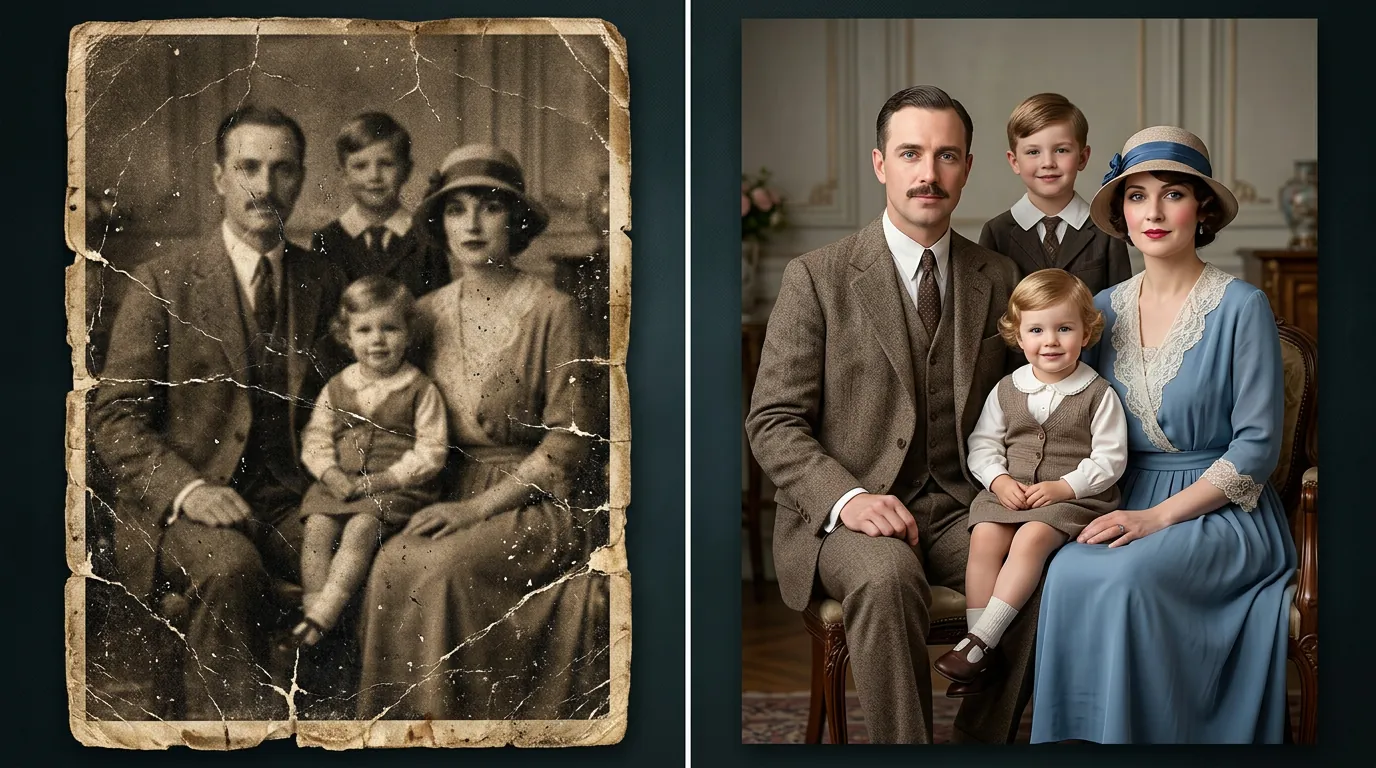
Create nostalgic sepia-toned photos with vintage photography aesthetics
Flux 2 Klein 9B Base Edit
Try Now →
Free to Try
Flux 2 Klein 9B Base Edit
Image-to-image editing with Flux 2 Klein 9B Base. Larger 9B model for precise modifications using natural language descriptions with up to 4 reference images
Flux 2 Klein 4B Edit
Try Now →
Free to Try
Flux 2 Klein 4B Edit
Image-to-image editing with Flux 2 Klein 4B. Precise modifications using natural language descriptions and hex color control with up to 4 reference images
Qwen Face to Full Portrait
Try Now →
Free to Try
Qwen Face to Full Portrait
Expand cropped headshots into complete portraits with body and background
Qwen Add Background
Try Now →
Free to Try
Qwen Add Background
Replace white backgrounds with realistic scenes that match your subject
Qwen Integrate Product
Try Now →
Free to Try
Qwen Integrate Product
Place products into backgrounds with automatic perspective and lighting matching
Qwen Image Edit Inpaint
Try Now →
Free to Try
Qwen Image Edit Inpaint
Inpainting endpoint for Qwen Edit image editing model. Advanced inpainting with natural language editing instructions and precise mask-based modifications
Qwen Camera Control (Multiple Angles)
Try Now →
Free to Try
Qwen Camera Control (Multiple Angles)
Adjust camera angles, zoom, and position without changing your subject
DreamOmni2 Edit
Try Now →
Free to Try
DreamOmni2 Edit
Combine multiple images with text for advanced style transfer and creative edits.
Step1X Edit
Try Now →
Free to Try
Step1X Edit
Transform photos with simple text instructions into professional-quality edits
Wan 2.5 Image-to-Image
Try Now →
Free to Try
Wan 2.5 Image-to-Image
Transform and edit images using text prompts with support for two reference images.
Qwen Group Photo Creator
Try Now →
Free to Try
Qwen Group Photo Creator
Combine individual portraits into vintage-style group photos
Qwen Remove Element
Try Now →
Free to Try
Qwen Remove Element
Erase unwanted objects, people, or text while keeping the rest intact
FLUX 2 Pro Edit
Try Now →
Free to Try
FLUX 2 Pro Edit
Edit images with high-quality manipulation and style transfer capabilities.
Qwen Shirt Design Transfer
Try Now →
Free to Try
Qwen Shirt Design Transfer
Apply designs and logos onto clothing for mockups and visualizations
Qwen Image Edit 2511
Try Now →
Free to Try
Qwen Image Edit 2511
Qwen's Image Editing 2511 model for precise image transformations. Change angles, modify styles, and transform images with natural language instructions
Hidream E1 1
Try Now →
Free to Try
Hidream E1 1
Edit images using natural language instructions
FLUX SRPO Image-to-Image
Try Now →
Free to Try
FLUX SRPO Image-to-Image
Transform and enhance images with beautiful aesthetic quality.
FLUX.1 SRPO Image-to-Image
Try Now →
Free to Try
FLUX.1 SRPO Image-to-Image
Transform and enhance images with beautiful aesthetic quality.
Qwen Image Edit 2509
Try Now →
Free to Try
Qwen Image Edit 2509
Qwen's Image Editing Plus model with superior text editing capabilities and multi-image support. Can edit multiple images simultaneously with high-quality text rendering
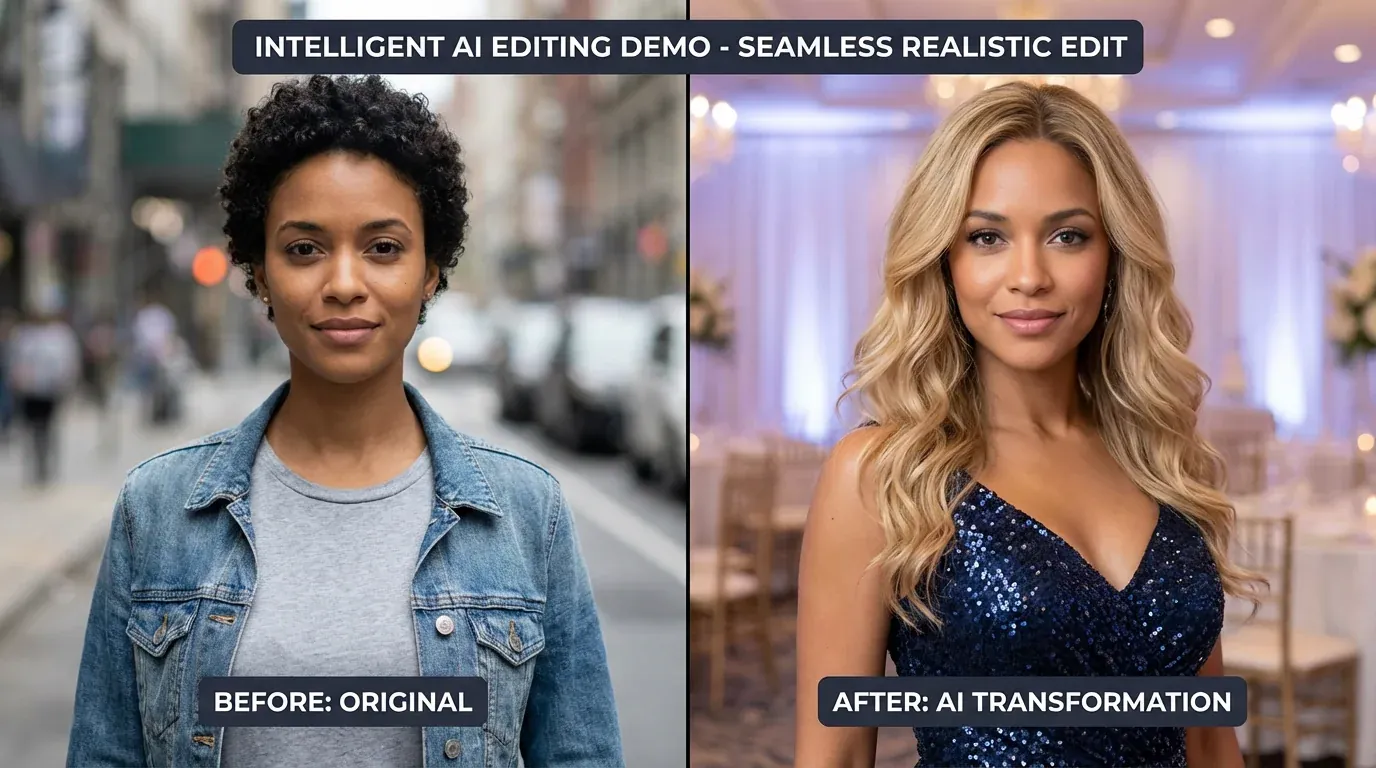
GPT-Image 1.5 Edit
Try Now →
Free to Try
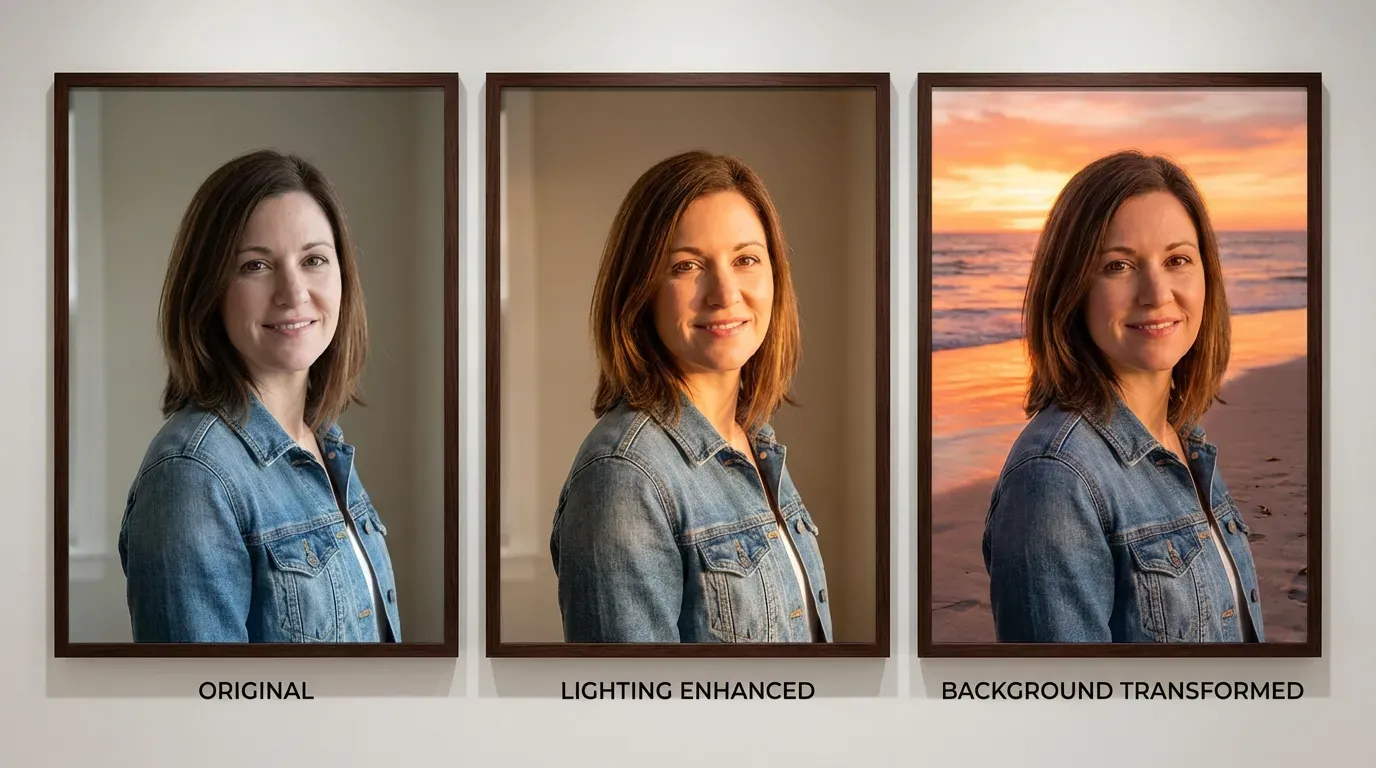
GPT-Image 1.5 Edit
GPT Image 1.5 image editing with high-fidelity output. Strong prompt adherence while preserving composition, lighting, and fine-grained detail from reference images
Runway Gen-4 Image
Try Now →
Free to Try
Runway Gen-4 Image
Create exact images you need using up to 3 reference images for guidance
Qwen Image 2 Pro Edit
Try Now →
Free to Try
Qwen Image 2 Pro Edit
Premium unified generation-and-editing model. Highest quality multi-image editing (1-6 images), Chinese & English support, 512x512-2048x2048, prompt expansion, 1-6 outputs
FLUX Kontext Max Multi-Image
Try Now →
Free to Try
FLUX Kontext Max Multi-Image
Blend multiple images into one scene by describing how to combine them
Nano Banana 2 Pro Edit
Try Now →
Free to Try
Nano Banana 2 Pro Edit
Google's state-of-the-art image editing. Multi-image input support, multi-resolution (1K/2K/4K), optional web search grounding, 1-4 outputs per generation
Product Photoshoot
Try Now →
Free to Try
Product Photoshoot
Place your products in professional scenes and backgrounds for marketing-ready images.
Cinematic Angle Generator
Try Now →
Free to Try
Cinematic Angle Generator
Generate same scene from different camera angles using Qwen Image Edit 2511 with LoRA Multiple Angles. Control horizontal rotation, vertical elevation, and zoom for precise viewpoint control
FLUX Kontext Max
Try Now →
Free to Try
FLUX Kontext Max
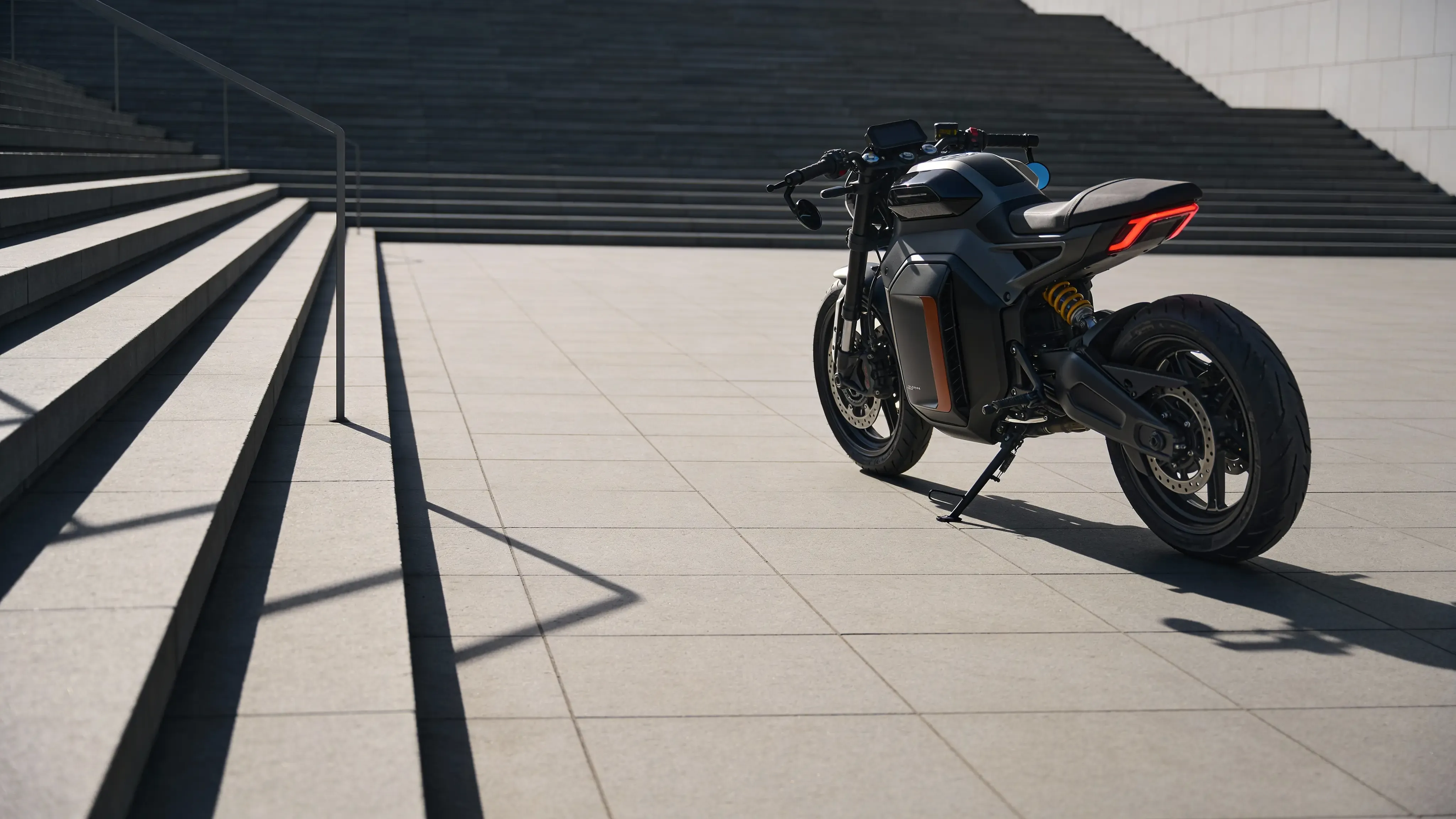
Edit images with text descriptions and get improved typography results
Custom Reframe Excellent
Try Now →
Free to Try
Custom Reframe Excellent
Reframe and optimize your image composition with AI-powered aspect ratio adjustment.
Ideogram v3 Remix
Try Now →
Free to Try
Ideogram v3 Remix
Create variations of your images while keeping their core elements intact.
Bagel Image Editor
Try Now →
Free to Try
Bagel Image Editor
Edit images using natural language while preserving everything you don't mention.
Wan v2.2 A14B Image-to-Image
Try Now →
Free to Try
Wan v2.2 A14B Image-to-Image
Edit high-resolution, photorealistic images with precise prompt understanding.
FLUX 2 Max Edit
Try Now →
Free to Try
FLUX 2 Max Edit
FLUX.2 [max] advanced image editing with exceptional realism, precision, and consistency. Reference images with @Image1 syntax. Supports text overlay
Qwen Image Edit Plus
Try Now →
Free to Try
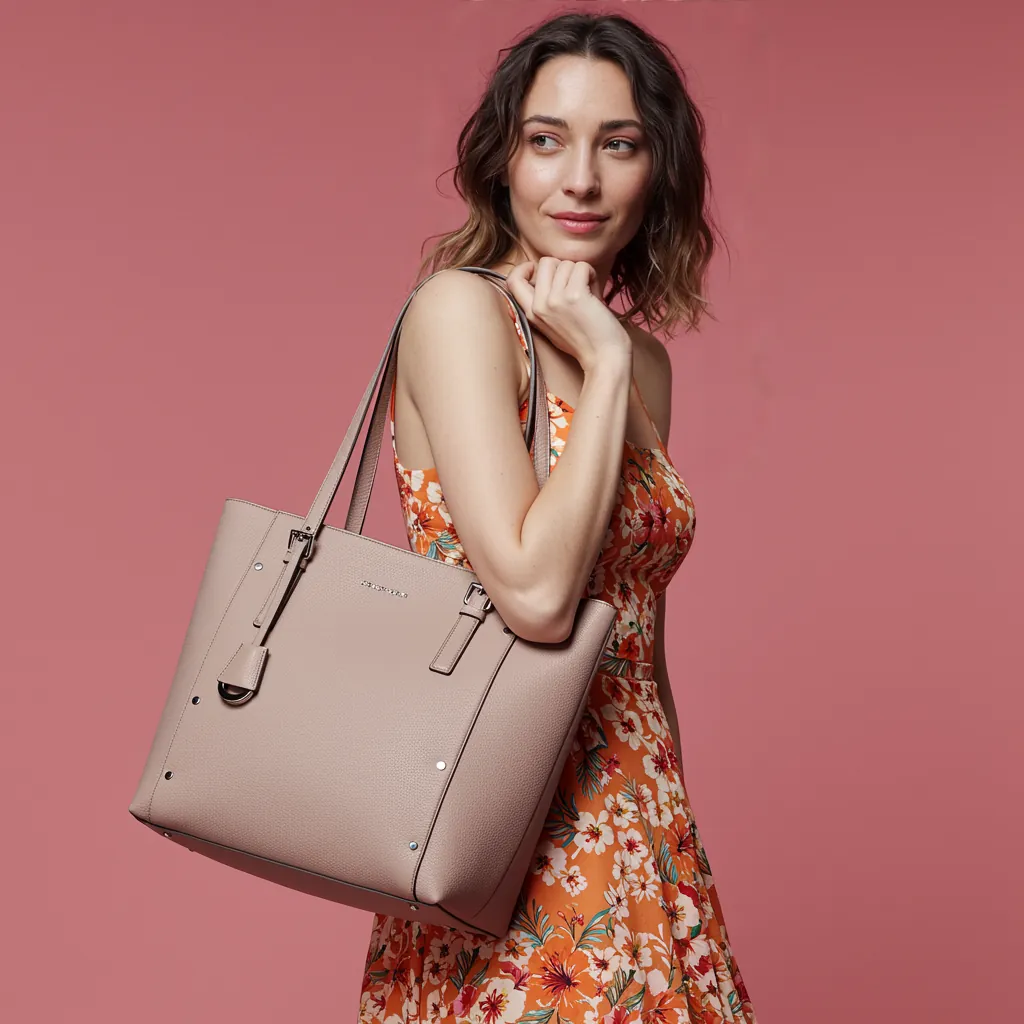
Qwen Image Edit Plus
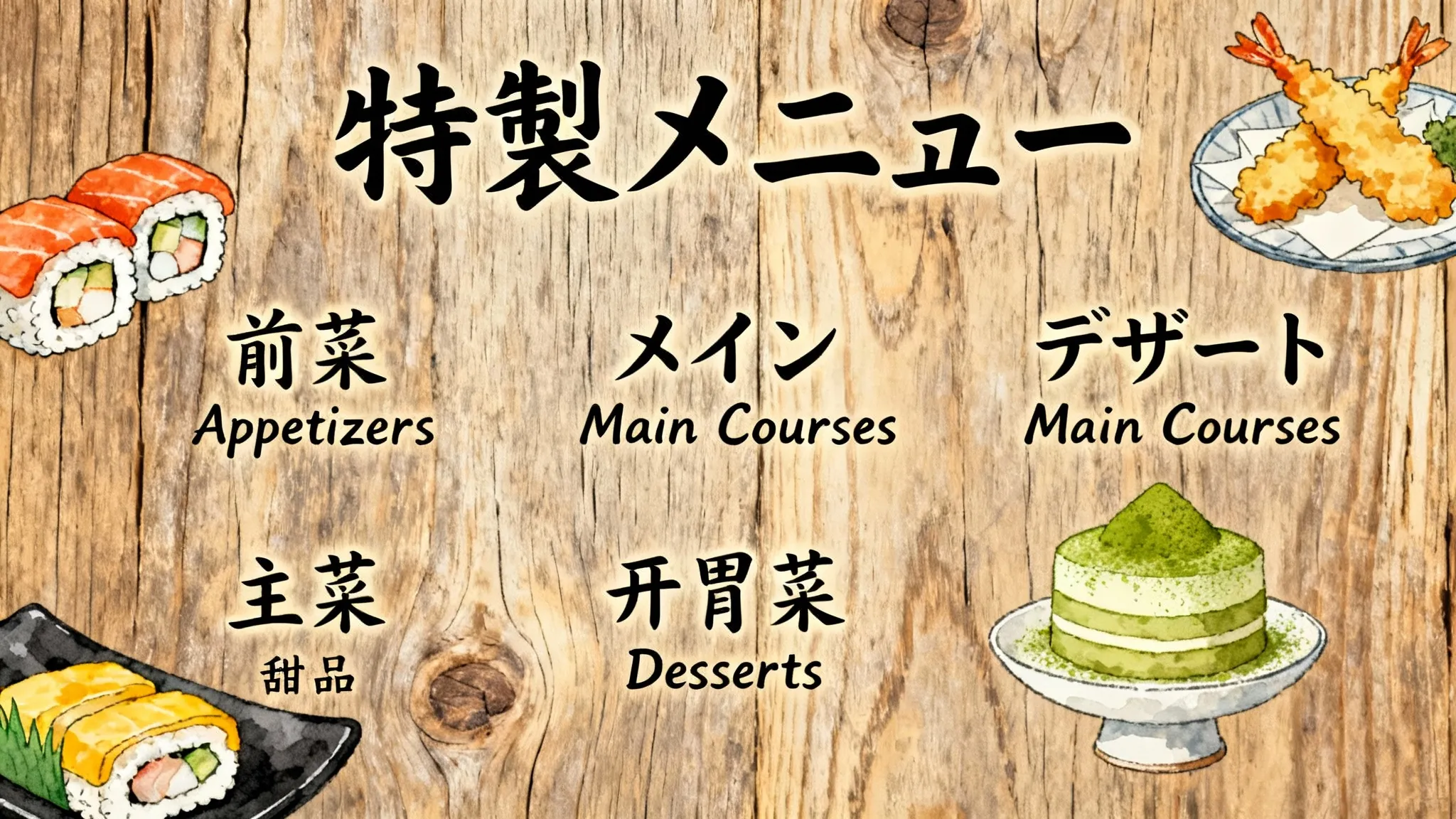
Edit text in images and combine multiple photos with advanced transformations.
Vidu Reference-to-Image
Try Now →
Free to Try
Vidu Reference-to-Image
Create images with consistent subjects by combining reference images and text prompts.
NextStep 1
Try Now →
Free to Try
NextStep 1
Make complex edits to your images using simple text instructions
Vidu Q2 Reference-to-Image
Try Now →
Free to Try
Vidu Q2 Reference-to-Image
Create images with consistent subjects using reference photos and prompts.
SOUL Image-to-Image
Try Now →
SOUL Image-to-Image
Transform images with style presets while keeping characters consistent across scenes.
USO Subject-Driven Generation
Try Now →
USO Subject-Driven Generation
Transfer styles and customize subjects using multiple reference images.
Image Translator
Try Now →
Image Translator
Translate text in images to 30+ languages while keeping fonts and layout intact
Gemini 3 Pro Image Preview Edit
Try Now →
Gemini 3 Pro Image Preview Edit
Edit images with multi-image support and precise control
Nano Banana Pro Edit
Try Now →
Nano Banana Pro Edit
Edit and transform images using multiple reference photos
Ideogram Character
Try Now →
Ideogram Character
Create consistent characters from one reference image in any style, or add them to existing images
Hunyuan Image v3 Instruct Edit
Try Now →
Hunyuan Image v3 Instruct Edit
Image editing with Hunyuan Image 3.0 Instruct from Tencent. Internal reasoning capabilities for intelligent image transformations with up to 2 reference images
Ideogram V3 Character Edit
Try Now →
Ideogram V3 Character Edit
Change your character's pose, expression, or clothing while keeping them recognizable
GLM Image to Image
Try Now →
GLM Image to Image
Transform images with accurate text rendering and rich details. Edit, style transfer, and maintain consistent characters across multiple reference images (up to 4)
Ideogram V3 Character Remix
Try Now →
Ideogram V3 Character Remix
Put your character in different styles, settings, or scenarios while keeping their appearance consistent.
OmniGen V1
Try Now →
OmniGen V1
Edit images, personalize content, try on clothes, or generate multiple people in one scene
LongCat Image Edit
Try Now →
LongCat Image Edit
Edit images with multilingual text rendering and photorealistic results.
StepX Edit2
Try Now →
StepX Edit2
Edit images using simple instructions - the AI understands what you want and makes smart modifications.
Emu 3.5 Image Editor
Try Now →
Emu 3.5 Image Editor
Transform images with text prompts for style transfer, object changes, and creative edits.
OmniGen V2
Try Now →
OmniGen V2
Edit images, swap outfits, personalize content, or create multi-person scenes with up to 3 input images
View All 110 Models

Inspiration
Example Prompts
Try these prompts to get started
Character Portrait
"Portrait of a young woman with long silver hair and purple eyes, wearing a school uniform, cherry blossoms in background, anime style"
Cyberpunk Anime
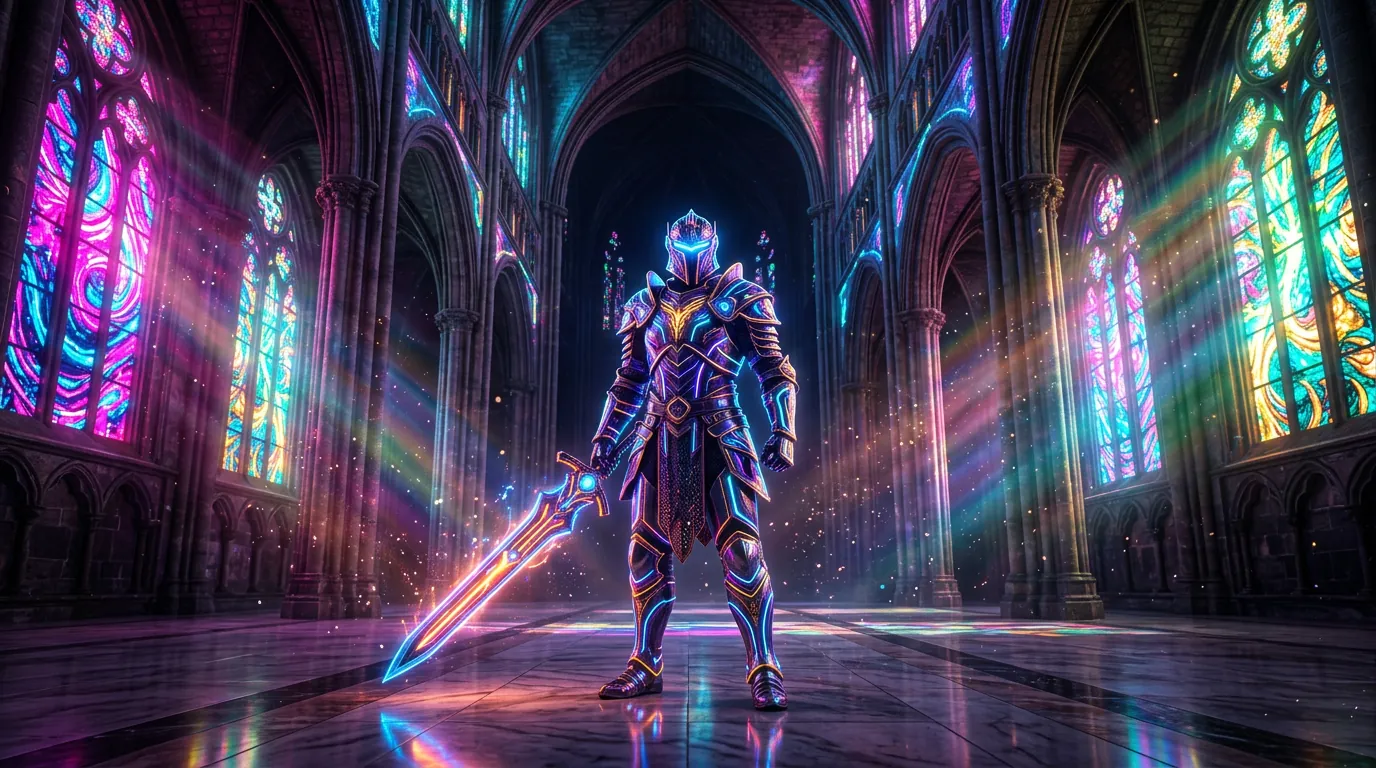
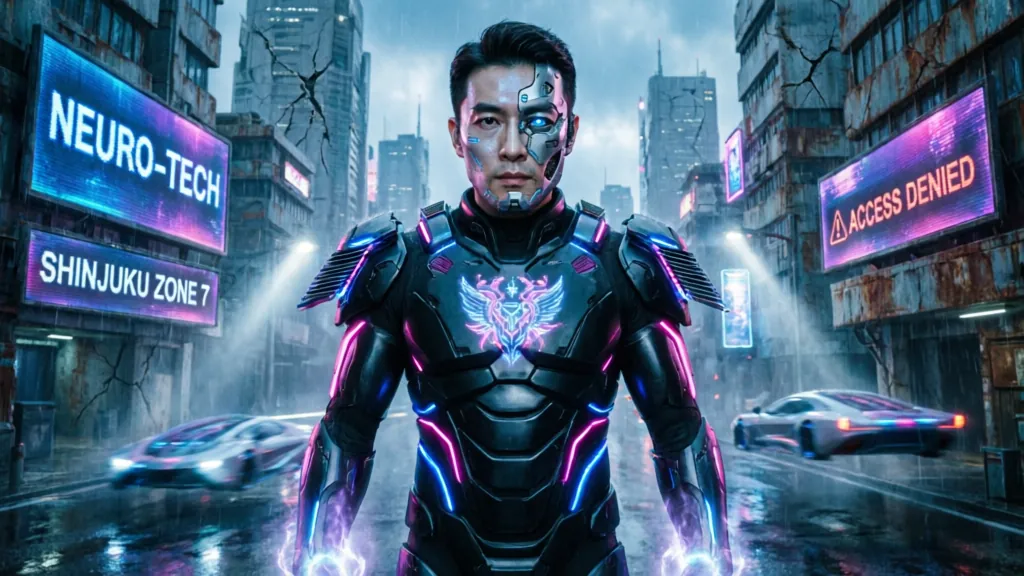
"Cyberpunk samurai with neon armor, standing in rain-soaked Tokyo street at night, dramatic lighting, anime aesthetic"
Chibi Style
"Cute chibi cat girl with pink hair and cat ears, holding a bubble tea, pastel colors, kawaii anime style"
Action Scene
"Epic battle scene with magical warrior wielding fire sword, dynamic action pose, shonen anime style"
Landscape Art
"Peaceful anime landscape with traditional Japanese temple, autumn leaves, soft sunset lighting, Studio Ghibli inspired"
Gothic Anime
"Gothic lolita character with black dress and red ribbons, Victorian mansion background, detailed anime illustration"
Mecha Anime
"Mecha pilot in futuristic cockpit, holographic displays, determined expression, sci-fi anime style"
Romance Anime
"Romantic couple under starry sky, soft lighting, cherry blossom petals falling, shoujo manga style"

Getting Started
How It Works
Start creating in 3 simple steps
1
Sign Up Free
Create your free JAI Portal account in seconds and receive 10 starter credits immediately—no credit card required to start generating anime art.
2
Choose AI Model
Browse through 110+ specialized anime AI models. Compare different styles side-by-side, from classic anime to modern digital art aesthetics.
3
Generate & Download
Upload a photo or enter your prompt, select your preferred model, and generate. Download your watermark-free anime art with full commercial rights.
Get Started Free

Why JAI
Why Choose JAI Portal?
🎨
110+ Anime Models
Access over 110 specialized AI models for anime generation. Compare results side-by-side to find your perfect anime style, from classic shoujo to modern seinen aesthetics.
💳
Pay-As-You-Go Credits
No monthly subscriptions or hidden fees. Use credits only when you generate. Start with 10 free credits and pay for more only when needed.
🚫
No Watermarks
All anime art generated is completely watermark-free. Download high-quality images ready for immediate use in your projects, social media, or portfolio.
Commercial License Included
Own 100% of your generated anime art. Use it commercially for merchandise, client work, games, or any business purpose without additional licensing fees.

Use Cases
Perfect For Every Use Case
Create professional content for any purpose
👤
Profile Picture Creation
Transform your selfie into a stunning anime avatar for social media profiles and gaming accounts.
🎭
Character Design
Generate unique anime characters for visual novels, manga projects, or game development.
Fan Art Generation
Create anime-style fan art of your favorite characters or reimagine real people in anime form.
📱
Social Media Content
Produce eye-catching anime visuals for Instagram, TikTok, YouTube thumbnails, and posts.
🛍️
Merchandise Design
Design anime-style artwork for t-shirts, stickers, posters, and other products to sell.
📖
Storyboard Creation
Quickly visualize scenes and characters for animation projects or comic book panels.
🎁
Gift Personalization
Create custom anime portraits of friends and family for unique, personalized gifts.
🖌️
Art Style Exploration
Experiment with different anime aesthetics to find inspiration for your own artistic projects.

Social Proof
Loved by Creators
★★★★★
"I needed a unique anime avatar for my channel and this delivered perfectly. The variety of models let me try different styles until I found the perfect one. No subscription is a huge plus since I only need it occasionally."
Maya Chen
Twitch Streamer
★★★★★
"Using this for character concept art has saved me so much time. The pay-as-you-go model is perfect for my budget, and the commercial license means I can use everything in my game without worry."
Derek Thompson
Indie Game Developer
★★★★★
"Creating anime-style content for our brand's Instagram has never been easier. The quality is consistently high across all 110+ models, and clients love the unique aesthetic we can now offer."
Sakura Yamamoto
Social Media Manager
★★★★★
"I use this to design anime stickers and prints for my shop. The no-watermark policy and commercial rights are essential for my business. Credits last a long time since I only pay for what I use."
Alex Rivera
Etsy Shop Owner
★★★★★
"The side-by-side model comparison is genius. I can test different anime styles for my characters before committing. The 10 free credits let me experiment risk-free before deciding to add more."
Emily Foster
Comic Book Artist
★★★★★
"Perfect for creating custom thumbnails and channel art. The anime generator produces professional results every time, and the credit system means I'm not wasting money on a monthly subscription I don't fully use."
Jordan Lee
YouTube Content Creator

What is Free AI Anime Generator?

A free AI anime generator is a powerful tool that uses artificial intelligence to transform regular photos or text descriptions into anime-style artwork. JAI Portal's free AI anime generator gives you access to 110+ specialized AI models that can create everything from classic manga-style portraits to modern digital anime illustrations. Whether you're converting a selfie into an anime avatar or generating original anime characters from scratch, these AI models understand anime aesthetics, proportions, and artistic conventions to deliver authentic results. Unlike traditional art software that requires drawing skills, a free AI anime generator makes anime art creation accessible to everyone. Simply describe what you want or upload a photo, and the AI handles the complex artistic transformation. JAI Portal's platform lets you compare different anime styles side-by-side, ensuring you get exactly the look you want. With 10 free credits to start and no subscription required, you can experiment with different models and techniques without any financial commitment. The best free AI anime generators offer commercial licensing, no watermarks, and high-quality outputs—all features included in JAI Portal. Whether you're a content creator, game developer, social media manager, or anime enthusiast, having access to professional-grade anime generation tools without monthly fees revolutionizes how you create visual content.

Best Free AI Anime Generator with No Subscription

JAI Portal stands out as the best free AI anime generator with no subscription because it combines three critical advantages: variety, flexibility, and value. With 110+ anime AI models in one platform, you're not locked into a single artistic style. Compare classic anime aesthetics with modern digital art, test chibi styles against realistic anime portraits, and explore everything from cyberpunk to Studio Ghibli-inspired generations—all without paying monthly fees. The pay-as-you-go credit system means you're never wasting money on unused subscription days. Purchase credits only when you need them, and they never expire. This model is perfect for creators with variable workloads, hobbyists who generate occasionally, or professionals who need flexibility. Starting with 10 free credits lets you test multiple models and understand the platform's capabilities before investing anything. What truly makes JAI Portal the best choice is the comprehensive feature set included at every level: no watermarks, full commercial licensing, high-resolution downloads, and the ability to compare models side-by-side. Most competitors either charge monthly subscriptions, add watermarks to free tiers, or restrict commercial use. JAI Portal gives you professional-grade tools with transparent, affordable pricing that scales with your actual usage.

How to Use Free AI Anime Generator Online

Using JAI Portal's free AI anime generator online is straightforward and requires no technical expertise. First, create your free account at jaiportal.com to receive 10 starter credits instantly—no credit card needed. Once logged in, navigate to the Image to Image category where you'll find the anime generation tools. You can either upload a photo you want to transform into anime style or start with a text prompt describing the anime character or scene you envision. Next, browse through the 110+ available anime AI models. Each model specializes in different styles, from traditional manga aesthetics to modern digital anime art. JAI Portal's unique side-by-side comparison feature lets you test the same prompt across multiple models simultaneously, helping you identify which style best matches your vision. Preview the results and select your favorite before using credits to generate the full-resolution version. After generating your anime art, download it immediately in high resolution without any watermarks. The image is yours to use commercially—perfect for social media profiles, merchandise designs, game characters, or client projects. If you need to generate more, simply use additional credits from your account. The entire process from upload to download takes just minutes, making professional anime art creation accessible to everyone regardless of artistic skill level.

Free AI Anime Generator vs Paid Alternatives

When comparing free AI anime generators to paid alternatives, JAI Portal's credit-based system offers superior value and flexibility. Traditional paid services often charge $10-30 per month for subscriptions, whether you generate 5 images or 500. This model wastes money for casual users and small businesses with variable needs. JAI Portal's pay-as-you-go approach means you only spend credits when actually generating, making it more economical for most users. Many free AI anime generators impose significant limitations: watermarks on outputs, restricted commercial use, limited model selection, or poor image quality. JAI Portal eliminates these compromises by offering the same professional features to all users—110+ models, no watermarks, full commercial licensing, and high-resolution downloads. The 10 free credits let you evaluate the platform's capabilities without risk, and subsequent credit purchases remain affordable compared to monthly subscription costs. Paid alternatives often lock you into a single AI model or artistic style, limiting creative exploration. JAI Portal's extensive model library and side-by-side comparison tools give you more creative control and better results. For professional creators, game developers, and businesses, this flexibility is invaluable. You can match specific project requirements, experiment with different aesthetics, and deliver diverse anime styles to clients—all without the financial burden of multiple subscriptions or expensive software licenses.

Commercial Use and Licensing for AI Anime Art

One of the most important considerations when using a free AI anime generator is commercial licensing. JAI Portal provides full commercial use rights for all generated anime artwork, meaning you own 100% of your outputs. This comprehensive license allows you to use your anime art for merchandise sales, client projects, game development, social media marketing, print-on-demand products, NFTs, and any other commercial application without additional fees or restrictions. Many free anime generators either prohibit commercial use entirely or require expensive upgrades to unlock commercial licensing. This creates legal uncertainty and limits how you can monetize your creations. JAI Portal eliminates this confusion with a clear, straightforward policy: everything you generate is yours to use however you want. This is especially valuable for Etsy sellers, indie game developers, content creators, and freelance designers who need reliable commercial rights. The combination of commercial licensing, no watermarks, and pay-as-you-go pricing makes JAI Portal ideal for professional use. You can confidently deliver anime artwork to clients, sell products featuring your generated art, or build a business around anime content creation. The credit system scales with your business growth—use a few credits for small projects or purchase more for larger campaigns, all while maintaining full ownership and commercial rights to every image you create.

Why Choose JAI Portal for Anime Generation

JAI Portal distinguishes itself as the premier platform for anime generation by combining breadth, quality, and value in one comprehensive solution. With 500+ AI models across 12 categories—including 110+ specialized anime models—you have access to the industry's most diverse AI toolkit. This isn't just an anime generator; it's an all-in-one AI platform where you can also handle video generation, image editing, audio creation, and more, all using the same credit system. The platform's side-by-side model comparison feature is a game-changer for anime generation. Instead of generating multiple times with different tools to find the right style, you can test several AI models simultaneously on the same prompt. This saves both time and credits while ensuring you get the perfect result. Whether you need classic shoujo aesthetics, modern seinen style, or experimental cyberpunk anime, comparing models helps you make informed creative decisions. Most importantly, JAI Portal's transparent pricing and user-friendly approach remove common barriers to AI art creation. No subscriptions mean no pressure to generate constantly to justify costs. No watermarks mean your art is immediately usable. Full commercial licensing means you can build a business around your creations. Combined with 10 free starter credits and a pay-as-you-go system that never expires, JAI Portal offers the most accessible, affordable, and professional anime generation experience available online.


Questions
Frequently Asked
JAI Portal's free AI anime generator uses advanced machine learning models to transform photos or text prompts into anime-style artwork. Simply sign up for 10 free credits, choose from 110+ specialized anime AI models, upload your image or describe what you want, and generate high-quality anime art in seconds. You can compare different models side-by-side to find your perfect style.
No subscriptions ever. JAI Portal operates on a transparent pay-as-you-go credit system. You get 10 free credits when you sign up (no credit card required), and only purchase more credits when you need them. There are no monthly fees, no hidden charges, and no automatic renewals—just simple, affordable credits used only when you generate.
Yes, absolutely. All anime art you generate on JAI Portal comes with a full commercial use license. You own 100% of your outputs and can use them for merchandise, client work, social media, games, print-on-demand products, or any business purpose without additional licensing fees or restrictions.
No watermarks at all. Every anime image you generate is completely clean and ready to use. Download high-resolution, watermark-free artwork that you can immediately share, print, or incorporate into your projects without any branding or logos.
JAI Portal offers access to 110+ different AI models specialized in anime generation. This includes various styles from classic shoujo and shounen to modern digital anime, chibi, cyberpunk, and Studio Ghibli-inspired aesthetics. You can compare multiple models on the same prompt to find your ideal result.
After using your initial 10 free credits, you can purchase additional credits through our pay-as-you-go system. Credits never expire, and you only buy what you need—no pressure to commit to a monthly plan. The credit pricing is transparent and affordable, making it perfect for both occasional users and frequent creators.

Explore
More Free AI Tools
Enhance your creative workflow
Start Creating with Free AI Anime Generator – Free!
Get 10 free credits instantly and transform your ideas into stunning anime art with 110+ AI models—no subscription required.
Start Generating Free
🎉 10 Free Credits · No Credit Card Required