🎨Choosing the Right AI Art Model for Your Project
Selecting the optimal AI model is crucial for achieving your desired results while managing costs effectively. FLUX 2 Max represents the pinnacle of current text-to-image technology, offering exceptional photorealism, crisp text rendering within images, and superior prompt adherence at 10 credits per generation. It excels at complex compositions, accurate human anatomy, and maintaining consistency across multiple generations. Nano Banana 2 Pro, also at premium pricing, specializes in ultra-high-resolution 4K outputs with perfect typography—ideal for professional design work, advertising, and print materials. For faster iterations, Grok Imagine Image at 2 credits provides highly aesthetic results with automatic prompt enhancement, making it perfect for social media content and rapid concept exploration. Budget-conscious users should consider FLUX Schnell or Sana Sprint at just 1 credit, delivering impressive quality at blazing speeds. Consider your specific needs: photorealism versus artistic interpretation, resolution requirements, text rendering accuracy, generation speed, and budget constraints. Professional projects warrant premium models, while social media content and personal experimentation work beautifully with mid-tier options. JAI Portal's unique advantage is the ability to test multiple models with the same prompt, ensuring you always choose the most cost-effective option that meets your quality standards. Many users develop a workflow using fast, inexpensive models for exploration and refinement, then switching to premium models for final production renders.
✍️Mastering Prompt Engineering for Superior Results
The quality of your AI-generated art depends heavily on prompt craftsmanship. Effective prompts follow a structured formula: subject + style + composition + lighting + mood + technical details. Start with your main subject described in vivid detail—instead of 'woman,' write 'elegant woman in her thirties with flowing auburn hair and emerald eyes.' Add style references that the AI recognizes: 'digital art,' 'oil painting,' 'anime style,' 'photorealistic,' 'watercolor,' or specific artist names like 'in the style of Greg Rutkowski' or 'Alphonse Mucha aesthetic.' Describe composition using photography terms: 'close-up portrait,' 'wide-angle landscape,' 'bird's eye view,' 'rule of thirds composition.' Lighting dramatically affects mood: 'golden hour sunlight,' 'dramatic rim lighting,' 'soft diffused light,' 'neon cyberpunk lighting,' 'volumetric fog.' Include atmospheric elements: 'moody,' 'whimsical,' 'serene,' 'chaotic,' 'dreamlike.' Technical specifications boost quality: '8K resolution,' 'highly detailed,' 'sharp focus,' 'cinematic,' 'trending on ArtStation.' Advanced users leverage negative prompts to exclude unwanted elements: 'no blur, no distortion, no extra limbs.' Weight important terms using emphasis syntax when supported. Test prompt variations systematically—change one element at a time to understand its impact. Study successful prompts from AI art communities and adapt their structures. Remember that different models interpret prompts differently; FLUX models excel with natural language, while Stable Diffusion variants respond better to comma-separated keywords. JAI Portal's prompt history feature helps you track what works, building a personal library of proven formulas for consistent results.
⚙️Optimizing Quality, Resolution, and Output Settings
Maximizing output quality requires understanding the technical parameters available in modern AI art generators. Resolution directly impacts detail and usability—1024x1024 pixels suits social media and web use, 2048x2048 provides excellent quality for most applications, while 4096x4096 enables large-format printing and professional design work. Higher resolutions consume more credits but deliver exponentially better detail, especially for complex scenes with multiple elements. Aspect ratio selection depends on your platform: Instagram favors 1:1 squares and 4:5 portraits, YouTube thumbnails need 16:9 landscapes, Pinterest performs best with 2:3 vertical images, and TikTok requires 9:16 vertical formats. The guidance scale parameter (typically 7-15) controls how strictly the AI follows your prompt—lower values allow more creative interpretation, higher values ensure literal accuracy. Step count affects rendering quality; 20-30 steps suit quick previews, 50-75 steps deliver production quality, while 100+ steps provide maximum detail for premium models. Batch generation creates multiple variations simultaneously, essential for exploring different interpretations before committing to high-resolution renders. Some models offer quality boost or upscaling options that enhance detail post-generation. Color space and bit depth matter for professional work—ensure outputs use sRGB for web or Adobe RGB for print. When using models with LoRA support, custom style adaptations can dramatically alter aesthetic while maintaining technical quality. JAI Portal displays estimated credit costs for each configuration, allowing informed decisions balancing quality against budget. Professional workflows typically generate 4-8 low-resolution variations, select the best 1-2, then regenerate at maximum resolution with refined prompts.
🆚AI Art Generation vs Traditional Digital Art Creation
Understanding when AI art generation offers advantages over traditional methods helps maximize its value. Traditional digital art using Photoshop, Procreate, or Illustrator requires significant skill development—years of practice mastering drawing, composition, color theory, and software techniques. Professional digital artists charge $50-500+ per custom illustration, with timelines spanning hours to weeks. AI generation democratizes art creation, enabling anyone to produce professional-quality visuals in minutes regardless of artistic ability. A single AI-generated image costs 1-30 credits (typically under $1 equivalent), with results in 10-60 seconds. For concept exploration, mood boards, and rapid iteration, AI dramatically outperforms traditional methods in speed and cost. However, traditional art excels at precise control, brand consistency, and unique stylistic signatures that AI struggles to replicate perfectly. Hybrid workflows combining both approaches yield optimal results: use AI for initial concepts, background elements, and texture generation, then refine with traditional digital painting for final polish and brand-specific details. AI art generators on JAI Portal enable small businesses, solo creators, and startups to access visual content previously requiring expensive design teams. Marketing campaigns needing dozens of variations benefit enormously—generate 50 social media images in an hour versus commissioning 50 custom illustrations. Educational content creators produce unlimited diagrams, illustrations, and visual aids without budget constraints. The commercial rights provided by JAI Portal mean all AI-generated artwork can be used freely in client projects, products, and revenue-generating content without licensing fees or attribution requirements. As AI models continue improving, the quality gap with traditional art narrows, making AI generation increasingly viable for professional applications while traditional skills remain valuable for specialized, high-touch creative work.
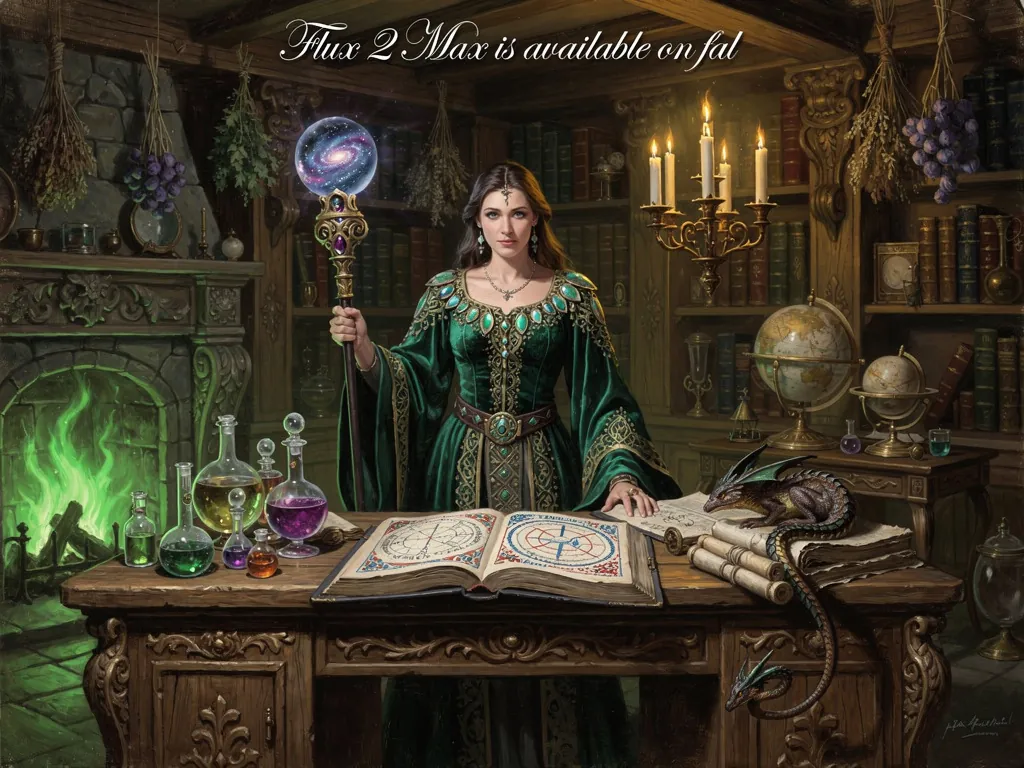 Best Choice
10 cr
Best Choice
10 cr
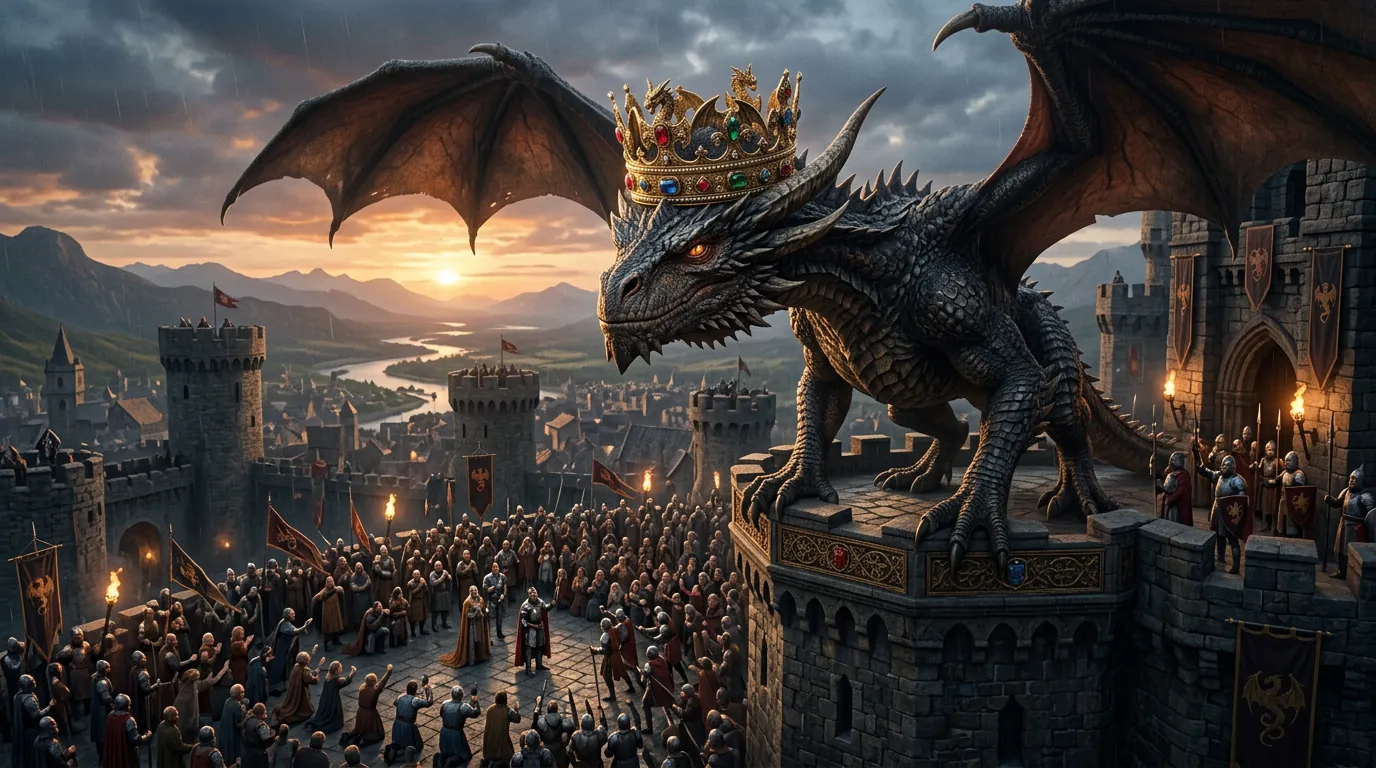 Fastest
8 cr
Fastest
8 cr
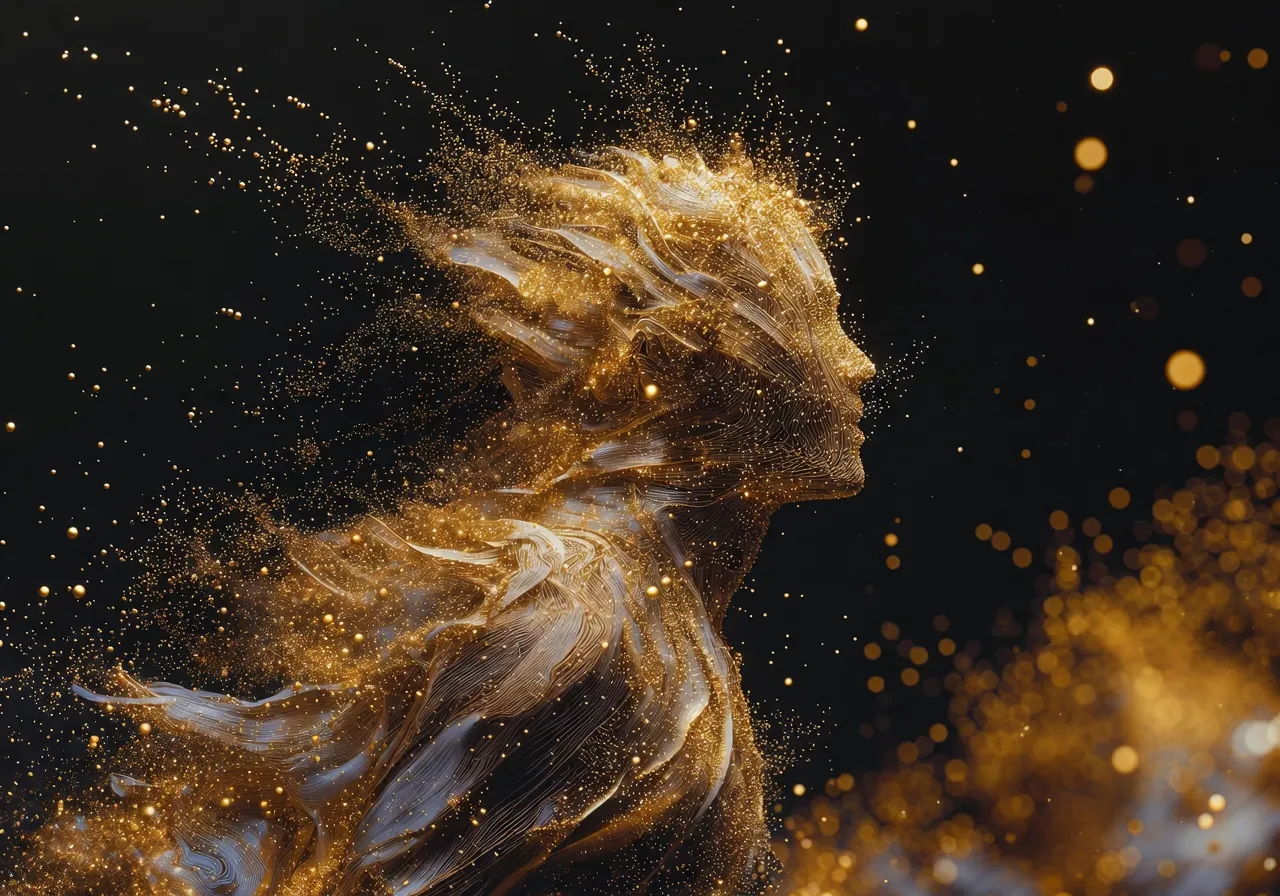 Best Value
2 cr
Best Value
2 cr
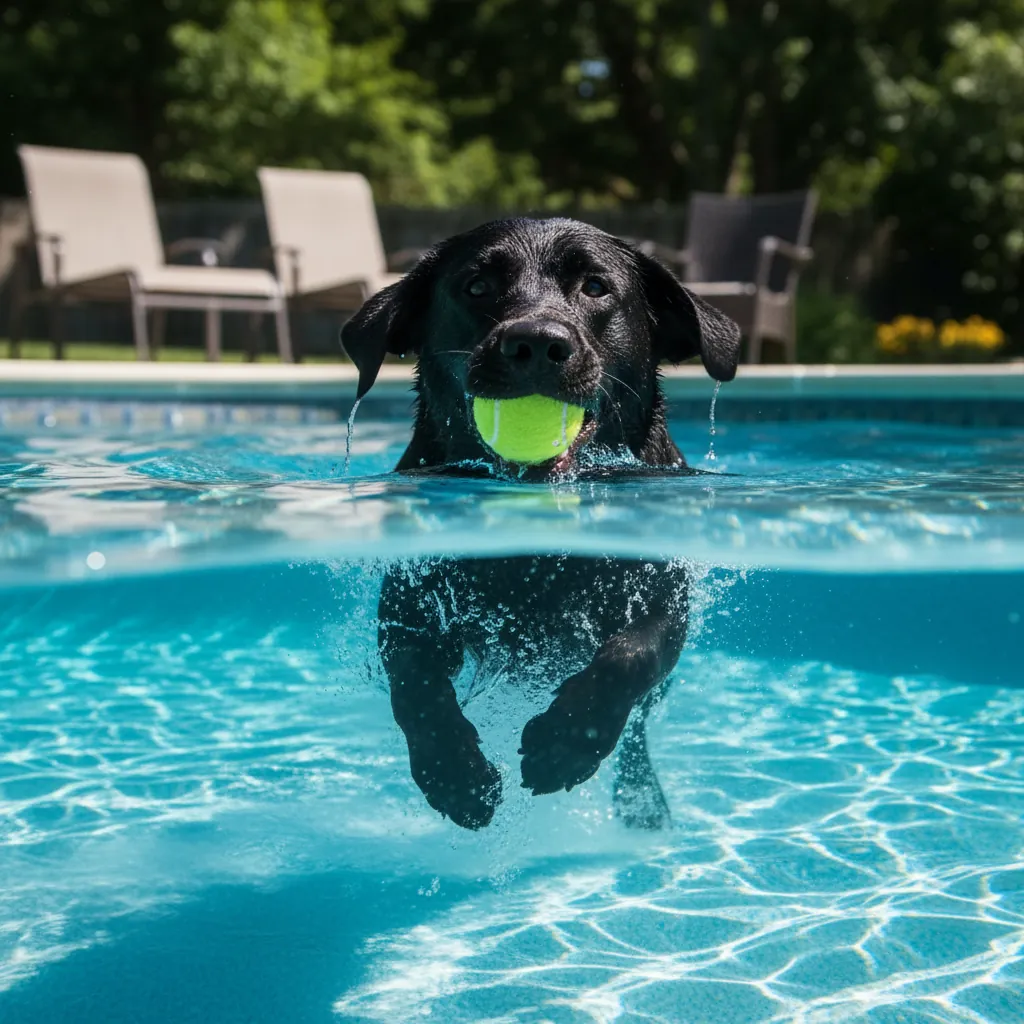 Most Creative
15 cr
Most Creative
15 cr