108+ Image Transformation Models

🎨 AI Image to Image: Transform Any Photo with AI

Compare 108+ specialized models for style transfer, LoRA editing, and reference-based transformations

10M+ Generations on JAI Portal
AI Image to Image
Top Models
Explore 111 AI Image to Image Models
✓ 108+ Specialized Models ✓ Side-by-Side Comparison ✓ Commercial Use License ✓ Pay-as-You-Go Credits ✓ LoRA Model Support
Fast SDXL Image to Image
Try Now →
Top Pick
Fast SDXL Image to Image
Transform your images while keeping their original composition and details
Image2Pixel
Try Now →
Top Pick
Image2Pixel
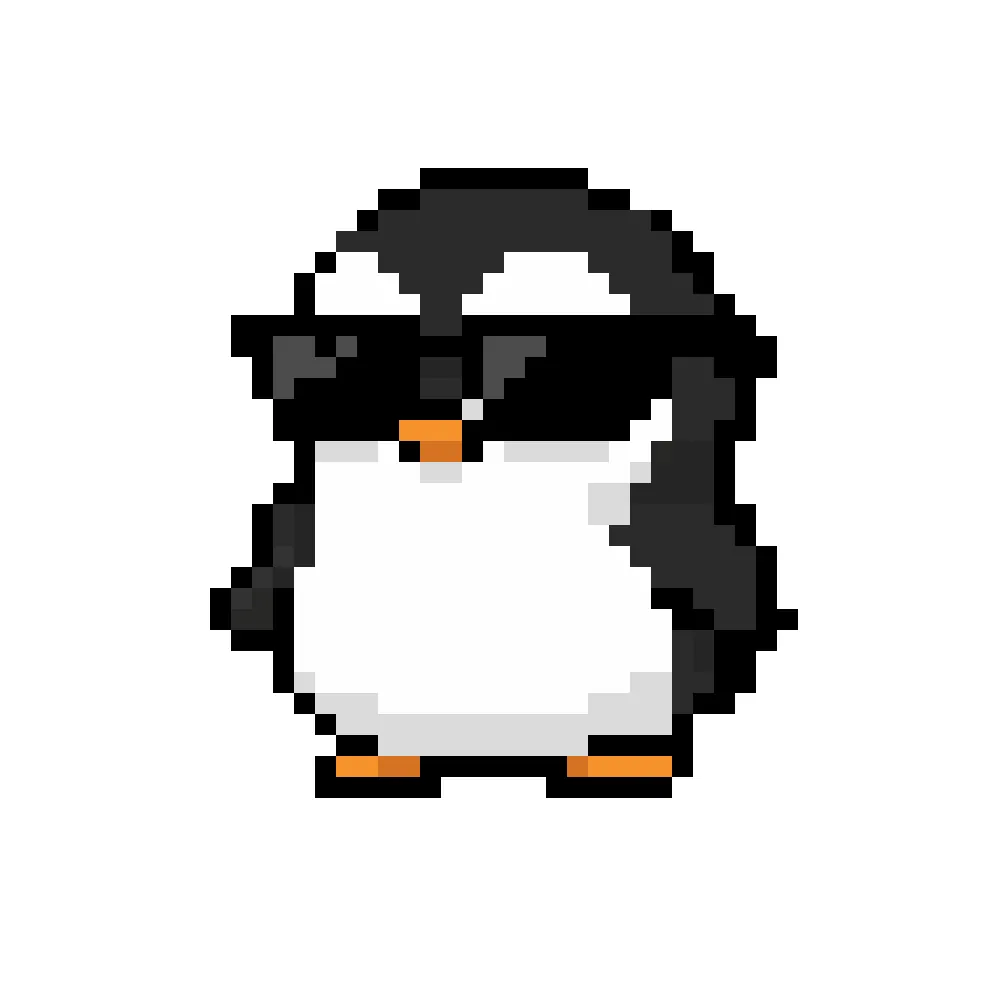
Turn any image into retro pixel art.
Luma Reframe Image
Try Now →
Top Pick
Luma Reframe Image
Change photo aspect ratios with AI-generated content
Reve Fast Edit
Try Now →
Reve Fast Edit
Edit images with text prompts and get up to 4 variations
Recraft Vectorize
Try Now →
Recraft Vectorize
Convert your photos and illustrations into scalable SVG vector graphics
Kolors Image to Image
Try Now →
Kolors Image to Image
Turn images into ultra-realistic versions with adjustable transformation strength
Reve Fast Remix
Try Now →
Reve Fast Remix
Blend up to 4 images together into new creations
Fast SDXL Inpainting
Try Now →
Fast SDXL Inpainting
Edit specific parts of images by painting over areas you want to change
Playground v2.5 Image to Image
Try Now →
Playground v2.5 Image to Image
Transform your images with adjustable strength controls
Playground v2.5 Inpainting
Try Now →
Playground v2.5 Inpainting
Replace or fill parts of images using masks and text
Z-Image Turbo Image to Image
Try Now →
Z-Image Turbo Image to Image
Transform images lightning-fast with text prompts.
Luma Photon Flash Modify
Try Now →
Luma Photon Flash Modify
Edit images quickly using text prompts with adjustable strength
FLUX 2 Flash Edit
Try Now →
FLUX 2 Flash Edit
Edit images quickly with text prompts and color control.
NVIDIA Chrono Edit
Try Now →
NVIDIA Chrono Edit
Edit images with AI that understands real-world physics and how objects should look.
GPT Image 1 Mini Edit
Try Now →
GPT Image 1 Mini Edit
Edit and combine multiple images using natural language instructions.
Z-Image Turbo Inpaint
Try Now →
Z-Image Turbo Inpaint
Fill masked areas in images with text prompts, super fast.
Kling Image v3 Image to Image
Try Now →
Kling Image v3 Image to Image
Transform images with text prompts at 1K or 2K resolution with optional face control.
JAI Home Style
Try Now →
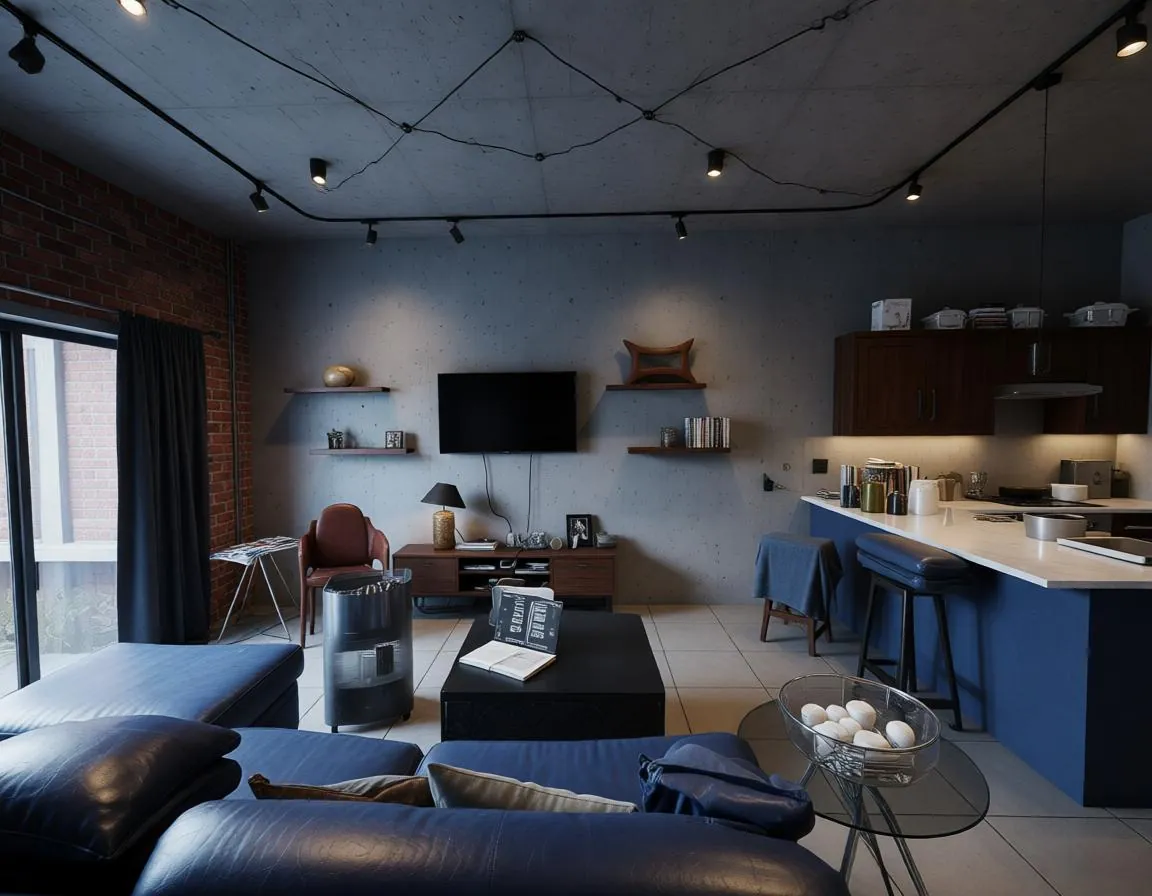
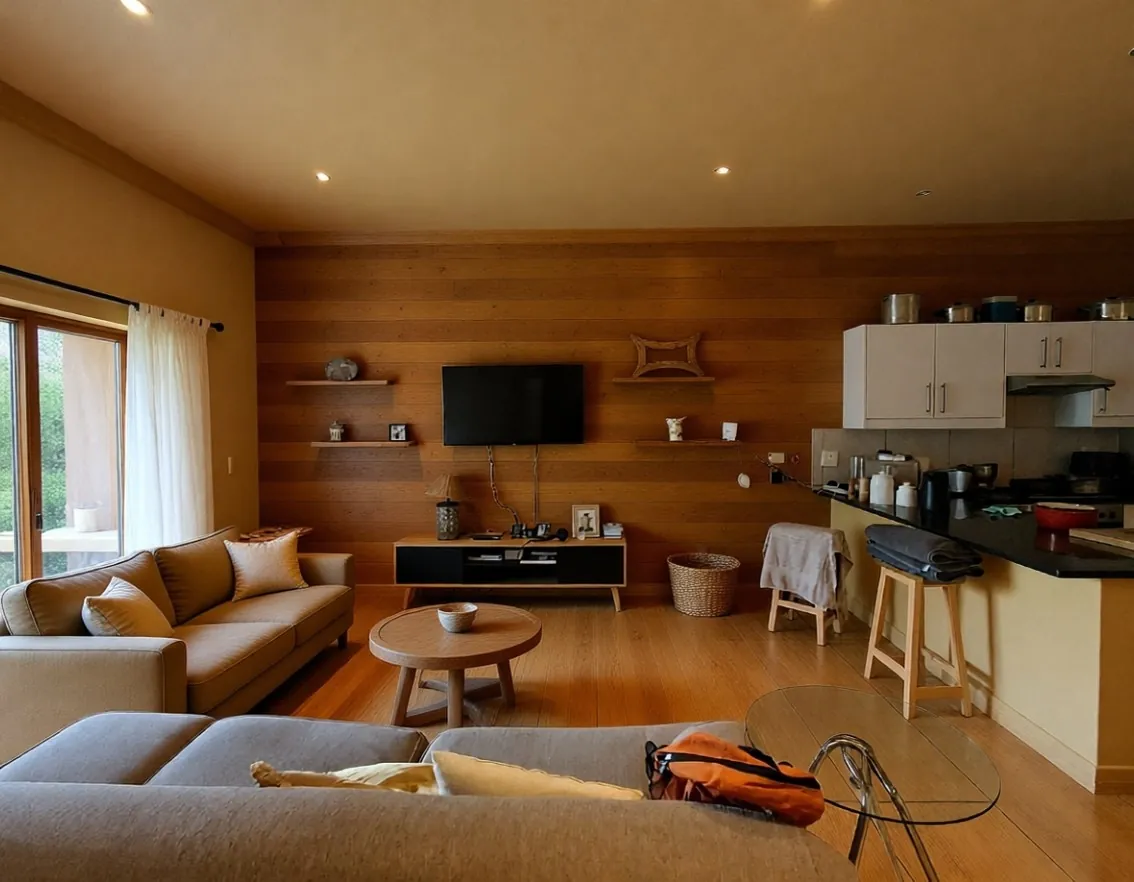
JAI Home Style
Reimagine your home design with bold style transformations.
Kling Image O3 Image to Image
Try Now →
Kling Image O3 Image to Image
Transform images with up to 10 references for consistent results at up to 4K resolution.
Kling Omni Image O1
Try Now →
Kling Omni Image O1
Create consistent characters and scenes using up to 10 reference images - perfect for comics, IP design, and series.
Wan v2.6 Image to Image
Try Now →
Wan v2.6 Image to Image
Combine elements from up to 3 images with text instructions in Chinese or English.
Bria Fibo Mashup
Try Now →
Bria Fibo Mashup
Merge three images into one cohesive creation blending subject, scene, and style
WAN 2.7 Image Edit
Try Now →
WAN 2.7 Image Edit
AI image editing with text instructions. Transform and edit existing images using natural language prompts. Multi-image input (1-4 images), reference as 'image 1, image 2' in prompts. Chinese & English support, negative prompts, prompt expansion. Perfect for style transfer, creative edits, artistic transformations, image enhancement
FLUX 2 Turbo Edit
Try Now →
FLUX 2 Turbo Edit
Edit images with text prompts and color control at turbo speed.
Z-Image Turbo Inpaint LoRA
Try Now →
Z-Image Turbo Inpaint LoRA
Fill masked areas with custom style control using LoRA weights.
Grok Imagine Image Edit
Try Now →
Grok Imagine Image Edit
Edit images with natural language. Automatic prompt enhancement for precise results.
JAI Home Edit
Try Now →
JAI Home Edit
Edit your home photos with realistic changes to structure, furniture, and style.
Bytedance Seedream v5 Lite Edit
Try Now →
Bytedance Seedream v5 Lite Edit
Edit images using up to 10 reference images. Fast 2K output with prompt enhancement.
Qwen Image 2 Edit
Try Now →
Qwen Image 2 Edit
Edit up to 6 images at once with text prompts. Supports Chinese and English, flexible resolutions.
Flux 2 Klein 9B Base Edit
Try Now →
Flux 2 Klein 9B Base Edit
Edit images with natural language using up to 4 reference images. Enhanced 9B model.
Flux 2 Klein 4B Edit
Try Now →
Flux 2 Klein 4B Edit
Edit images with text prompts and color control using up to 4 reference images.
FLUX 2 Add Background
Try Now →
FLUX 2 Add Background
Add backgrounds to product photos and isolated subjects automatically
Stable Diffusion V3 Medium Image-to-Image
Try Now →
Stable Diffusion V3 Medium Image-to-Image
Transform images with better text rendering and adjustable strength
Bria Expand Image
Try Now →
Bria Expand Image
Expand images beyond their borders to any aspect ratio
FLUX 2 Virtual Try-on
Try Now →
FLUX 2 Virtual Try-on
See how clothes look on anyone by uploading person and garment photos
Seedream v4.5 Edit
Try Now →
Seedream v4.5 Edit
Edit images using up to 10 reference images for complex tasks like product replacement and composition.
FLUX 2 Face to Full Portrait
Try Now →
FLUX 2 Face to Full Portrait
Expand headshots into full body portraits for profiles and avatars
ByteDance Seedream 4.0 Edit
Try Now →
ByteDance Seedream 4.0 Edit
Edit images using text prompts with support for up to 6 reference images.
FLUX 2 Dev Edit
Try Now →
FLUX 2 Dev Edit
Edit images using text descriptions and HEX color control
Bria Reimagine
Try Now →
Bria Reimagine
Transform sketches into illustrations while preserving the original structure
Bria Generate Background
Try Now →
Bria Generate Background
Generate new backgrounds for your images
Bria GenFill
Try Now →
Bria GenFill
Add or edit objects in your images using mask controls
Alibaba WAN 2.6 Image Edit
Try Now →
Alibaba WAN 2.6 Image Edit
Edit photos with prompts to adjust color, lighting, backgrounds, and details.
Qwen Image Image-to-Image
Try Now →
Qwen Image Image-to-Image
Transform images with style transfer, enhancement, and creative modifications.
Qwen Image Edit
Try Now →
Qwen Image Edit
Edit images with text prompts in English or Chinese - change appearance or add text.
Bria Eraser
Try Now →
Bria Eraser
Remove unwanted objects from images using masks
Flux Kontext Dev
Try Now →
Flux Kontext Dev
Transform images using natural language descriptions.
Nano Banana Edit
Try Now →
Nano Banana Edit
Edit and combine multiple images using natural language.
Reve Remix
Try Now →
Reve Remix
Combine and transform 1-4 reference images using text prompts with precise control.
Reve Edit
Try Now →
Reve Edit
Transform any image using simple text instructions.
Flux Kontext Zoom Out
Try Now →
Flux Kontext Zoom Out
Expand your image canvas by zooming out to reveal more context
Fibo Edit
Try Now →
Fibo Edit
Edit images with maximum control using natural language or structured JSON instructions with masks.
Multi-Image Qwen Edit
Try Now →
Multi-Image Qwen Edit
Merge and edit multiple images together using text instructions.
FLUX 2 Apartment Staging
Try Now →
FLUX 2 Apartment Staging
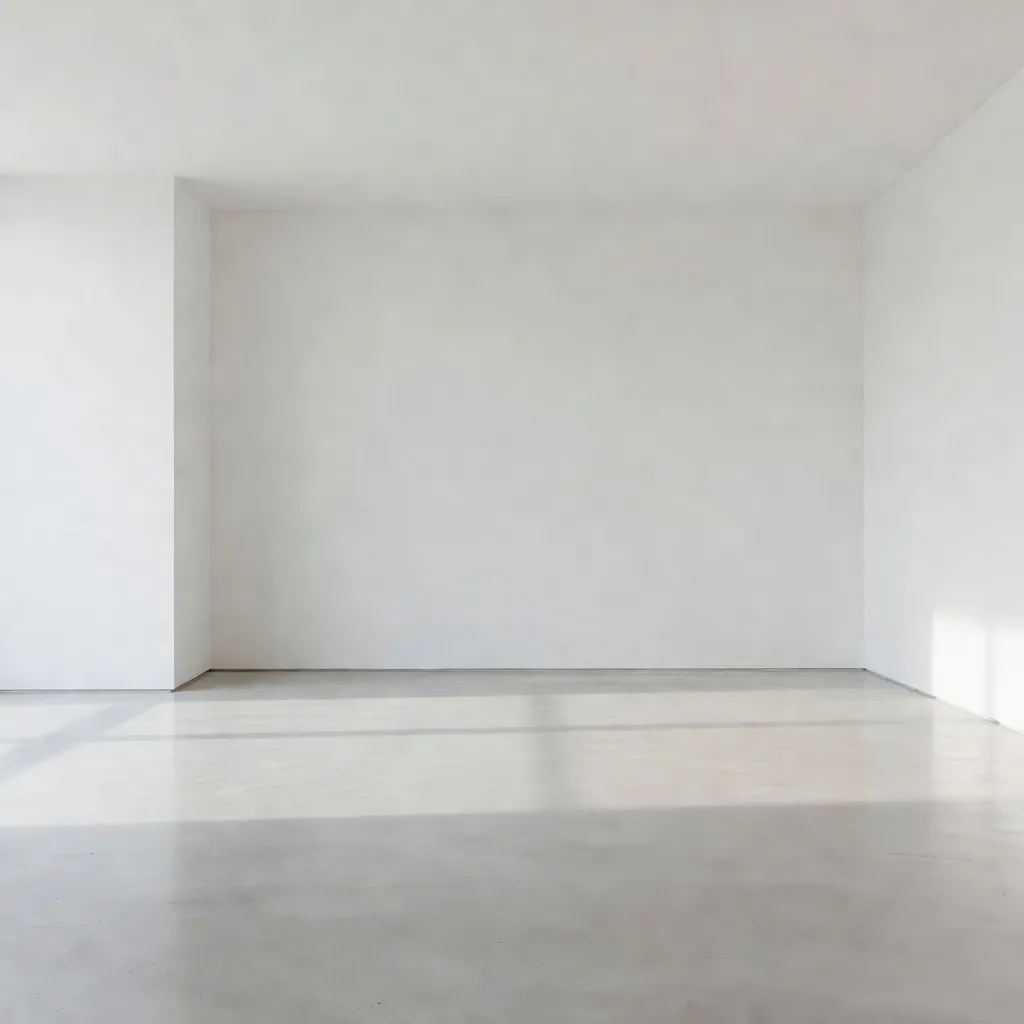
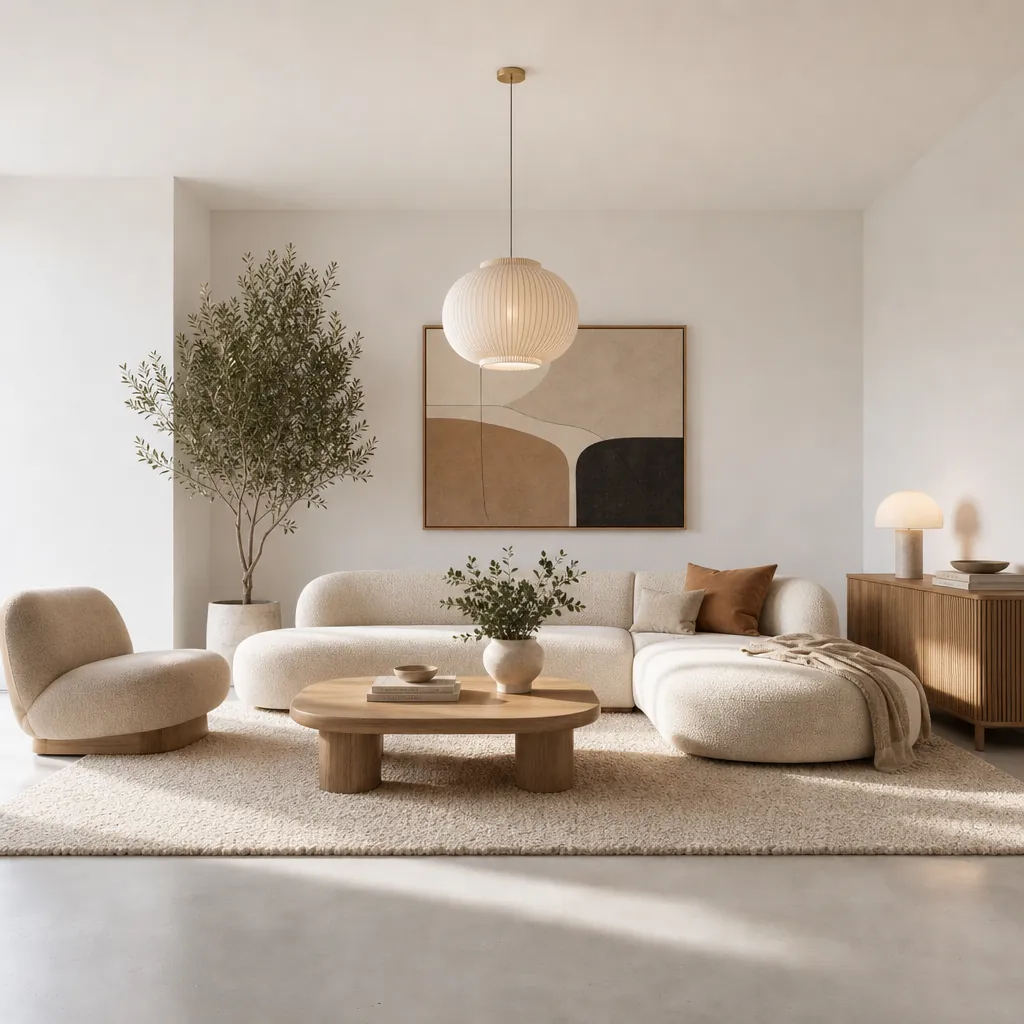
Turn empty rooms into furnished spaces for real estate listings
Gemini 2.0 Flash Edit
Try Now →
Gemini 2.0 Flash Edit
Edit images fast using simple text instructions
Gemini 2.0 Flash Multi Edit
Try Now →
Gemini 2.0 Flash Multi Edit
Edit multiple images at once with a single text instruction
ByteDance SeedEdit 3.0
Try Now →
ByteDance SeedEdit 3.0
Edit images with text instructions while preserving original details
FLUX Kontext Pro
Try Now →
FLUX Kontext Pro
Edit images by describing changes in plain language.
Luma Photon Modify
Try Now →
Luma Photon Modify
Edit images using text prompts with adjustable strength
FLUX 2 Flex Edit
Try Now →
FLUX 2 Flex Edit
Edit images with multiple references and precise HEX color control
FLUX 2 Dev LoRA Edit
Try Now →
FLUX 2 Dev LoRA Edit
Edit images with specialized LoRA styles for domain-specific modifications
Qwen Image Edit Inpaint
Try Now →
Qwen Image Edit Inpaint
Fill or modify masked areas in images using text instructions.
DreamOmni2 Edit
Try Now →
DreamOmni2 Edit
Combine multiple images with text for style transfer and creative edits.
Qwen Remove Element
Try Now →
Qwen Remove Element
Erase unwanted objects, people, or text while keeping the rest intact
Qwen Camera Control (Multiple Angles)
Try Now →
Qwen Camera Control (Multiple Angles)
Adjust camera angles, zoom, and position without changing your subject
Qwen Face to Full Portrait
Try Now →
Qwen Face to Full Portrait
Expand cropped headshots into complete portraits with body and background
Qwen Integrate Product
Try Now →
Qwen Integrate Product
Place products into backgrounds with automatic perspective and lighting matching
FLUX 2 Pro Edit
Try Now →
FLUX 2 Pro Edit
Edit images with advanced manipulation and style transfer
Wan 2.5 Image-to-Image
Try Now →
Wan 2.5 Image-to-Image
Transform and edit images using text prompts with reference image support.
Qwen Group Photo Creator
Try Now →
Qwen Group Photo Creator
Combine individual portraits into vintage-style group photos
Step1X Edit
Try Now →
Step1X Edit
Transform photos with simple text instructions into professional-quality edits
Qwen Shirt Design Transfer
Try Now →
Qwen Shirt Design Transfer
Apply designs and logos onto clothing for mockups and visualizations
Qwen Add Background
Try Now →
Qwen Add Background
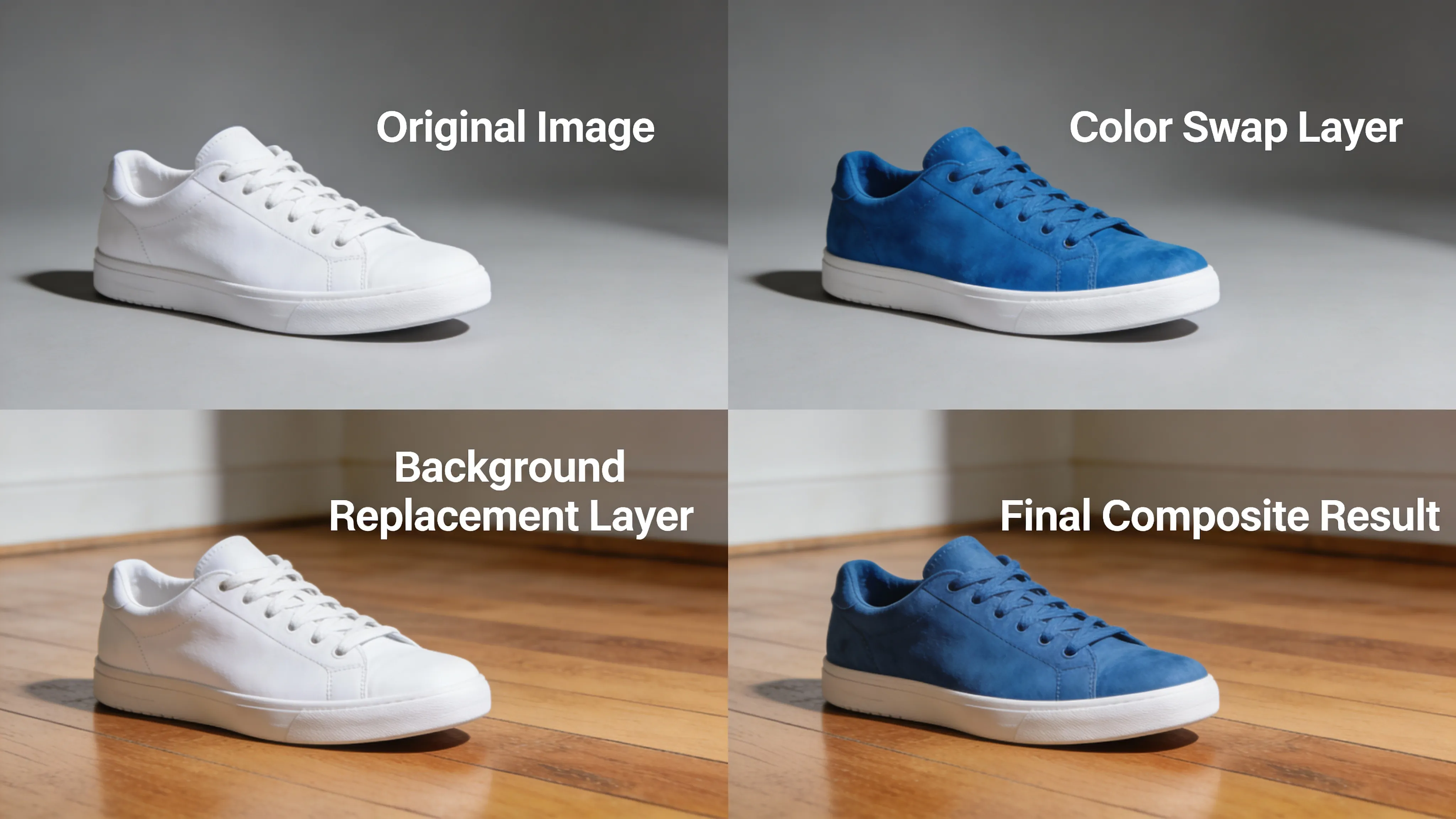
Replace white backgrounds with realistic scenes that match your subject
Qwen Image Edit 2511
Try Now →
Qwen Image Edit 2511
Transform images with text instructions to change angles, styles, and more.
FLUX.1 SRPO Image-to-Image
Try Now →
FLUX.1 SRPO Image-to-Image
Transform and enhance images with beautiful aesthetic quality.
FLUX SRPO Image-to-Image
Try Now →
FLUX SRPO Image-to-Image
Transform and enhance your images with beautiful aesthetic quality.
Hidream E1 1
Try Now →
Hidream E1 1
Edit images using natural language instructions
Qwen Image Edit 2509
Try Now →
Qwen Image Edit 2509
Edit multiple images at once with high-quality text rendering.
GPT-Image 1.5 Edit
Try Now →
GPT-Image 1.5 Edit
Edit images while preserving composition, lighting, and fine details.
Runway Gen-4 Image
Try Now →
Runway Gen-4 Image
Create exact images using up to 3 reference images for guidance
Qwen Image 2 Pro Edit
Try Now →
Qwen Image 2 Pro Edit
Premium multi-image editing with highest quality. Edit up to 6 images, supports Chinese and English.
Cinematic Angle Generator
Try Now →
Cinematic Angle Generator
Generate the same scene from different camera angles. Control rotation, elevation, and zoom.
Product Photoshoot
Try Now →
Product Photoshoot
Place products in professional scenes for marketing-ready images.
FLUX Kontext Max Multi-Image
Try Now →
FLUX Kontext Max Multi-Image
Blend multiple images into one scene by describing how to combine them.
Nano Banana 2 Pro Edit
Try Now →
Nano Banana 2 Pro Edit
Edit multiple images up to 4K with optional web search grounding. Generate 1-4 variations per edit.
WAN 2.7 Pro Image Edit
Try Now →
WAN 2.7 Pro Image Edit
Premium AI image editing with enhanced quality. Professional-grade image transformations using text instructions. Multi-image input (1-4 images), superior detail and composition. Chinese & English support, negative prompts, prompt expansion. Perfect for professional editing, high-quality transformations, commercial projects
FLUX Kontext Max
Try Now →
FLUX Kontext Max
Edit images with text descriptions and get improved typography results.
Custom Reframe Excellent
Try Now →
Custom Reframe Excellent
Reframe and optimize your image composition with AI-powered aspect ratio adjustment
Ideogram v3 Remix
Try Now →
Ideogram v3 Remix
Create variations of your images while keeping their core elements intact
Wan v2.2 A14B Image-to-Image
Try Now →
Wan v2.2 A14B Image-to-Image
Edit high-resolution, photorealistic images with precise prompt understanding.
Vidu Q2 Reference-to-Image
Try Now →
Vidu Q2 Reference-to-Image
Create images with consistent subjects using reference photos and prompts.
Vidu Reference-to-Image
Try Now →
Vidu Reference-to-Image
Create images with consistent subjects by combining reference images and text.
NextStep 1
Try Now →
NextStep 1
Make complex edits to your images using simple text instructions.
FLUX 2 Max Edit
Try Now →
FLUX 2 Max Edit
Edit images with precision while maintaining realism and composition.
Qwen Image Edit Plus
Try Now →
Qwen Image Edit Plus
Edit text in images and combine multiple photos with transformations.
Bagel Image Editor
Try Now →
Bagel Image Editor
Edit images with natural language while preserving untouched areas
USO Subject-Driven Generation
Try Now →
USO Subject-Driven Generation
Transfer styles and customize subjects using multiple reference images.
SOUL Image-to-Image
Try Now →
SOUL Image-to-Image
Transform images with style presets while keeping characters consistent across scenes.
Nano Banana Pro Edit
Try Now →
Nano Banana Pro Edit
Edit and transform images using multiple reference photos
Ideogram Character
Try Now →
Ideogram Character
Create consistent characters from one reference image in any style.
Gemini 3 Pro Image Preview Edit
Try Now →
Gemini 3 Pro Image Preview Edit
Edit images with multi-image support and precise control
Hunyuan Image v3 Instruct Edit
Try Now →
Hunyuan Image v3 Instruct Edit
Edit images with natural language using intelligent reasoning. Supports up to 2 reference images.
Ideogram V3 Character Edit
Try Now →
Ideogram V3 Character Edit
Change your character's pose, expression, or clothing while keeping them recognizable.
Image Translator
Try Now →
Image Translator
Translate text in images to 30+ languages while preserving fonts and layout
GLM Image to Image
Try Now →
GLM Image to Image
Transform images with accurate text and maintain character consistency across edits.
OmniGen V1
Try Now →
OmniGen V1
Edit images, personalize content, try on clothes, or generate multiple people in one scene.
Ideogram V3 Character Remix
Try Now →
Ideogram V3 Character Remix
Put your character in different styles, settings, or scenarios while keeping their appearance consistent
LongCat Image Edit
Try Now →
LongCat Image Edit
Edit images with multilingual text rendering and photorealistic results.
StepX Edit2
Try Now →
StepX Edit2
Edit images using simple instructions - the AI understands what you want and makes smart modifications.
OmniGen V2
Try Now →
OmniGen V2
Edit images, swap outfits, personalize content, or create multi-person scenes with up to 3 images.
Emu 3.5 Image Editor
Try Now →
Emu 3.5 Image Editor
Edit images with text prompts to change styles, swap objects, or add creative touches.
View All Models
Inspiration
Example Prompts
Try these prompts to get started
Style Transfer
"Transform this portrait into a Renaissance oil painting style with dramatic lighting and classical composition"
Try This Prompt →
Product Photography
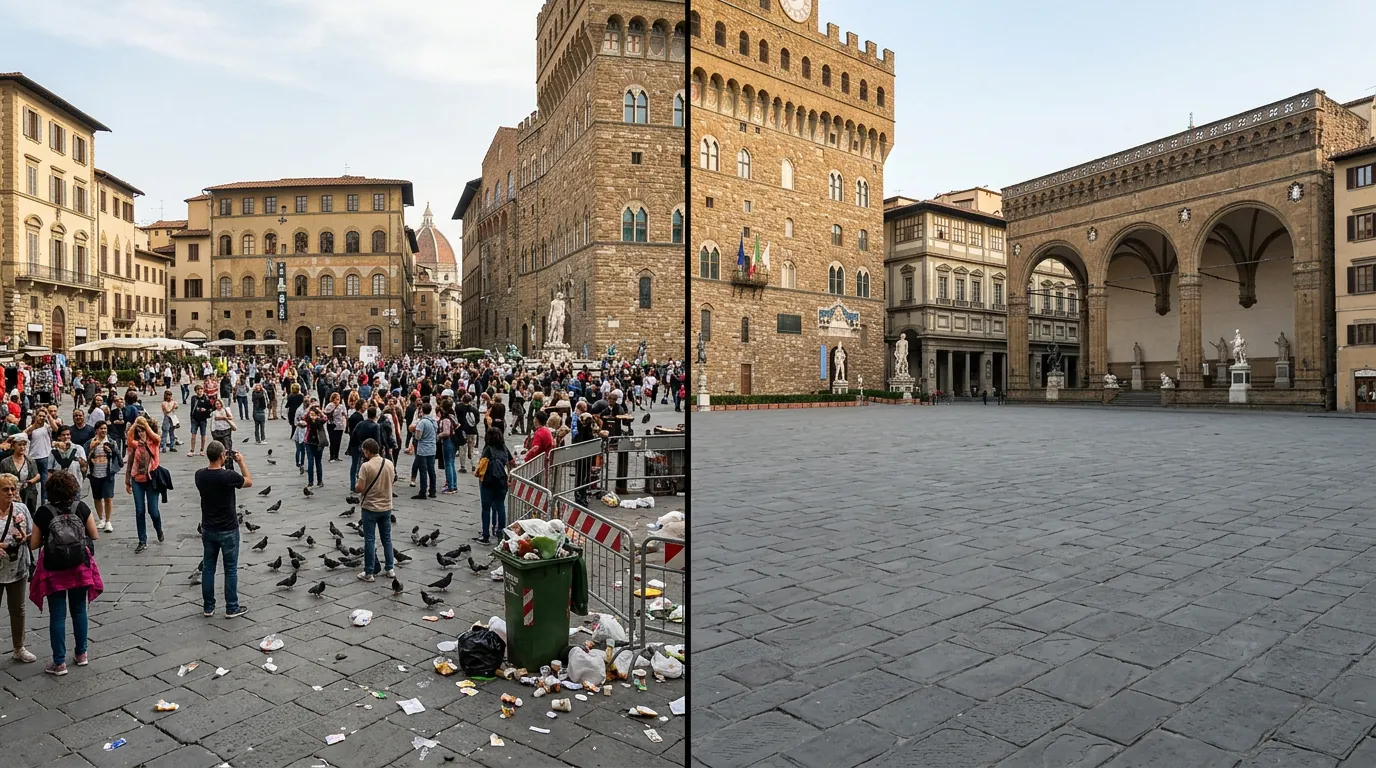
"Convert this product photo to a minimalist studio setup with soft shadows and white background"
Try This Prompt →
Artistic Transformation
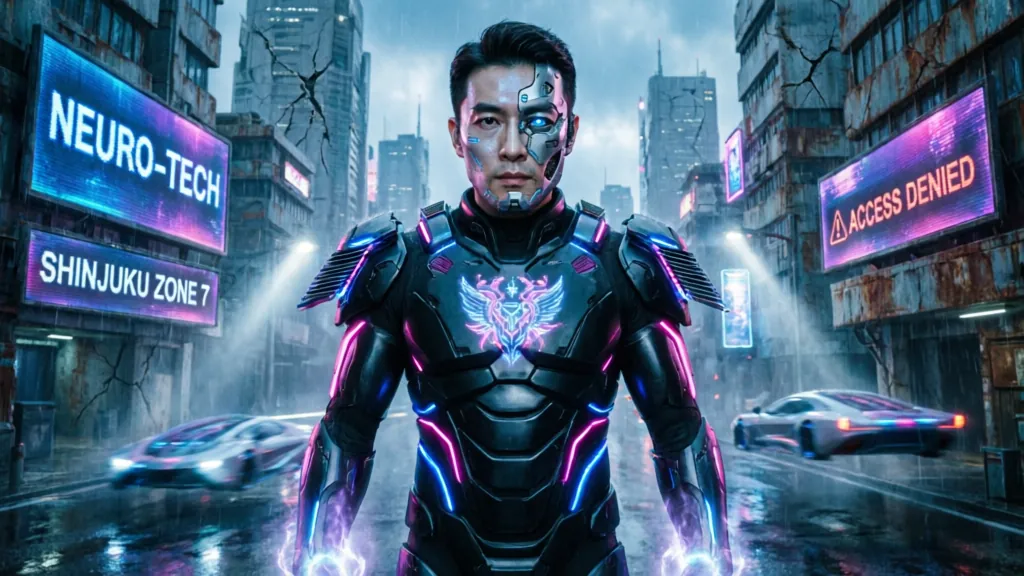
"Apply cyberpunk aesthetic to this cityscape with neon lighting and futuristic elements"
Try This Prompt →
Architecture
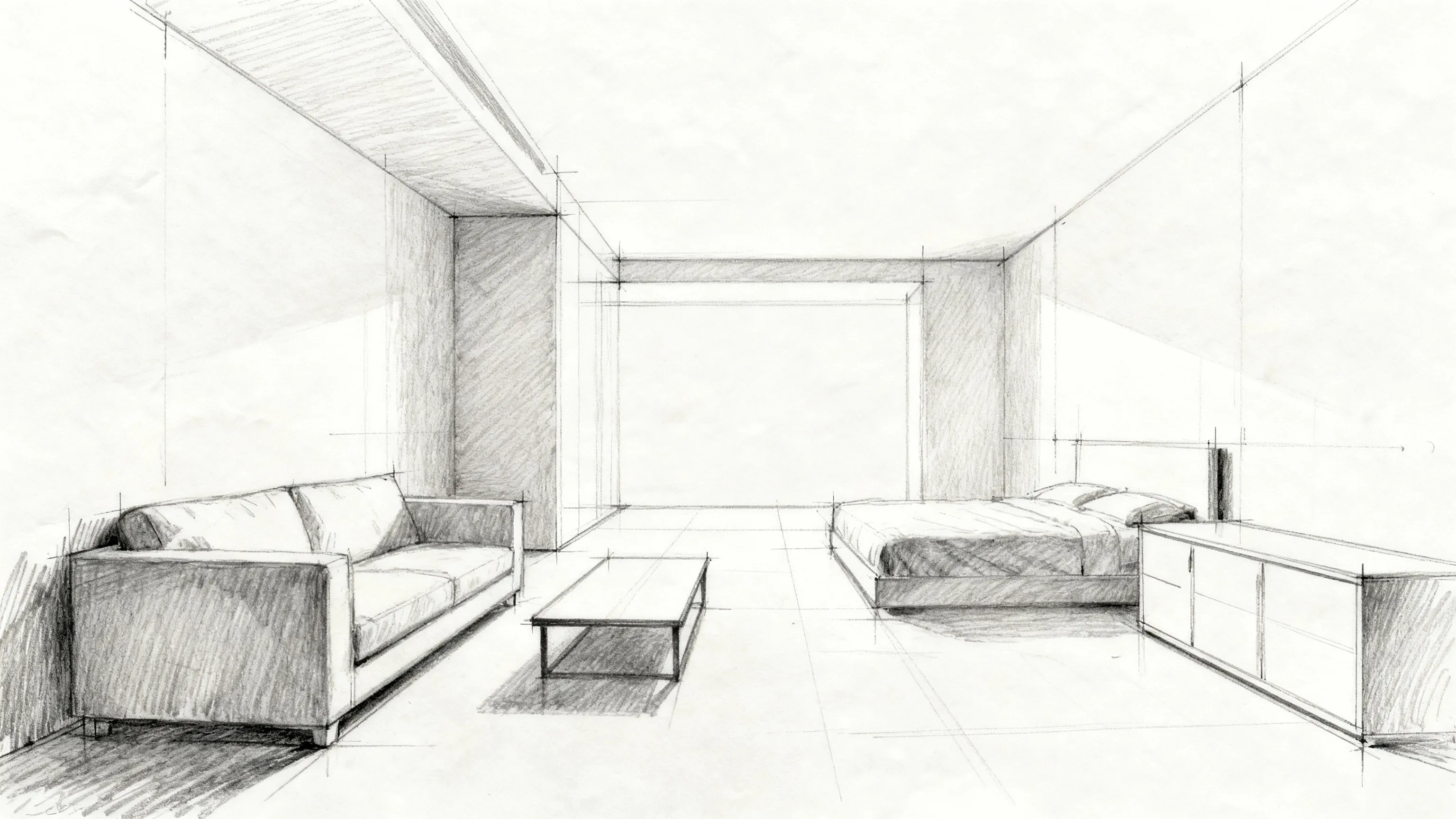
"Transform this sketch into a photorealistic architectural render with natural lighting and materials"
Try This Prompt →
Lighting Enhancement
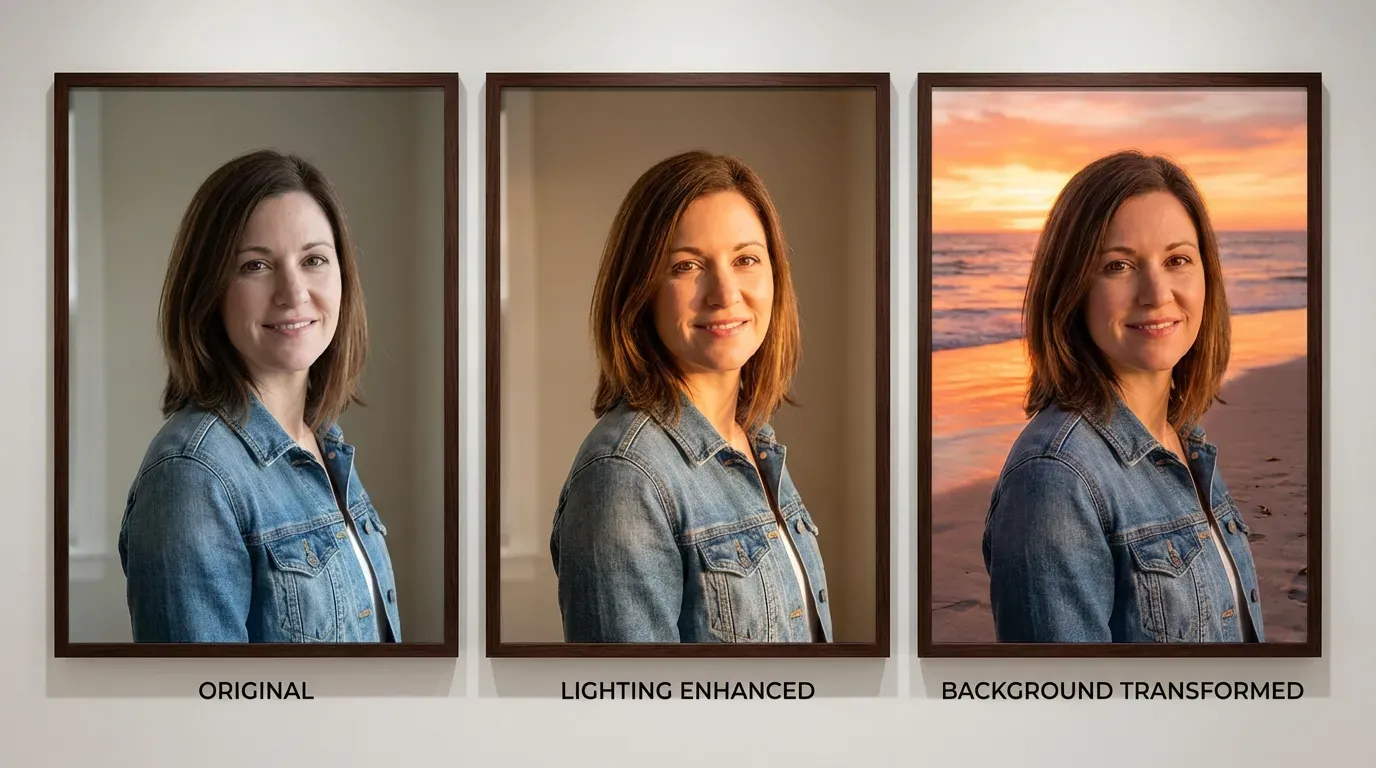
"Convert this daytime photo to golden hour lighting with warm tones and long shadows"
Try This Prompt →
Character Design
"Apply anime art style to this portrait while maintaining facial features and expression"
Try This Prompt →
Artistic Style
"Transform this landscape photo into a watercolor painting with soft edges and vibrant colors"
Try This Prompt →
Fashion
"Convert this fashion photo to editorial magazine style with high contrast and professional color grading"
Try This Prompt →
Use Cases
Perfect For Every Use Case
Create professional content for any purpose
🖼️
Artistic Style Transfer
Transform photos into paintings, sketches, or specific art styles using AI-powered neural style transfer.
Photo Enhancement
Upgrade image quality, adjust lighting, and refine compositions by transforming existing photos with AI.
👤
Character Consistency
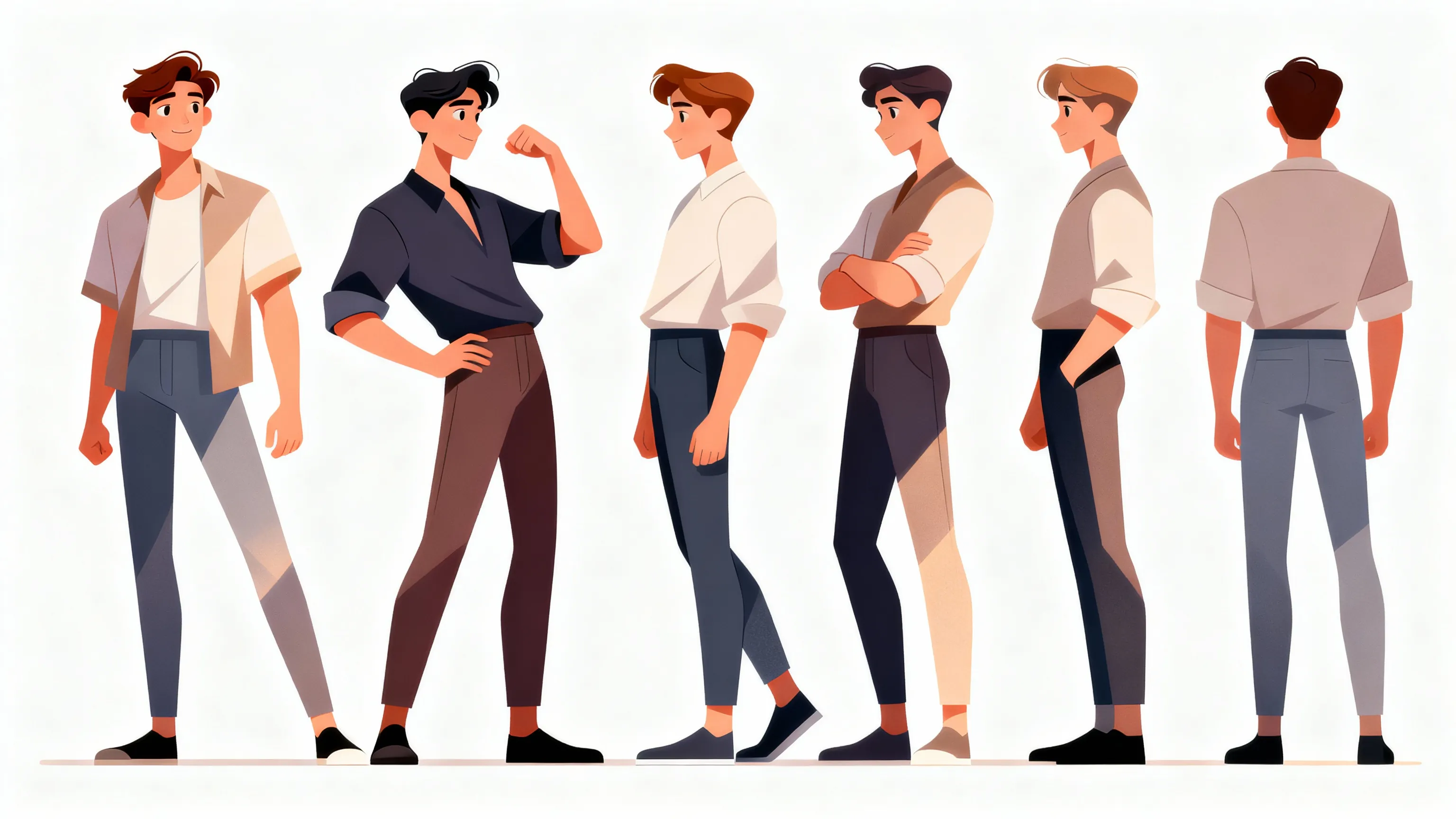
Maintain consistent character appearances across multiple images using LoRA models and reference photos.
🛍️
Product Visualization
Transform product photos into different settings, styles, or presentations for marketing materials.
🏗️
Architectural Rendering
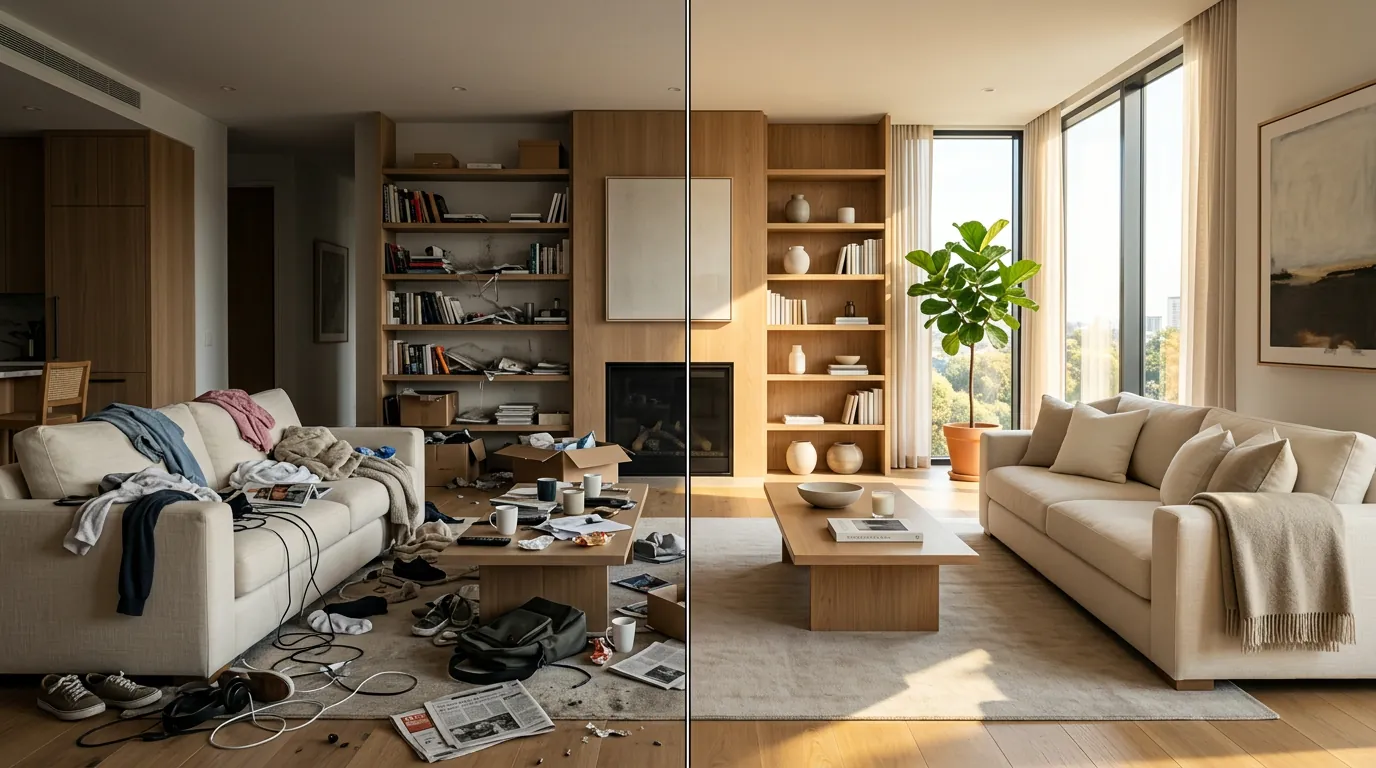
Convert architectural sketches or photos into photorealistic renders or different design styles.
👗
Fashion Design
Transform clothing photos with different patterns, colors, or styles while preserving garment structure.
🎮
Concept Art Creation
Use reference images to generate concept art variations for games, films, or creative projects.
📷
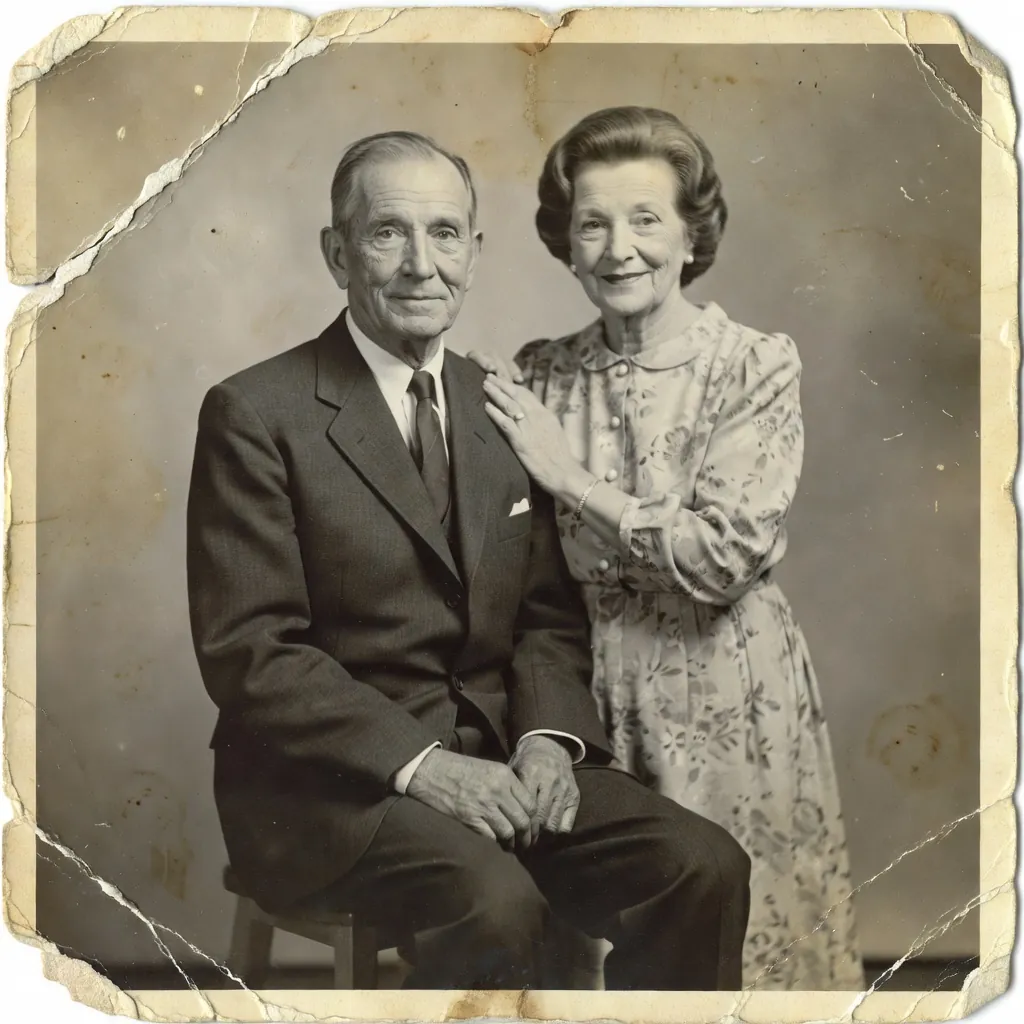
Photo Restoration
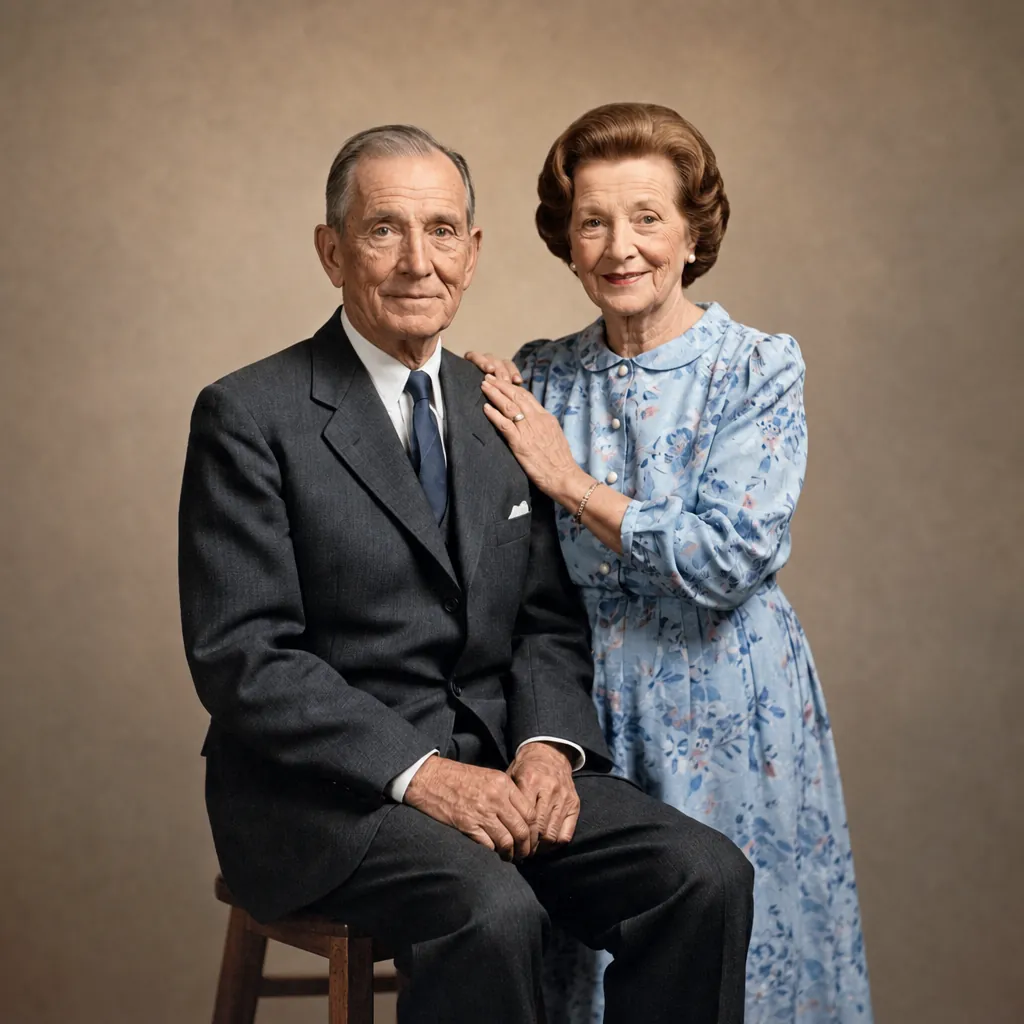
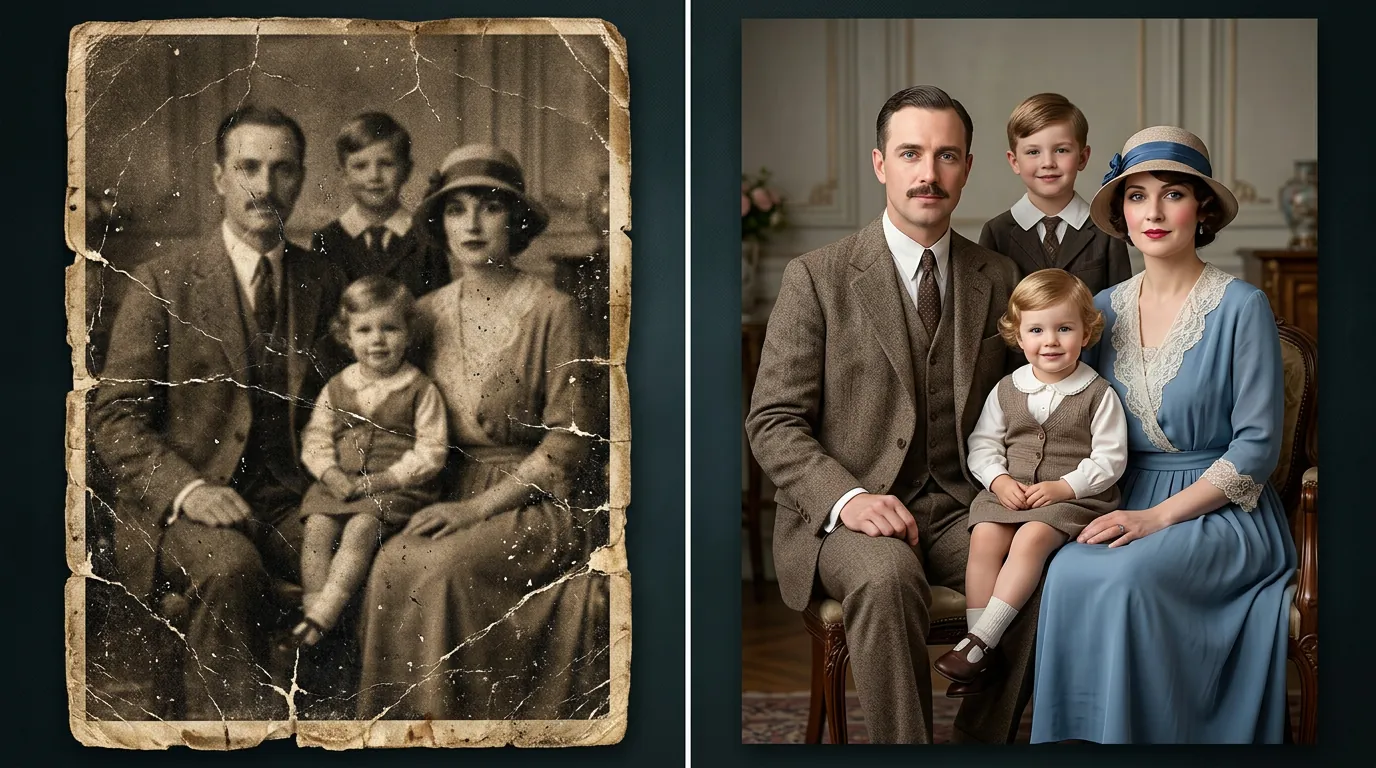
Transform old or damaged photos into enhanced versions with AI-guided reconstruction and colorization.
Questions
Frequently Asked
Image to image is an AI technique that transforms existing photos into new variations while preserving composition or specific elements. It includes style transfer, reference-based editing, LoRA transformations, and AI-guided photo enhancement. Unlike text-to-image generation, you upload a source image that guides the AI transformation.
JAI Portal offers 108+ specialized image to image models covering style transfer, LoRA editing, reference-based transformations, and photo enhancement. You can compare multiple models side-by-side on the same source image to find the perfect transformation approach for your needs.
Yes, all images generated through JAI Portal's image to image models come with full commercial usage rights. You own your outputs and can use them for client work, marketing materials, products, or any commercial purpose without additional licensing fees.
LoRA (Low-Rank Adaptation) models are specialized AI models trained on specific styles, characters, or aesthetics. They allow precise control over transformations, enabling consistent character generation, specific artistic styles, or branded visual elements across multiple image transformations.
Reference-based editing uses a second image to guide the transformation of your source photo. The AI analyzes composition, lighting, color palette, or style from the reference image and applies those characteristics to your source image, creating consistent visual results across multiple photos.
JAI Portal uses a pay-as-you-go credit system with no monthly subscriptions. Credit costs vary by model complexity and resolution. You only pay for transformations you generate, making it cost-effective for both occasional users and high-volume professionals. No hidden fees or commitments.
Start Creating with Image to Image Models
Transform your photos with 108+ specialized AI models. Compare results side-by-side and pay only for what you use.
Try Free — 10 Credits Included
Pay-as-You-Go Credits • No Subscription Required
How It Works
Create in 3 Simple Steps

No learning curve. Pick a model, describe what you want, and download professional results in seconds.

1
Model A
Model B
Model C
Model D
Model E
Model F
Choose a Model
Browse 108+ specialized image to image models including style transfer, LoRA-enabled, and reference-based tools. Compare capabilities, preview outputs, and select the perfect model for your transformation needs.
2
Your Input
Upload source image and target face, adjust settings...|
Quality
High
Blending
Auto
Detection
Smart
Generate
Configure & Generate
Upload your source image, add reference photos if needed, and configure transformation parameters. Adjust strength, style intensity, and model-specific settings. Generate with credits and preview results instantly.
3
HD Ready
No Watermark
Download
Download & Use
Download your transformed images in high resolution with full commercial rights. Use outputs for client work, marketing, or personal projects. Compare multiple model results to choose the best transformation.
Try Free — 10 Credits Included
Why JAI
Why Choose JAI Portal?
🎭
Style Transfer Mastery
Upload any photo and transform it with AI-powered style transfer. Apply artistic styles, change aesthetics, or reimagine your images with advanced neural networks.
🔄
LoRA Model Support
Access specialized LoRA models for precise transformations. Fine-tune outputs with custom training weights for character consistency, specific styles, and unique artistic directions.
📸
Reference-Based Editing
Use reference images to guide transformations. Match compositions, mimic lighting, or transfer visual elements from one photo to another with AI precision.
⚖️
Compare 108+ Models
Test multiple image to image models side-by-side on your photos. Find the perfect model for your specific transformation needs with real-time comparison.
Social Proof
Loved by Creators
★★★★★
"The image to image models on JAI Portal are incredible for style transfer work. I can compare different approaches side-by-side and find exactly the right aesthetic for each project. The LoRA support is a game-changer."
Marcus Chen
Digital Artist
★★★★★
"Transforming product photos has never been easier. I use reference-based models to match client aesthetics perfectly. The credit system means I only pay for what I use, which is perfect for my workflow."
Sarah Mitchell
Product Photographer
★★★★★
"Having 108+ image to image models in one place saves me hours. I can upload a sketch and test multiple rendering styles instantly. The comparison feature helps me present options to clients efficiently."
David Park
Concept Artist
★★★★★
"The style transfer capabilities are perfect for visualizing design concepts. I transform fabric swatches and pattern ideas into full garment mockups. The quality across different models is consistently impressive."
Elena Rodriguez
Fashion Designer
★★★★★
"Converting sketches to photorealistic renders used to take days. Now I upload a concept and compare multiple AI transformations in minutes. The reference-based editing maintains architectural accuracy perfectly."
James Wilson
Architectural Visualizer
★★★★★
"I use image to image models daily to create branded content variations. The ability to maintain style consistency across campaigns while transforming source photos is invaluable. Credit pricing is transparent and fair."
Nina Patel
Social Media Manager

What is AI Image to Image?

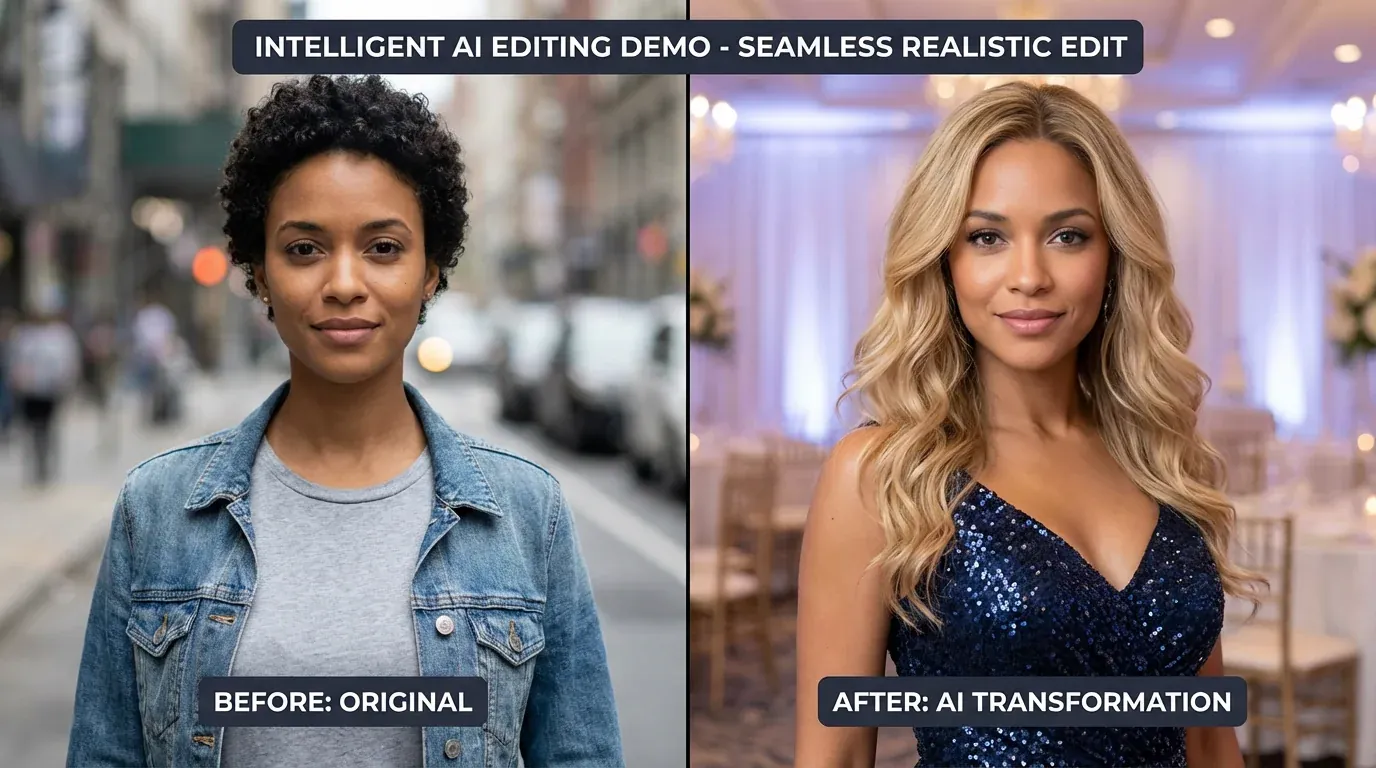
AI image to image is a powerful transformation technology that uses neural networks to convert existing photos into new variations while maintaining compositional elements or applying specific styles. Unlike traditional text-to-image generation that creates images from scratch, image to image AI takes your uploaded photo as a foundation and transforms it according to your specifications. This includes style transfer that applies artistic aesthetics, reference-based editing that matches visual characteristics from example images, and LoRA model transformations that maintain consistency across multiple generations. The technology behind image to image AI uses advanced diffusion models, neural style transfer algorithms, and custom-trained LoRA weights to achieve precise transformations. Professional applications range from product photography enhancement and architectural visualization to character design consistency and artistic style exploration. By uploading a source image, users maintain control over composition, subject matter, and core elements while allowing AI to handle style application, quality enhancement, or aesthetic transformation. JAI Portal's image to image capabilities span 108+ specialized models, each optimized for different transformation types. Whether you need photorealistic rendering from sketches, artistic style transfer for creative projects, or reference-guided editing for brand consistency, the platform provides professional-grade tools with side-by-side comparison features. All transformations use a transparent credit-based pricing system, and generated images come with full commercial usage rights for professional workflows.

Best Image to Image Models on JAI Portal

JAI Portal aggregates 108+ specialized image to image models in one unified platform, eliminating the need to manage multiple subscriptions or learn different interfaces. The collection includes industry-leading style transfer models that apply artistic aesthetics from classical paintings to modern digital art styles, LoRA-enabled models for character consistency and branded transformations, and reference-based editing tools that match lighting, composition, or color palettes from example images. Each model is optimized for specific use cases, from photorealistic architectural rendering to anime-style character transformation. The platform's unique comparison feature allows users to test multiple image to image approaches simultaneously on the same source photo. Upload your image once and generate transformations across different models side-by-side, comparing quality, style accuracy, and detail preservation in real-time. This capability is invaluable for professionals who need to present options to clients or find the optimal model for specific project requirements. Advanced filtering helps you discover models by transformation type, output style, or technical capabilities like LoRA support. Every image to image model on JAI Portal operates on a pay-as-you-go credit system with transparent pricing and no hidden fees. Credits scale based on model complexity and output resolution, ensuring you only pay for the transformations you actually use. All generated images include full commercial licensing, making JAI Portal suitable for professional photographers, digital artists, product visualizers, and creative agencies. The platform handles technical infrastructure, model hosting, and updates, letting you focus on creative transformation work rather than technical management.

Style Transfer and Artistic Transformation

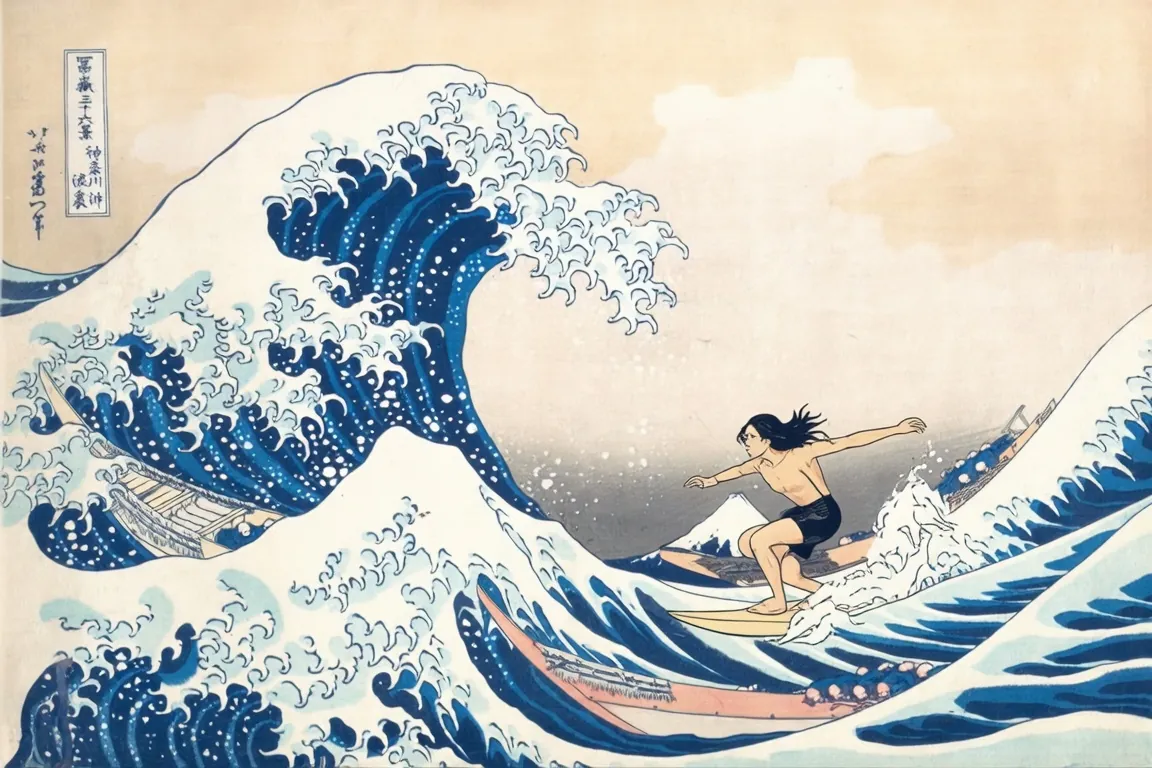
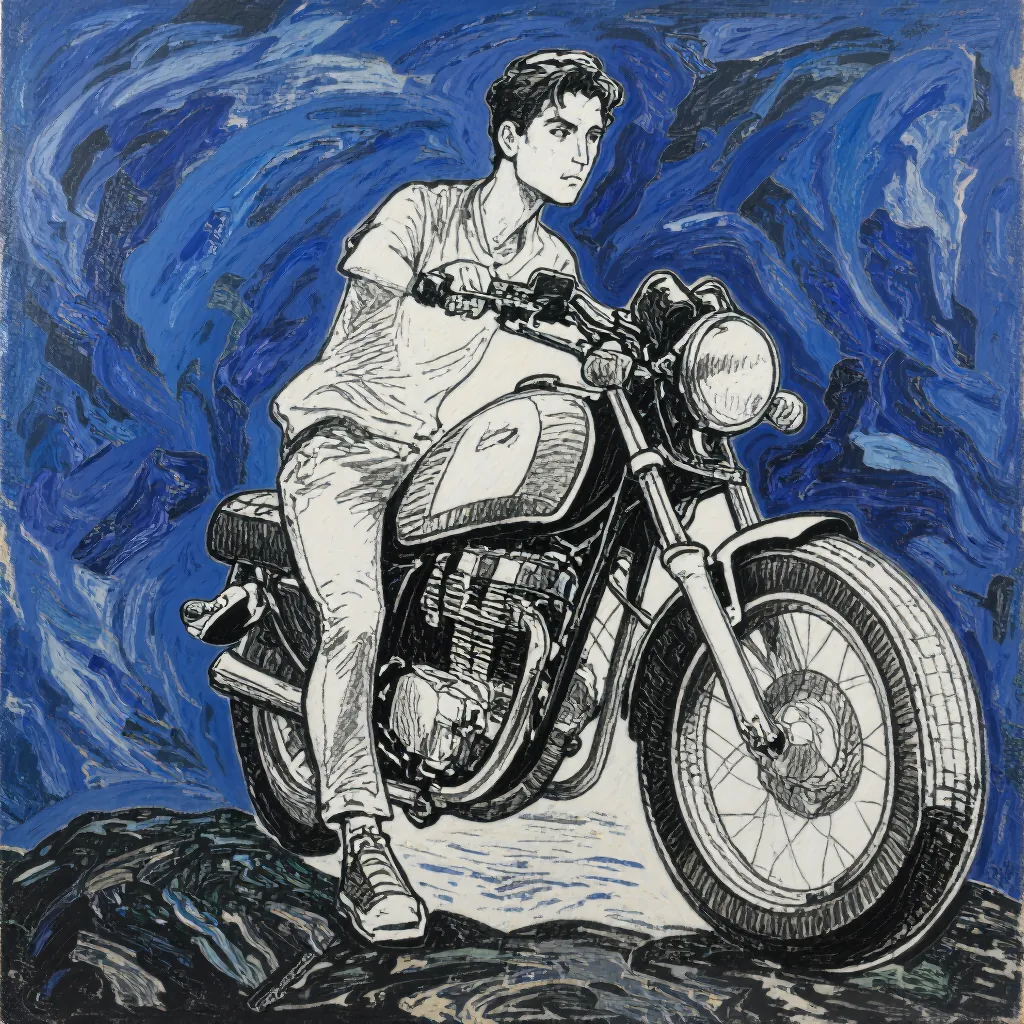
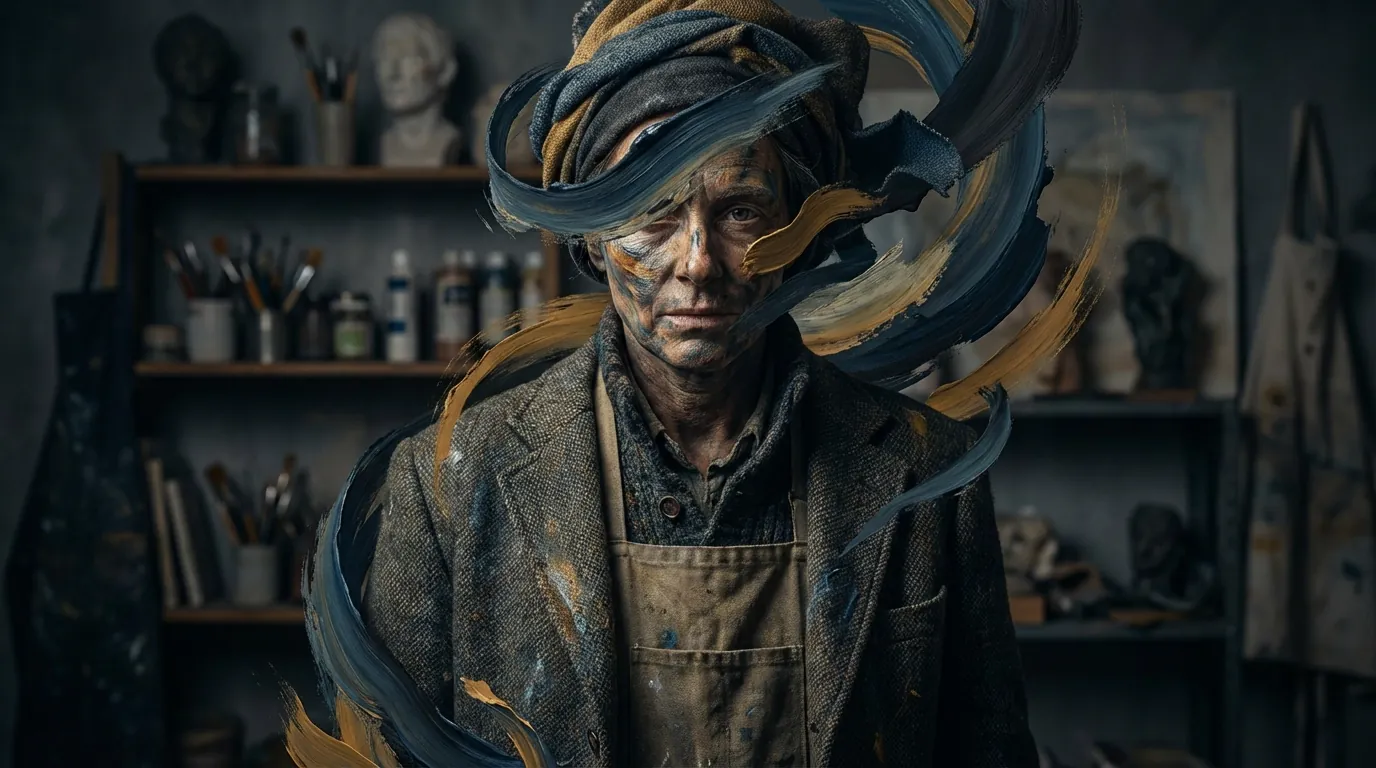
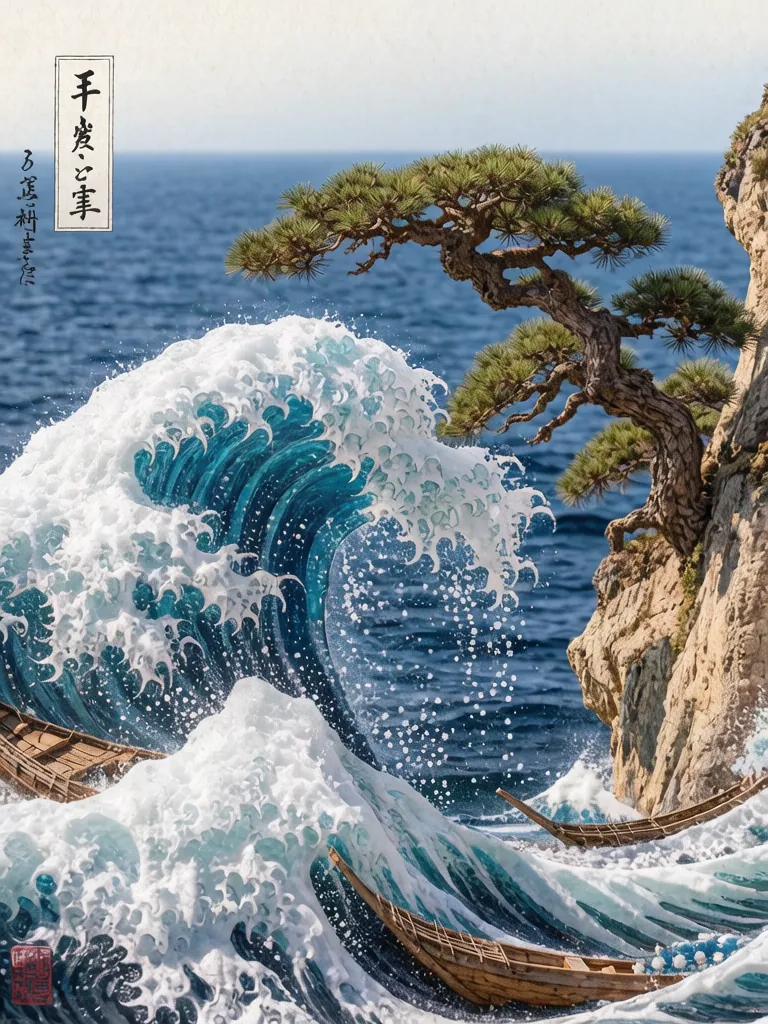
Style transfer is one of the most popular applications of image to image AI, allowing users to transform ordinary photos into artwork that mimics famous painting styles, digital art aesthetics, or custom visual treatments. JAI Portal's style transfer models use neural networks trained on diverse artistic datasets to apply everything from Renaissance oil painting techniques to contemporary digital illustration styles. Upload a portrait, landscape, or product photo and transform it into a Van Gogh-inspired painting, anime artwork, or minimalist design in seconds. Advanced style transfer models on the platform offer granular control over transformation intensity, allowing you to balance between preserving photographic details and applying artistic effects. Some models specialize in specific genres like watercolor, sketch art, or cyberpunk aesthetics, while others provide flexible style application across multiple artistic movements. The comparison feature is particularly valuable for style transfer work, enabling you to preview how different artistic approaches affect your source image before committing credits to full-resolution generation. Professional applications of style transfer include creating unique social media content, developing branded visual identities, producing concept art for entertainment projects, and generating marketing materials with distinctive aesthetics. JAI Portal's commercial licensing ensures that style-transferred images can be used in client work, merchandise, advertising, or any commercial context without copyright concerns. The credit-based pricing model makes style transfer accessible for both experimental creative exploration and high-volume production workflows.

LoRA Models for Consistent Transformations

LoRA (Low-Rank Adaptation) models represent a breakthrough in image to image AI, enabling highly specific transformations with consistent results across multiple generations. These specialized models are trained on particular subjects, styles, or visual characteristics, allowing users to maintain character consistency in storytelling projects, apply branded visual treatments across photo sets, or achieve specific aesthetic goals that general-purpose models cannot replicate. JAI Portal provides access to diverse LoRA models covering character designs, artistic styles, product aesthetics, and specialized visual treatments. The power of LoRA models lies in their ability to understand and replicate nuanced visual characteristics. For example, a character-specific LoRA can maintain facial features, clothing style, and personality across different poses and settings when transforming source images. Brand-focused LoRAs can apply consistent color palettes, lighting treatments, or compositional styles across product photography. This consistency is crucial for professional projects requiring visual coherence across multiple images, such as marketing campaigns, comic book creation, or game asset development. JAI Portal's LoRA-enabled image to image models integrate seamlessly with the platform's comparison tools, allowing you to test how different LoRA weights affect your transformations. Adjust strength parameters to control how strongly the LoRA characteristics influence the output, balancing between source image preservation and style application. All LoRA-generated images come with commercial rights, and the credit pricing system ensures you only pay for successful transformations. This makes LoRA models accessible for both independent creators and professional studios requiring consistent, high-quality image transformations.

Reference-Based Image Editing

Reference-based image editing uses example images to guide AI transformations, enabling precise control over lighting, composition, color grading, and aesthetic direction. Instead of describing desired changes through text prompts, you upload a reference photo that demonstrates the visual characteristics you want to apply to your source image. JAI Portal's reference-based models analyze the reference image's attributes and intelligently transfer those qualities to your target photo while preserving its unique content and composition. This approach is particularly valuable for professional workflows requiring consistency across image sets. Product photographers can use a single styled reference shot to transform entire product catalogs with matching lighting and backgrounds. Portrait photographers can apply consistent color grading and mood across client photo sessions. Architectural visualizers can match lighting conditions and atmospheric effects from reference renders. The AI understands complex visual relationships, transferring not just obvious elements like color but subtle characteristics like shadow quality, texture treatment, and compositional balance. JAI Portal's implementation of reference-based editing includes multiple specialized models optimized for different transformation types. Some excel at lighting transfer, others at compositional guidance, and specialized models handle color palette matching or texture application. The side-by-side comparison feature lets you test different reference-based approaches simultaneously, finding the optimal model for your specific transformation needs. With transparent credit pricing and full commercial licensing, reference-based editing on JAI Portal provides professional-grade consistency tools without subscription commitments or usage restrictions.

Professional Image to Image Workflows

Professional creators across industries rely on image to image AI to accelerate workflows, explore creative directions, and deliver consistent results at scale. JAI Portal's comprehensive collection of 108+ models supports diverse professional applications from concept art development and product visualization to marketing content creation and architectural rendering. The platform's pay-as-you-go credit system aligns with project-based workflows, eliminating the waste of monthly subscriptions during slow periods while providing unlimited access during high-volume production phases. The comparison feature is central to professional workflows on JAI Portal, enabling rapid iteration and client presentation. Upload a source image and generate transformations across multiple models simultaneously, presenting diverse options to clients or art directors without committing to a single approach. This capability reduces revision cycles and helps teams make informed decisions about which AI models best serve specific project requirements. Advanced filtering and model discovery tools help professionals quickly identify the right transformation approach for each unique creative challenge. All images generated through JAI Portal's image to image models include full commercial usage rights with no attribution requirements or additional licensing fees. This makes the platform suitable for client work, commercial products, advertising campaigns, and any professional application. The platform handles technical infrastructure, model updates, and performance optimization, allowing creative professionals to focus on artistic direction rather than technical management. Whether you're an independent freelancer or part of a large creative team, JAI Portal's image to image capabilities scale to meet professional production demands with transparent, predictable credit-based pricing.
Browse by Type
Explore AI Models by Category

Related Content
How-To Guides
Remove Background from Image with AI Upscale Image to 4K with AI Enhance Image Quality with AI Turn Photo into Video with AI
Free Tools
Free AI Image Generator Free AI Image Editor Tool Free AI Image Upscaler Tool Free AI Image to 3D Generator Free AI Image-to-Image Generator
Alternatives
Gpt Image Alternatives Topaz Upscale Alternatives Kling Lipsync Alternatives
Best Of
Best Free AI Image Generators 2026 Best Text to Image AI Tools Best Image to Video Generators Best AI Photo Generators 2026
Try Image Editing Models →