Premium Video Face Swap

AI Video Face Swap — Swap Faces in Any Video

Compare 5+ specialized AI models for realistic video face swapping with frame-by-frame precision and natural movement tracking

10M+ Generations on JAI Portal
AI Video Face Swap
Examples
See What's Possible
Real outputs from AI Video Face Swap — click to try with the same model.
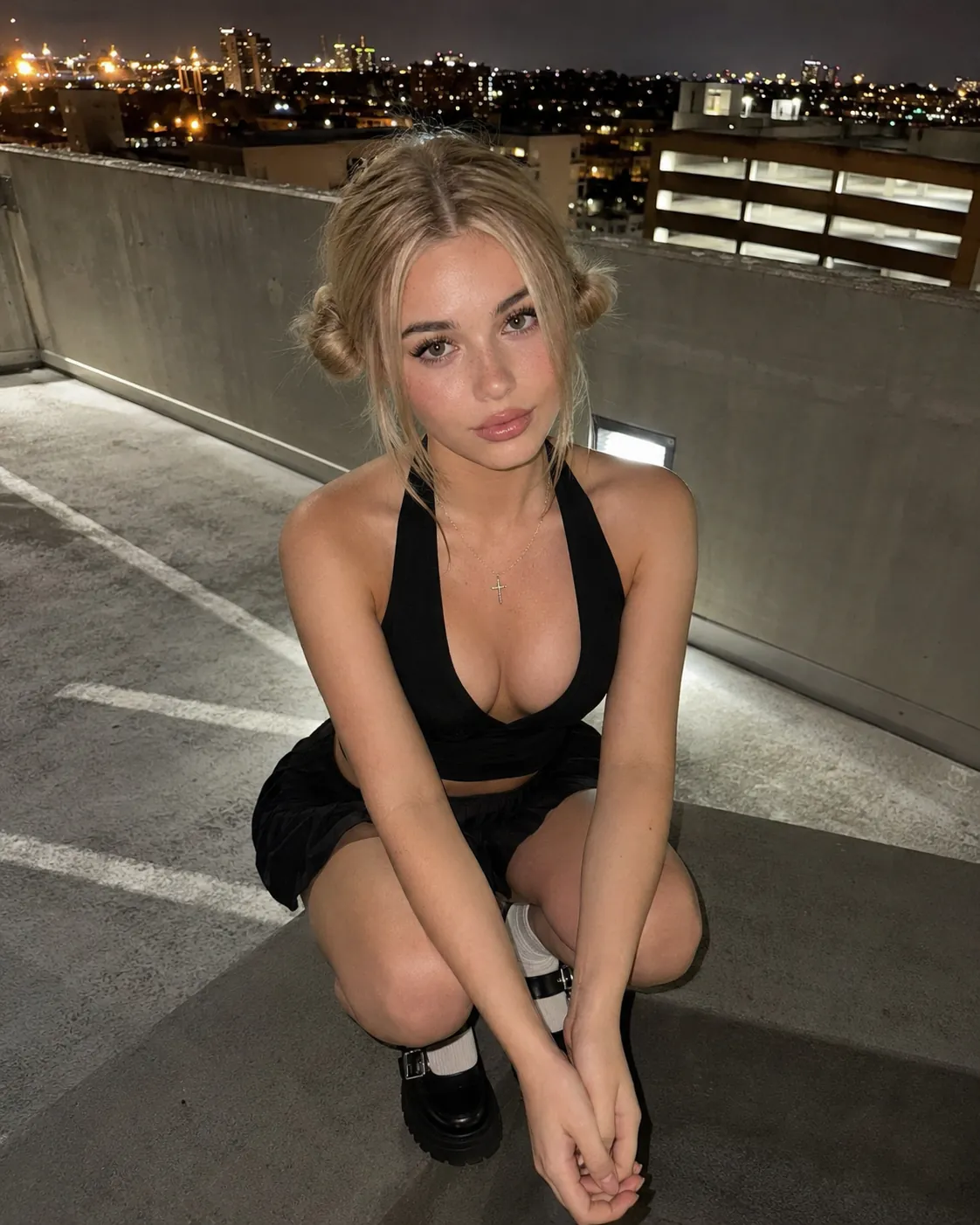
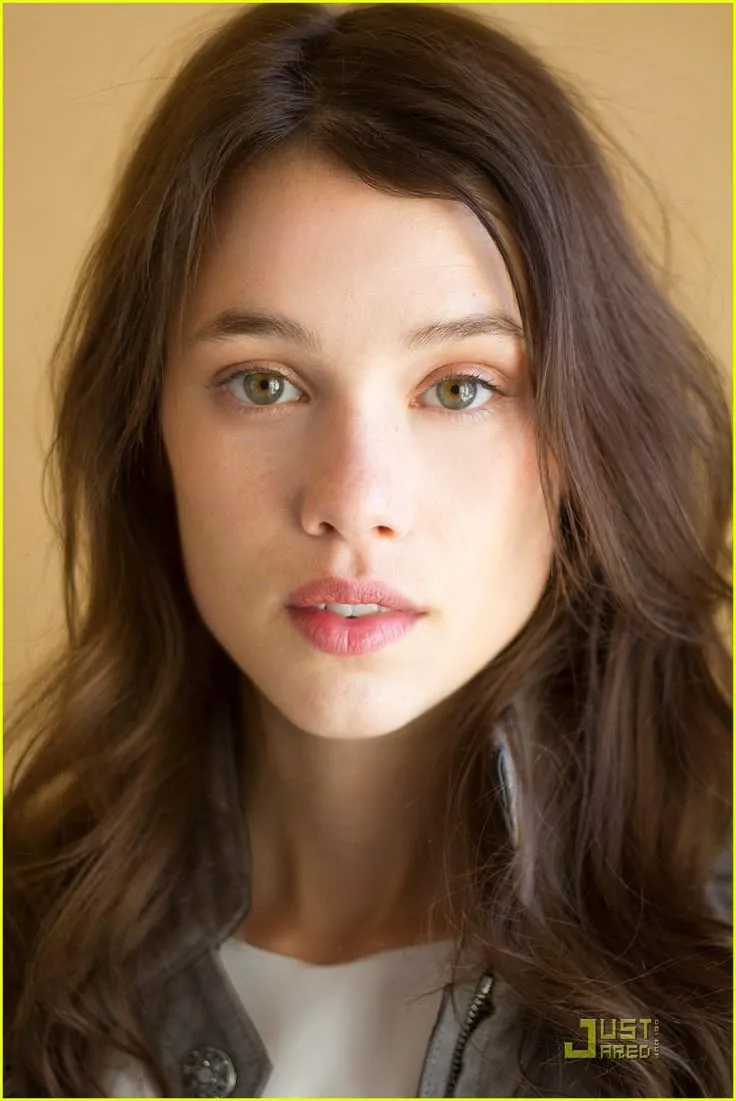
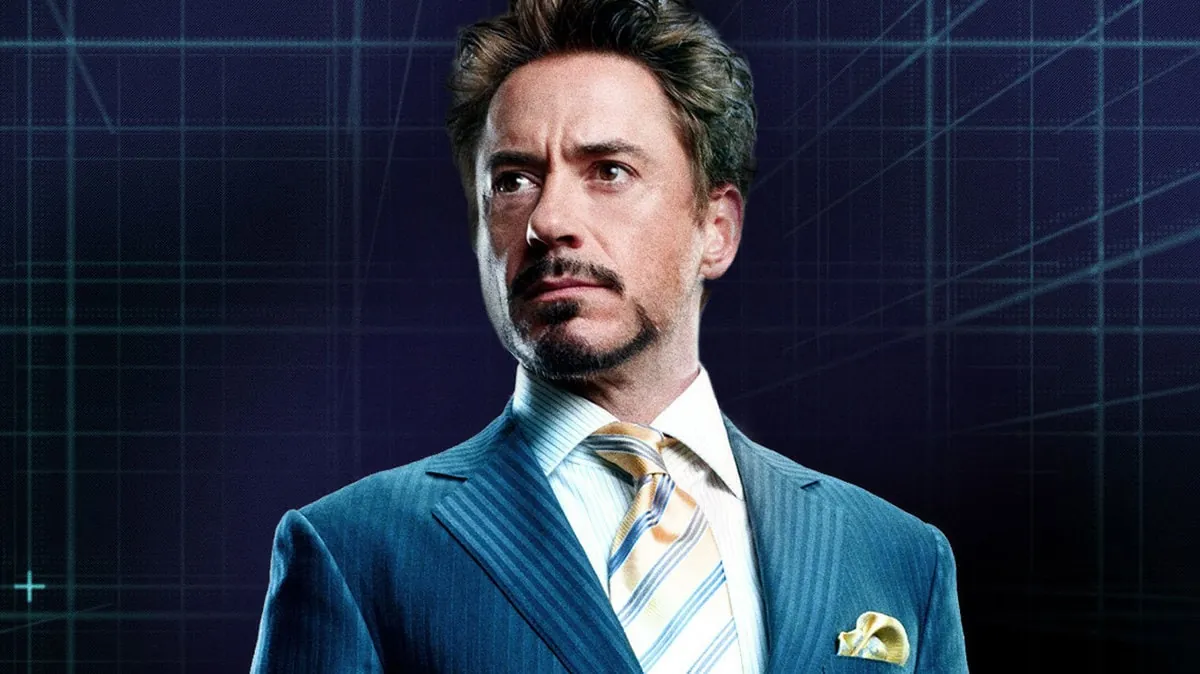
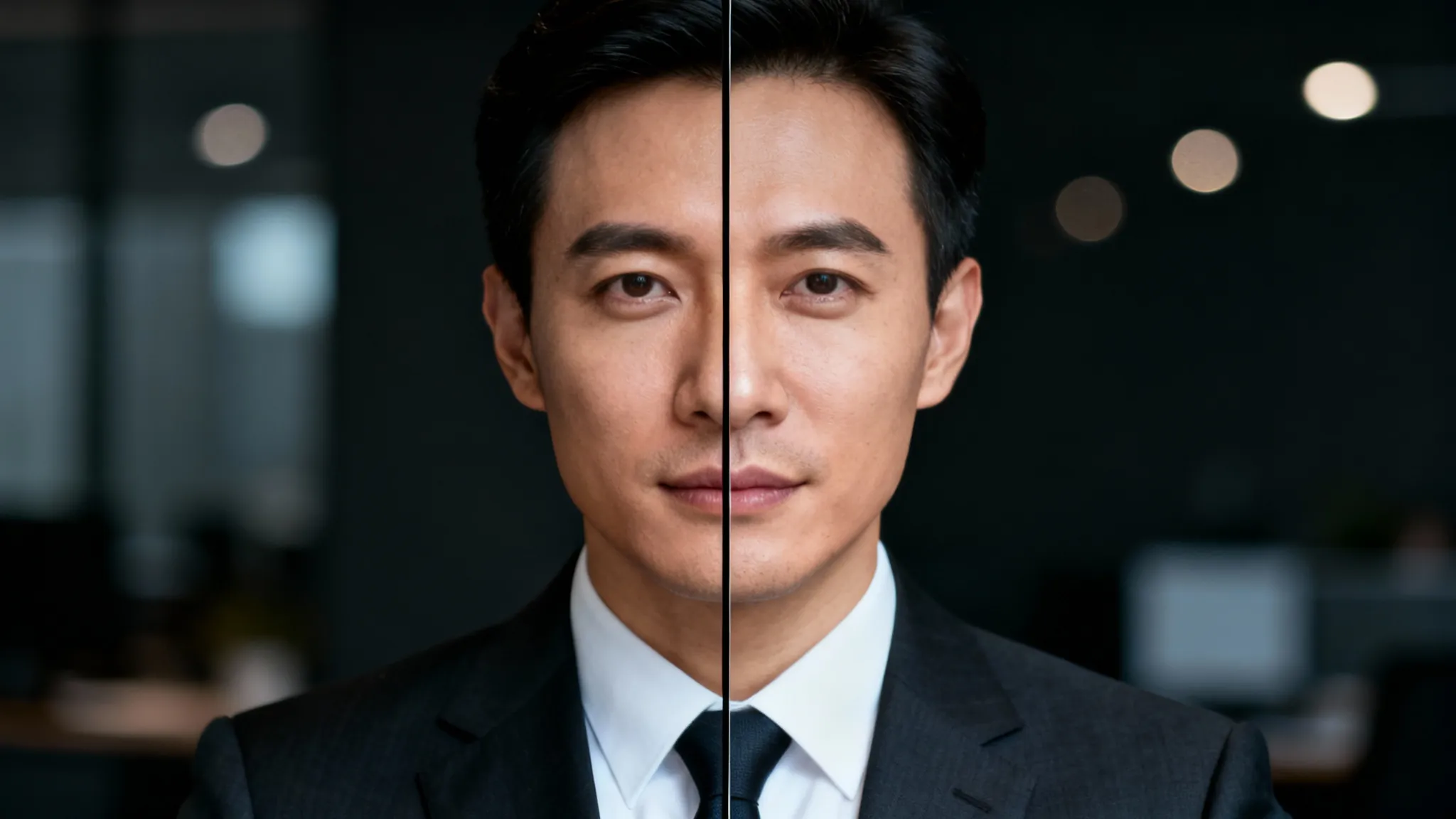
Cinematic Video Face Swap
Realistic Face Replacement
Image
Try this with Video Head Swap →
Dance Performance Face Swap
Seamless Motion Sync
Image
Try this with Video Head Swap →
Action Scene Face Swap
Dynamic Motion Tracking
Image
Try this with Video Head Swap →
Outdoor Scene Face Swap
Natural Lighting Replacement
Image
Try this with Video Head Swap →
Top Models
Explore 4 AI Video Face Swap Models
✓ 5+ Specialized Models ✓ Side-by-Side Comparison ✓ Commercial Use License ✓ Pay-as-You-Go Credits ✓ Frame-by-Frame Processing
Roop Face Swap
Try Now →
Top Pick
Roop Face Swap
Swap faces in videos up to 30 seconds
Try Now →
Top Pick
AI Face Swap Video
Swap faces in videos up to 25 minutes with optional occlusion prevention for covered faces.
Try Now →
Top Pick
Pixverse Swap
Replace people, objects, or backgrounds in videos while keeping the audio
Video Head Swap
Try Now →
Video Head Swap
Swap faces in videos instantly with realistic results.
View All Models
Inspiration
Example Prompts
Try these prompts to get started
Action Scenes
"Swap my face into a 30-second action movie clip with dynamic camera movements"
Try This Prompt →
Multiple Faces
"Replace two faces in a 2-minute dialogue scene with natural expressions and lighting"
Try This Prompt →
Music Videos
"Swap face in a music video with fast cuts and varying angles throughout"
Try This Prompt →
Sports Content
"Create a face swap in a 1-minute sports highlight reel with motion blur"
Try This Prompt →
Group Videos
"Swap faces in a group video with 4 people for a comedy sketch"
Try This Prompt →
Corporate Content
"Replace face in a professional interview video with consistent lighting"
Try This Prompt →
Historical Footage
"Swap face into a vintage film clip from the 1950s with grain and color correction"
Try This Prompt →
Social Media
"Create face swap in a 45-second TikTok dance video with rapid movements"
Try This Prompt →
Use Cases
Perfect For Every Use Case
Create professional content for any purpose
📱
Content Creation
Create engaging social media videos and viral content with realistic face swaps for entertainment and audience engagement.
🎥
Film Production
Replace actors in video scenes, create stunt doubles, or visualize casting choices before final production.
📢
Marketing Videos
Personalize promotional videos by swapping faces to match target demographics or showcase product testimonials.
📚
Educational Content
Create historical reenactments or educational videos by placing modern faces into archival footage.
🎵
Music Videos
Produce creative music videos with face swaps for artistic effects or fan engagement content.
😄
Comedy Sketches
Generate humorous videos by swapping faces in famous movie scenes or creating parody content.
💼
Corporate Training
Customize training videos with employee faces for more engaging and relatable internal communications.
Special Effects
Add professional visual effects to indie films or YouTube videos without expensive CGI budgets.
Questions
Frequently Asked
Yes, AI video face swap is legal for personal, creative, and commercial use where you have consent from individuals featured. Always use the technology ethically and in compliance with local regulations. JAI Portal provides professional tools — you're responsible for obtaining proper consent and following applicable laws.
Your videos are processed securely and not stored permanently. We use them only to generate your face swap result. Videos are not used for AI training, shared with third parties, or retained after processing. You keep full ownership and commercial rights to all outputs.
Yes. Modern AI processes each frame individually, tracking facial movements, expressions, and lighting changes to maintain consistency throughout the video. The result looks natural even with fast motion, camera movement, and changing angles. Compare 5+ models to find the most realistic result for your specific video.
Video length depends on the model you choose. Most models support clips from a few seconds to several minutes. Longer videos use more credits. For best results and faster processing, start with shorter clips (15-60 seconds) and scale up once you've found the ideal model for your project.
Yes, many models support multi-face swapping. The AI detects and tracks multiple faces simultaneously, letting you swap several people in group scenes. This is perfect for comedy sketches, group content, or complex scenes with multiple subjects.
No subscriptions or hidden fees. Purchase credits and use them when you generate. Each model costs a specific number of credits based on complexity. Start with 10 free credits to test any model before committing — you only pay for what you actually use.
Start Creating with Face Video Swap Models
Compare 5+ specialized AI models and create professional video face swaps with realistic frame-by-frame processing.
Try Free — 10 Credits Included
Pay-as-You-Go Credits • No Subscription Required
How It Works
Create in 3 Simple Steps

No learning curve. Pick a model, describe what you want, and download professional results in seconds.

1
Model A
Model B
Model C
Model D
Model E
Model F
Choose a Model
Browse 5+ specialized video face swap models on JAI Portal. Compare features like processing speed, quality, and multi-face support to find the perfect model for your video project.
2
Your Input
Upload source image and target face, adjust settings...|
Quality
High
Blending
Auto
Detection
Smart
Generate
Configure & Generate
Upload your video and source face images. Set parameters like face detection sensitivity and output quality. The AI processes each frame with natural movement tracking for seamless results.
3
HD Ready
No Watermark
Download
Download & Use
Download your professionally processed video with realistic face swaps. All outputs include full commercial use rights, ready for social media, marketing, or production use.
Try Free — 10 Credits Included
Why JAI
Why Choose JAI Portal?
🎬
Frame-by-Frame Precision
Advanced AI processes each video frame individually for seamless face swapping throughout your entire video. Natural movement tracking ensures realistic results even with dynamic motion and changing angles.
Fast Rendering Speed
Process videos quickly with optimized AI models that handle both short clips and longer videos efficiently. Get professional-quality results without waiting hours for rendering to complete.
🎯
Multiple Face Support
Swap multiple faces in the same video simultaneously with intelligent face detection and tracking. Perfect for group videos, scenes with multiple subjects, or complex face swap scenarios.
No Editing Experience
Create professional video face swaps without technical skills or video editing knowledge. Upload your video, select faces, and let AI handle all the complex processing automatically.
Social Proof
Loved by Creators
★★★★★
"The video face swap quality is incredible. I've tested multiple models on JAI Portal and the frame-by-frame processing creates seamless results even with fast movements. Perfect for our viral content campaigns."
Marcus Chen
Social Media Manager
★★★★★
"Being able to compare different face swap models side-by-side saved me so much time. The natural movement tracking works flawlessly even in complex scenes with changing lighting and angles."
Sarah Mitchell
Independent Filmmaker
★★★★★
"I create comedy videos and needed realistic face swaps for parody content. The multiple face support handles group scenes perfectly, and the pay-as-you-go pricing means I only pay for what I use."
David Rodriguez
Content Creator
★★★★★
"We use video face swap for personalized marketing campaigns. The fast rendering speed and professional quality output have transformed how we create targeted video content for different demographics."
Emma Thompson
Marketing Director
★★★★★
"The AI handles fast cuts and dynamic camera movements better than any tool I've used. Having 5+ models to choose from means I can pick the best one for each project's specific requirements."
James Park
Music Video Producer
★★★★★
"Creating customized training videos with employee faces has boosted engagement significantly. No editing experience needed—the AI does all the complex work automatically with natural-looking results."
Lisa Anderson
Corporate Trainer
Ready to Try?
Start creating with AI Video Face Swap — first 10 credits on us.
Try Free — 10 Credits Included

What is Face Video Swap?

Face video swap technology uses advanced AI to replace faces in video footage with realistic, frame-by-frame precision. Unlike simple photo face swaps, video face swapping requires sophisticated algorithms that process each frame individually while maintaining natural movement, expressions, and lighting consistency throughout the entire video. This technology has revolutionized content creation, film production, and digital marketing by making professional-quality face replacement accessible without expensive CGI teams or complex video editing software. Modern AI face swap video models excel at handling challenging scenarios including dynamic camera movements, varying lighting conditions, multiple faces in the same scene, and fast-paced action sequences. The best video face swap tools track facial landmarks across frames, ensuring that swapped faces move naturally with the original subject's head position, expressions, and even subtle micro-expressions. This frame-by-frame processing creates seamless results that maintain realism even under close scrutiny. JAI Portal's collection of 5+ specialized face video swap models offers solutions for every use case, from quick social media clips to professional film production. Whether you're creating viral content, producing marketing videos, or working on indie film projects, comparing different AI models side-by-side helps you find the perfect balance of speed, quality, and features for your specific needs.

Best Face Video Swap Models on JAI Portal

JAI Portal brings together the best AI face swap video models in one platform, allowing you to compare and choose the ideal tool for your project. Each model offers unique strengths—some excel at fast rendering for social media content, while others prioritize maximum quality for professional production work. The platform's side-by-side comparison feature lets you test the same video across multiple models, making it easy to evaluate processing speed, output quality, and how well each handles your specific video characteristics. Our curated selection includes models optimized for different scenarios: multiple face swapping for group videos, high-speed processing for content creators with tight deadlines, and premium quality models for film and commercial production. All models support various video formats and lengths, from short TikTok clips to longer YouTube videos or film scenes. The AI handles complex challenges like motion blur, partial face occlusion, and dramatic lighting changes automatically. With JAI Portal's pay-as-you-go credit system, you only pay for the face swaps you create—no monthly subscriptions or commitment required. Every model includes commercial use rights, so your generated videos are ready for any professional application. The platform's intuitive interface requires no video editing experience, making professional-quality video face swapping accessible to creators at every skill level.

AI Video Face Swap Technology Explained

AI video face swap technology combines multiple deep learning techniques to achieve realistic face replacement in moving footage. The process begins with facial detection and landmark identification, where the AI maps key facial features across every frame of your video. Advanced neural networks then analyze the source face and target face, learning the unique characteristics, skin texture, and facial structure of both subjects. The most sophisticated aspect of video face swapping is temporal consistency—ensuring the swapped face looks natural not just in individual frames, but across the entire video sequence. Modern AI models use motion tracking algorithms that follow head movements, rotations, and expressions frame-by-frame. This technology adjusts lighting, color grading, and even subtle details like skin texture to match the original video's conditions, creating seamless integration that maintains realism throughout dynamic scenes. JAI Portal's video face swap models leverage state-of-the-art AI architectures that have been trained on millions of video frames. This extensive training enables the models to handle challenging real-world scenarios including profile views, partial occlusions, fast movements, and varying video quality. The result is professional-grade face swapping that works reliably across diverse video types and conditions.

Professional Use Cases for Video Face Swapping

Video face swap technology has become an essential tool across multiple professional industries. In film and television production, directors use face swapping for stunt double integration, de-aging effects, and visualizing casting choices before final decisions. Independent filmmakers leverage these AI tools to achieve visual effects that previously required expensive CGI studios, democratizing access to professional-quality post-production capabilities. Marketing and advertising teams utilize video face swapping to create personalized campaigns at scale. By swapping faces to match target demographics or regional preferences, brands can produce localized video content without reshooting entire campaigns. Corporate communications departments use the technology for training videos, allowing them to customize content with employee faces for more engaging and relatable internal materials. Content creators and social media managers rely on face swap video tools to produce viral content, parody videos, and engaging entertainment. The technology enables creative storytelling possibilities that capture audience attention and drive engagement. Educational institutions use video face swapping for historical reenactments and immersive learning experiences, bringing historical figures to life or placing students into historical contexts for enhanced educational impact.

Comparing Video Face Swap Models

Choosing the right video face swap model depends on your specific project requirements, and JAI Portal's comparison feature makes this decision straightforward. Key factors to consider include processing speed, output quality, multi-face support, and how well each model handles your video's specific characteristics like lighting conditions, camera movement, and subject positioning. Processing speed varies significantly between models—some prioritize rapid rendering for content creators who need quick turnaround times, while others focus on maximum quality output for professional production work. Multi-face support is crucial for group videos or scenes with multiple subjects, and not all models handle this equally well. Testing your specific video across multiple models reveals which AI produces the most natural-looking results for your content type. JAI Portal's side-by-side comparison eliminates guesswork by letting you evaluate actual results before committing credits to a full render. You can assess how each model handles facial expressions, movement tracking, lighting adaptation, and edge blending. This hands-on comparison approach ensures you select the optimal model for each project, balancing quality, speed, and credit cost based on your specific needs.

Getting Started with Face Video Swap on JAI Portal

Starting your video face swap journey on JAI Portal is straightforward, even if you have no video editing experience. The platform's intuitive interface guides you through model selection, video upload, and face configuration with clear instructions at every step. Begin by browsing the 5+ available models, each with detailed descriptions of their strengths, ideal use cases, and sample outputs to help you make an informed choice. Once you've selected a model, upload your target video and source face image. The AI automatically detects faces in your video and allows you to specify which face to swap. Advanced options let you fine-tune parameters like face detection sensitivity, blending strength, and output quality, but the default settings work excellently for most projects. The platform provides real-time previews so you can verify face detection accuracy before processing. After generating your face-swapped video, download the results with full commercial use rights included. The pay-as-you-go credit system means you only pay for successful generations, with no wasted spending on subscriptions you don't fully utilize. JAI Portal's model comparison feature encourages experimentation—try different models to discover which produces the best results for your specific video style and requirements.

Browse by Type
Explore AI Models by Category

Related Content
How-To Guides
Face Swap in Photos with AI Face Swap in Videos with AI Create AI Video from Text Turn Photo into Video with AI How to Remove Background from Video with AI
Free Tools
Free AI Image Video Swap Tool Free AI Face Swap Tool Free AI Video Generator Free AI Video Translate Tool Free AI Reference to Video Generator
Alternatives
Pixverse v5.5 text to video Alternatives Midjourney Video Alternatives WAN Video Alternatives Stable Video Diffusion Alternatives FaceFusion Faceswap Alternatives
Best Of
Best AI Face Swap Tools 2026 Best AI Video Generators 2026 Best Free AI Video Generators Best Text to Video AI Tools 2026 Best Image to Video Generators
Try Face Swap Models →